Referral codes
Give a patient their own referral code and copy an invite message for them to send to friends.
Where
The patient's profile, Overview tab, Promos & Referrals.
Who
Reception and the clinic manager.
After
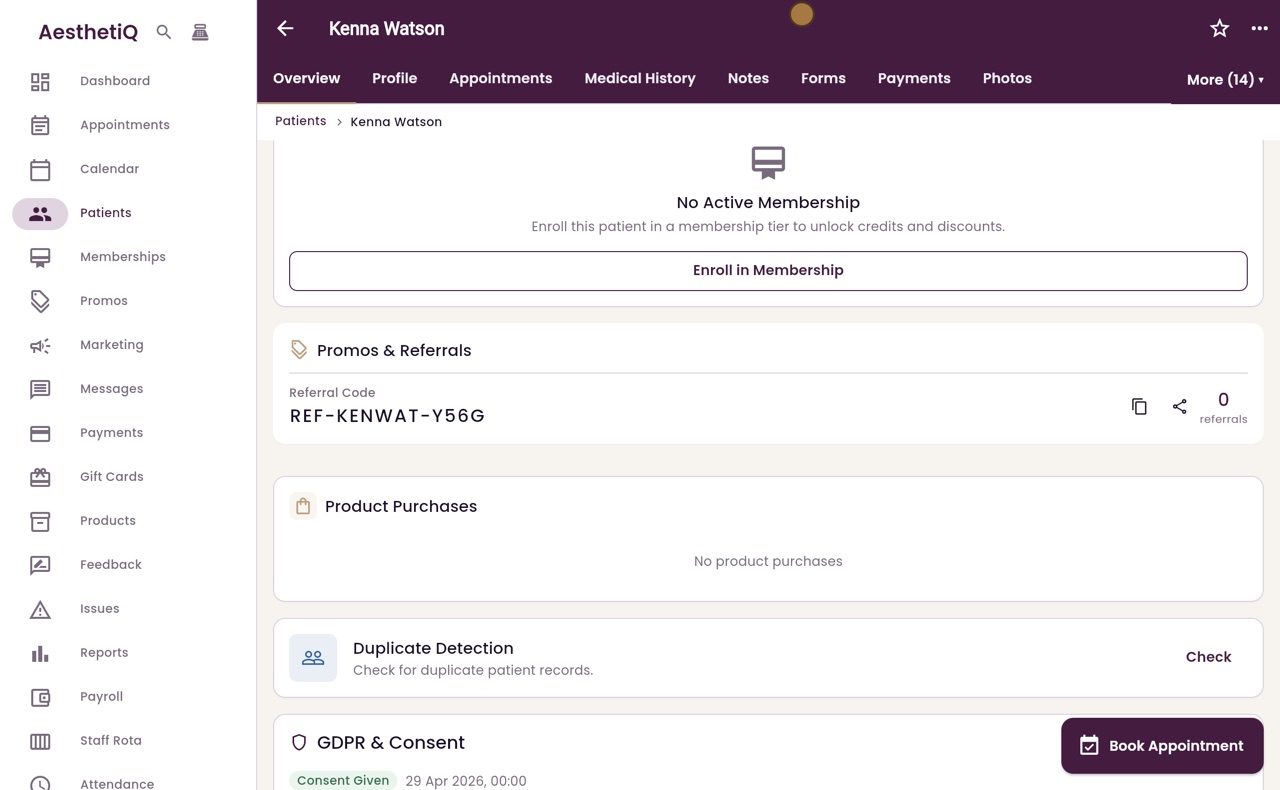
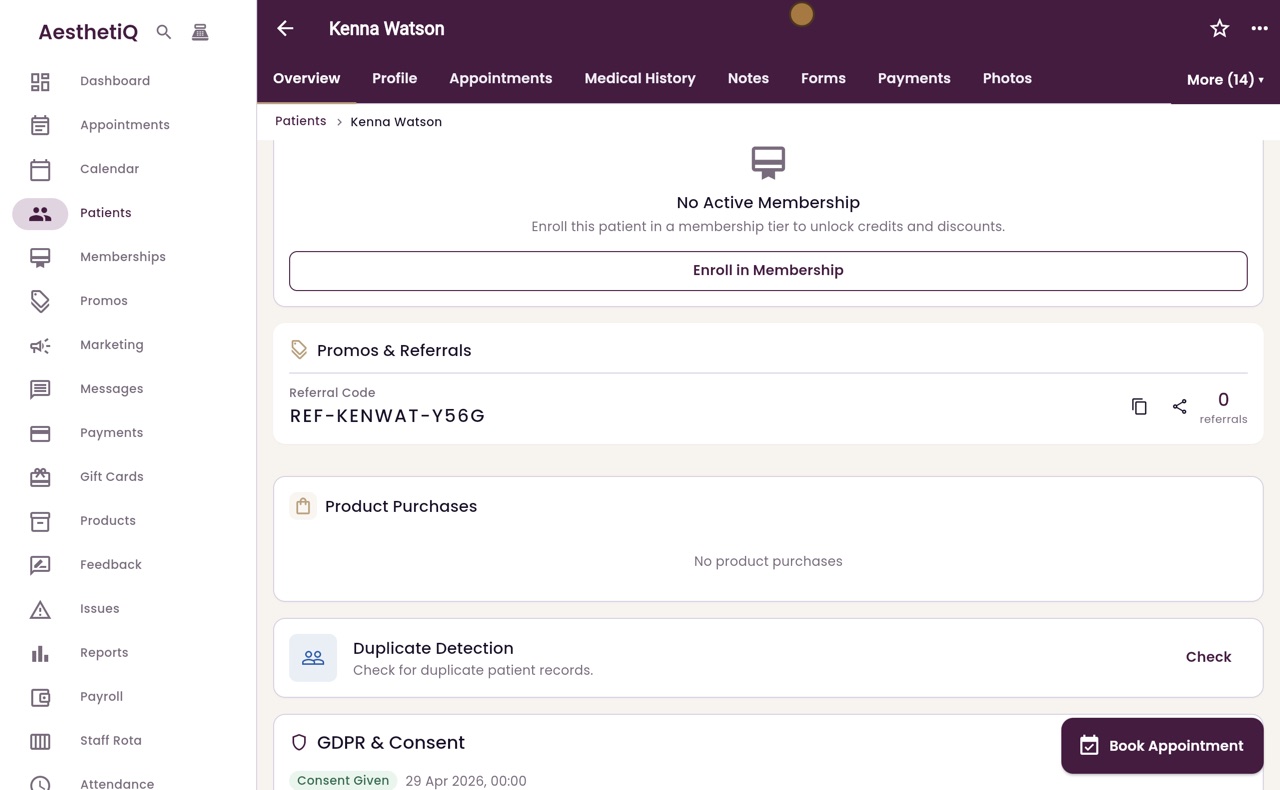
The code shows on the profile with the number of referrals.
Step by step
- 01Libby
Referral codes
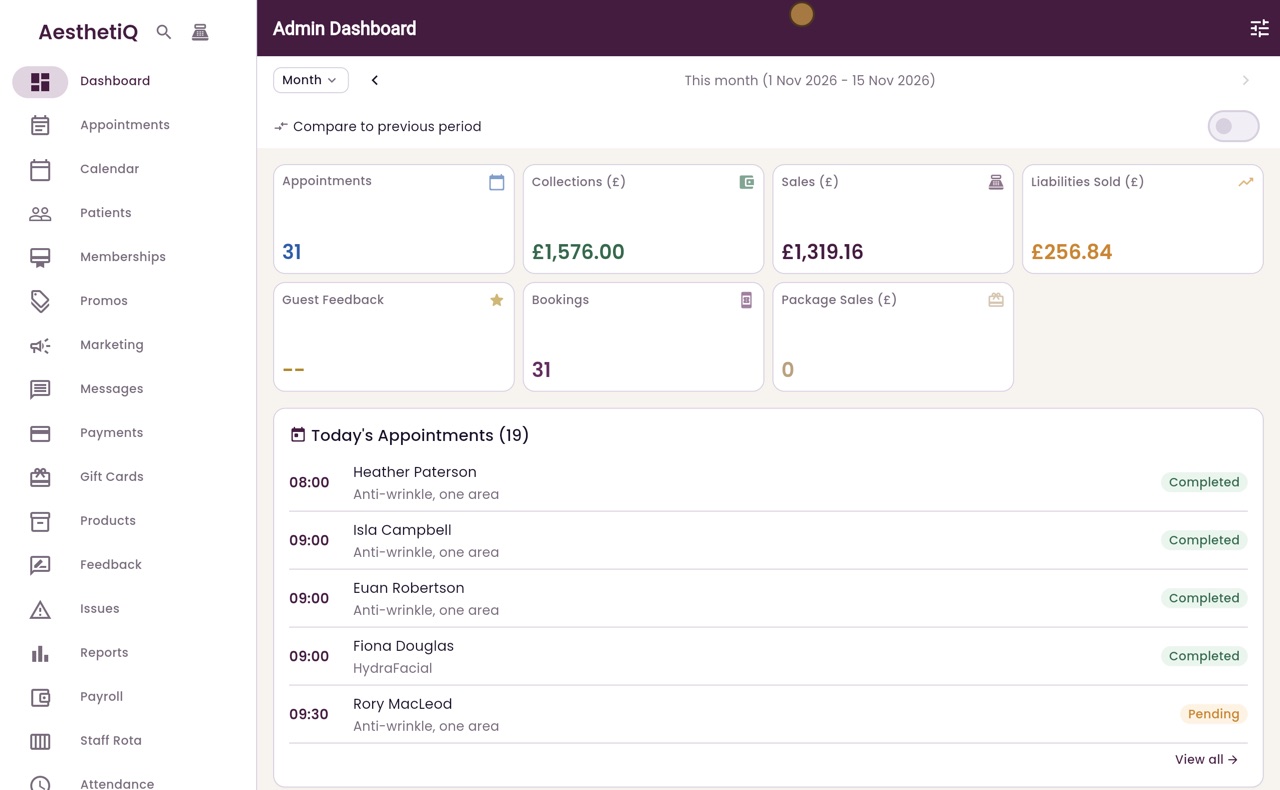
Hi, I am Libby. A referral code lets a happy patient recommend the clinic to friends. Each patient gets their own code, made from their profile.
- 02Ryan
Find the patient
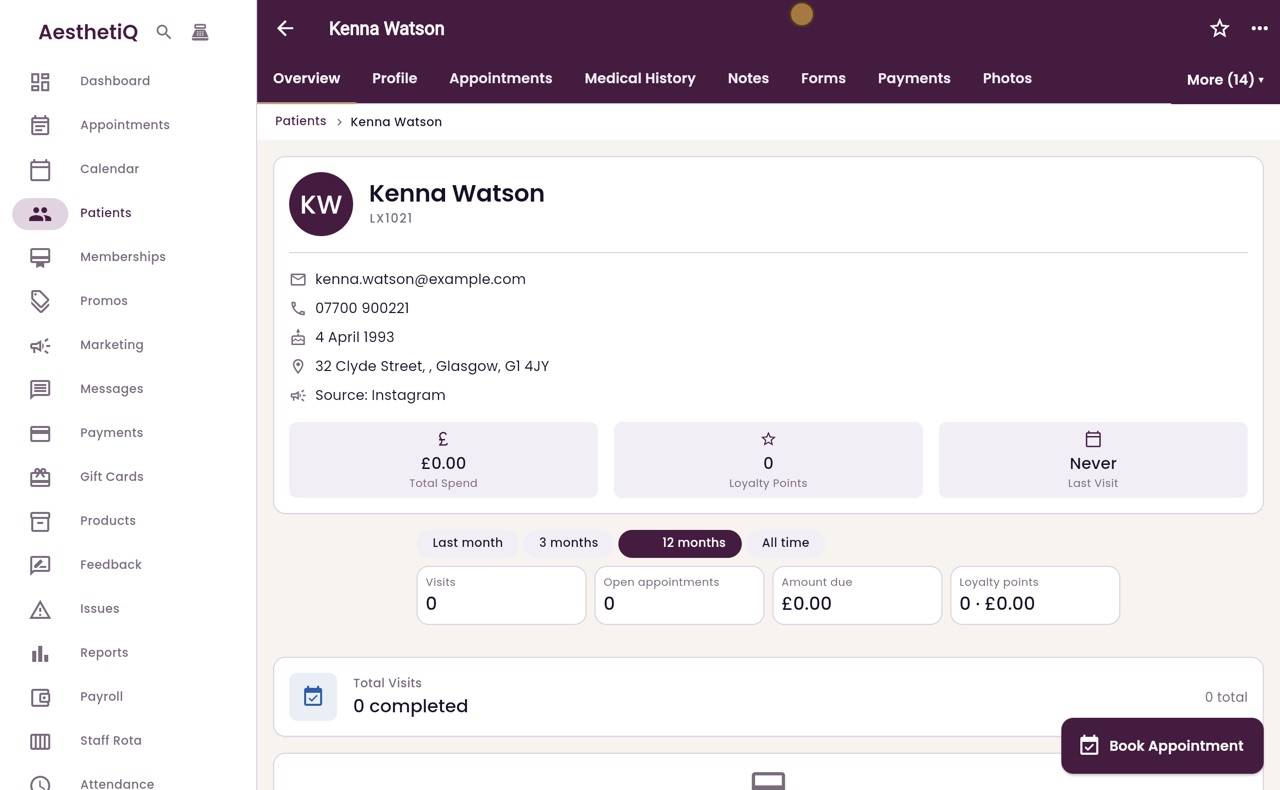
Thanks Libby. Click Patients in the menu on the left, search for the patient, here Kenna Watson, and click her name.
- 03Ryan
Generate the code
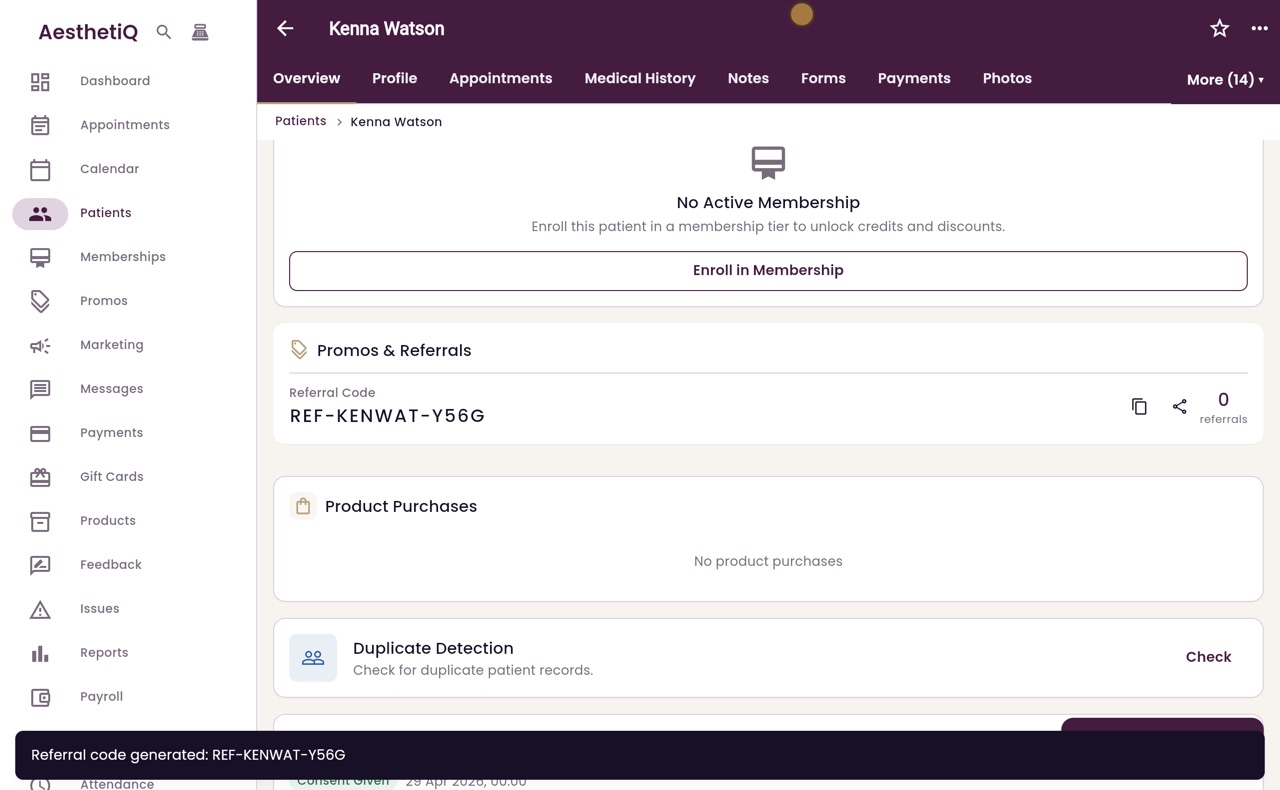
On the Overview tab, scroll down to Promos and Referrals, and click Generate Referral Code.
- 04Ryan
The code
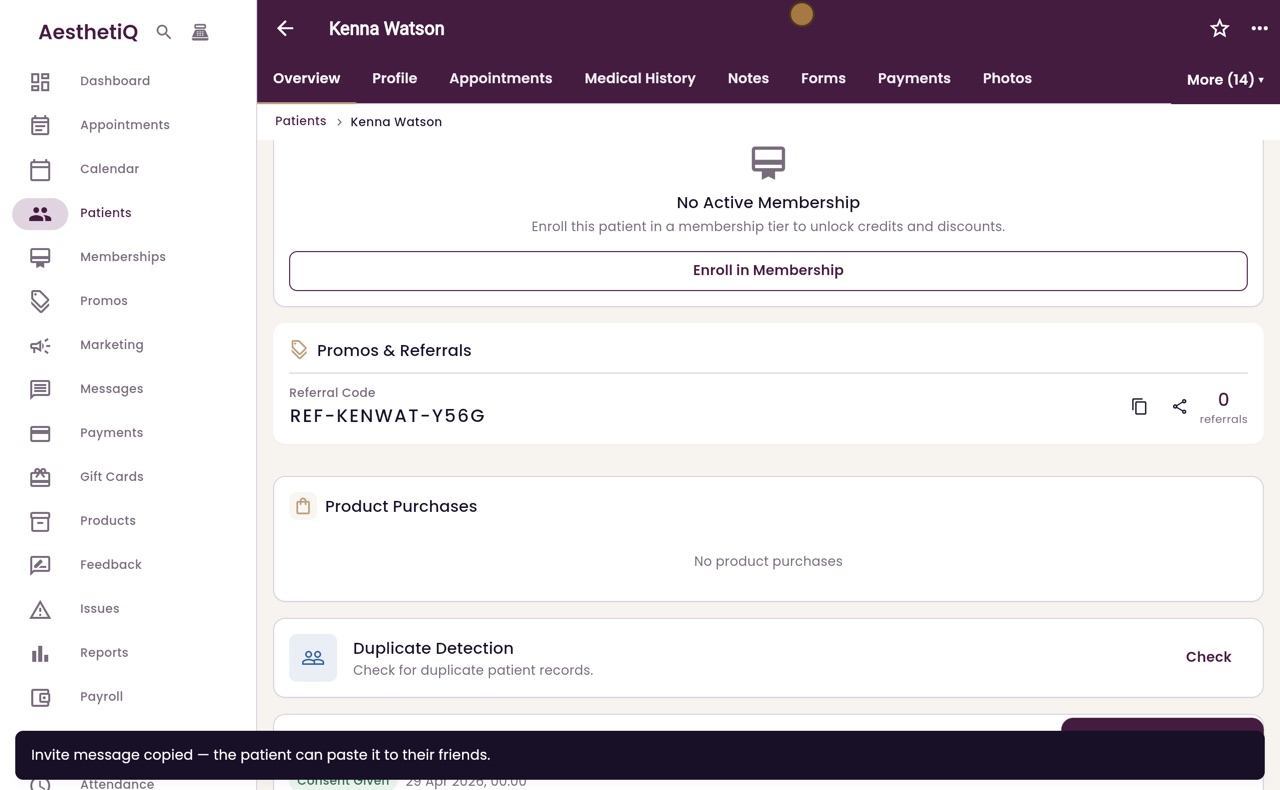
Kenna now has her own code. The two buttons next to it copy the code, or copy an invite message for her to send to her friends. Click the share button.
- 05Ryan
Invite message
The invite message is copied. It has Kenna's code and the link to the booking site, ready to send to Kenna so she can pass it on. The clinic does not message her friends itself.
- 06Libby
Done
That is a referral code. Friends enter the code when they book, and the number next to the code counts how many have booked with it.