When a treatment needs a patch test
Treatments such as a chemical peel need a clear patch test in date. If there is none, AesthetiQ stops the booking and asks why you want to go ahead.
Checked
AesthetiQ checks for a clear patch test when you book.
Don't book
Usually, book a patch test first.
Book anyway
Only with a reason, which is kept with the appointment.
Step by step
- 01Libby
Patch tests
Hi, I am Libby. Some treatments, such as a chemical peel, need a clear patch test first. AesthetiQ checks for one when you book.
- 02Ryan
Patient
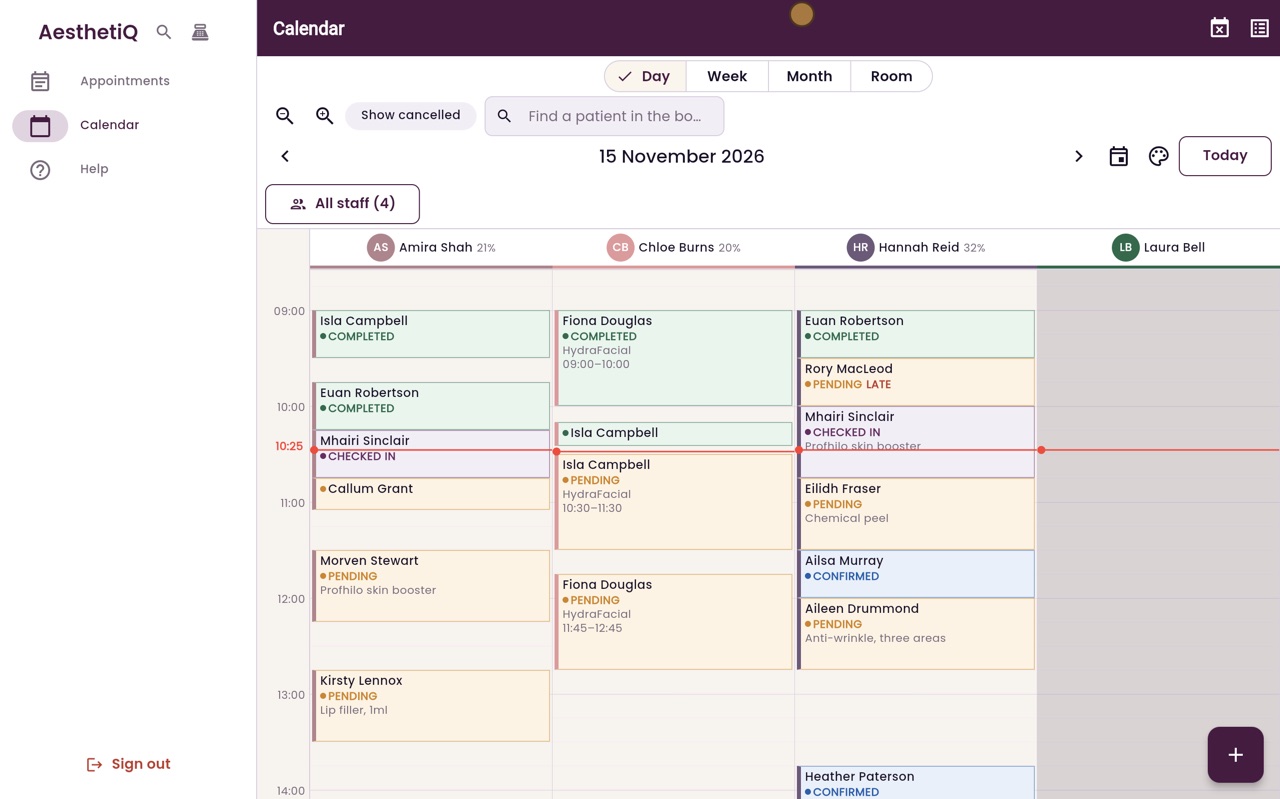
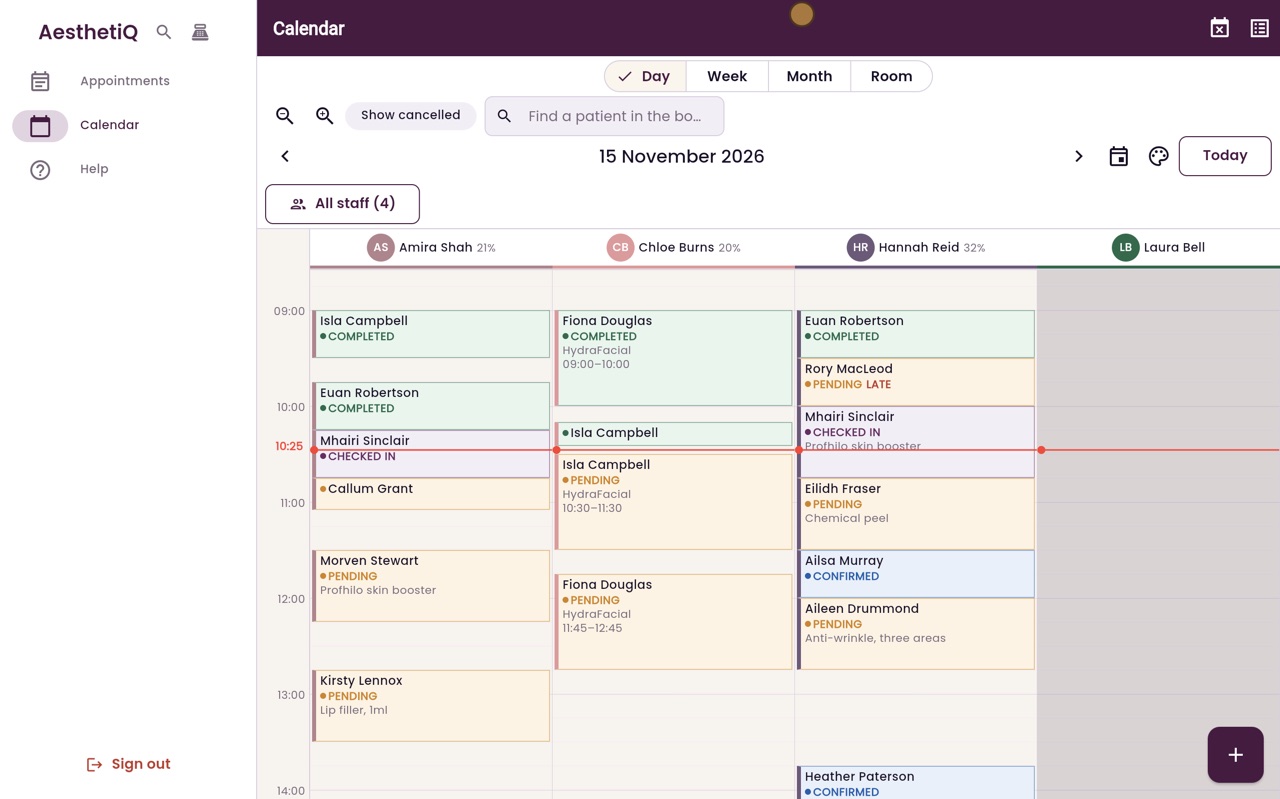
Thanks Libby. Start a new appointment with the plus button. Type the first few letters of the patient's name, choose Ailsa Murray, and click Continue.
- 03Ryan
Chemical peel
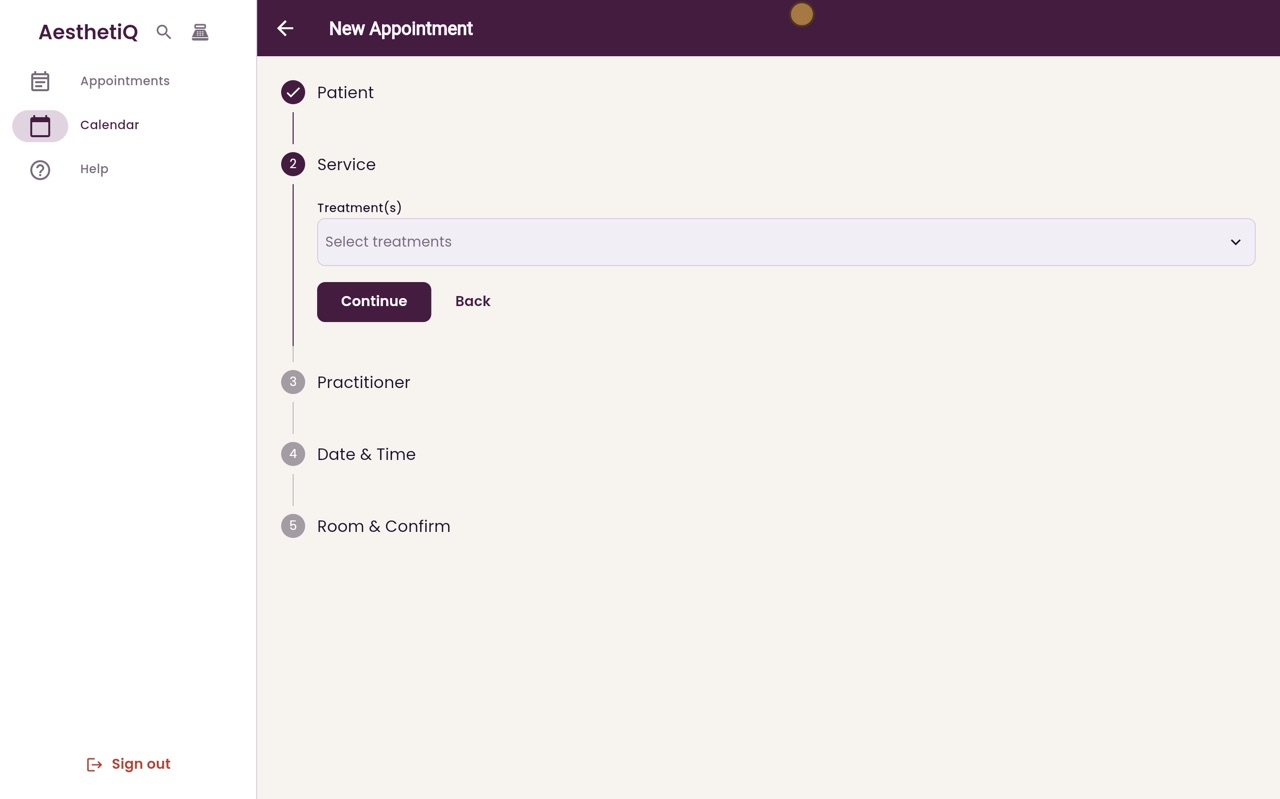
Click Select treatments, tick Chemical peel, click Done, and then Continue. Choose the practitioner, Hannah Reid, and click Continue.
- 04Ryan
Date and time
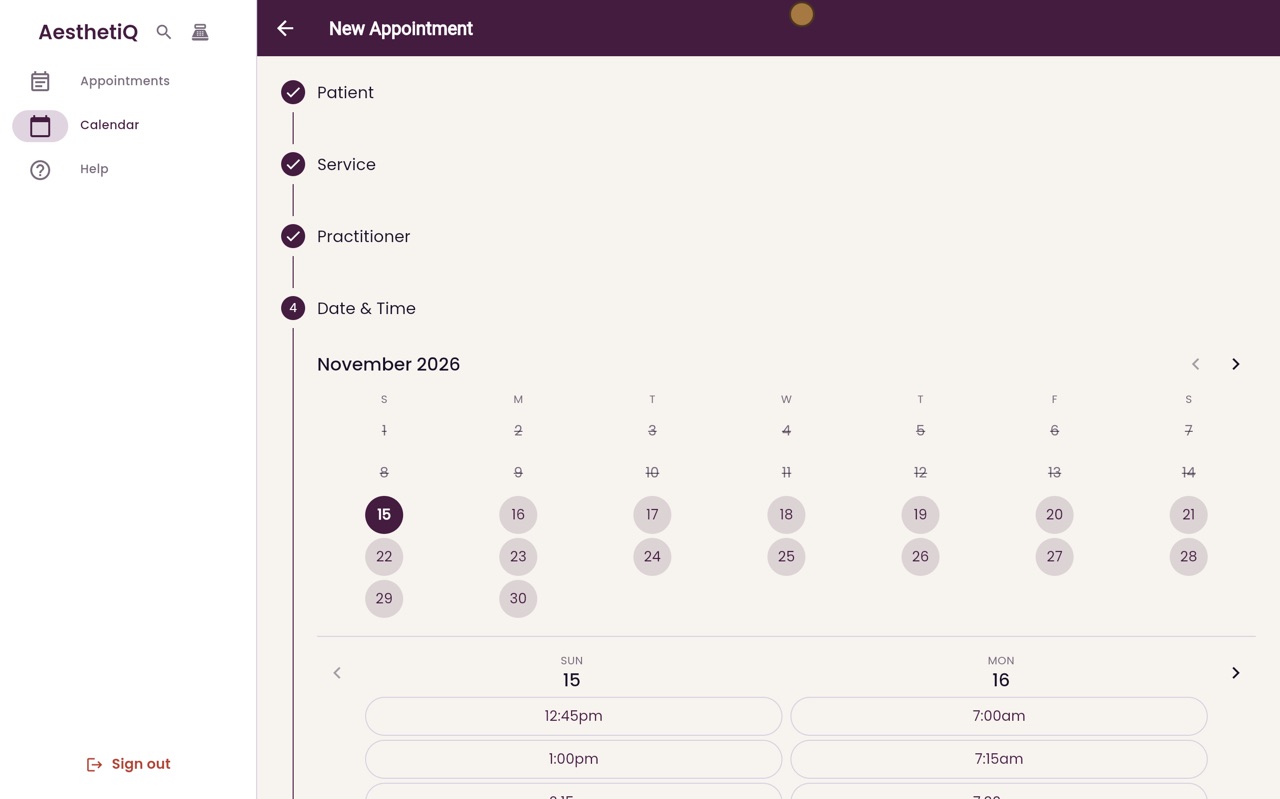
Choose Wednesday, then ten o'clock. Only the times when Hannah is free are offered. Click Continue.
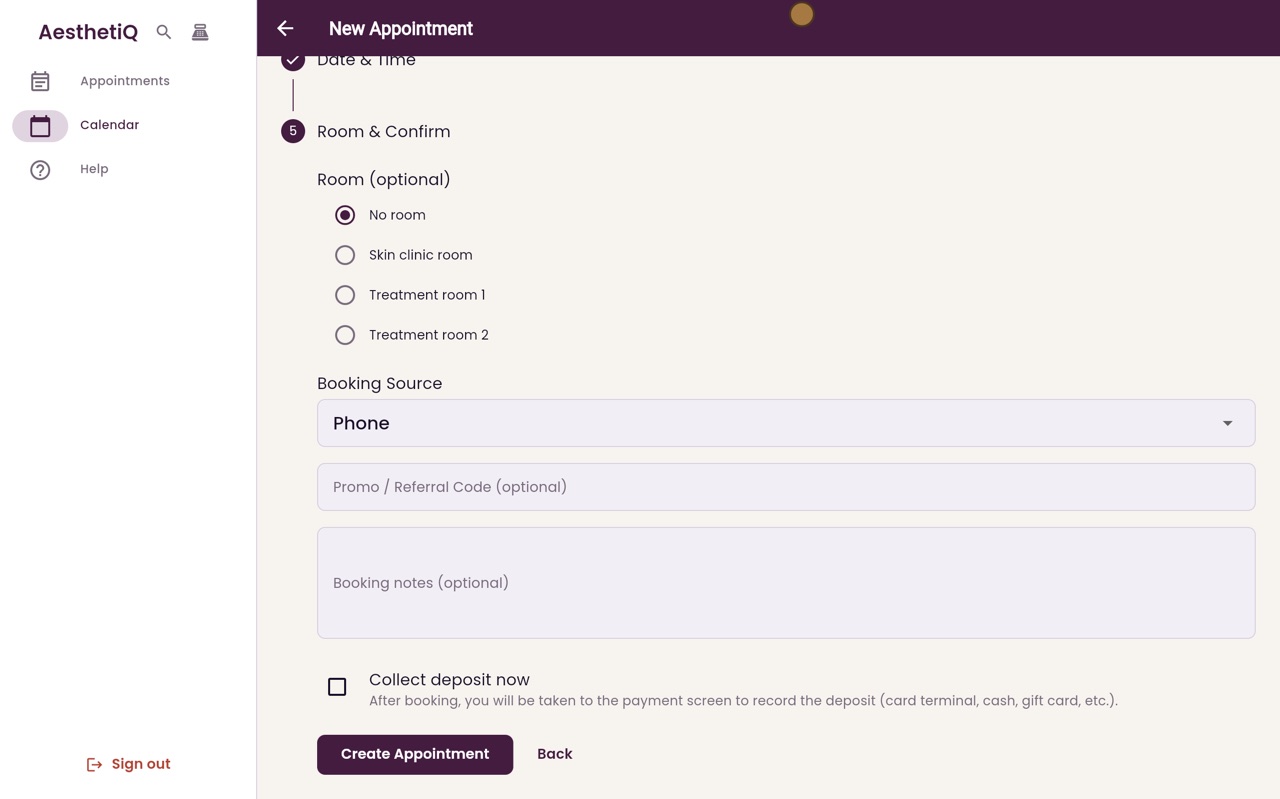
- 05Ryan
Create
On the last step, click Create Appointment.
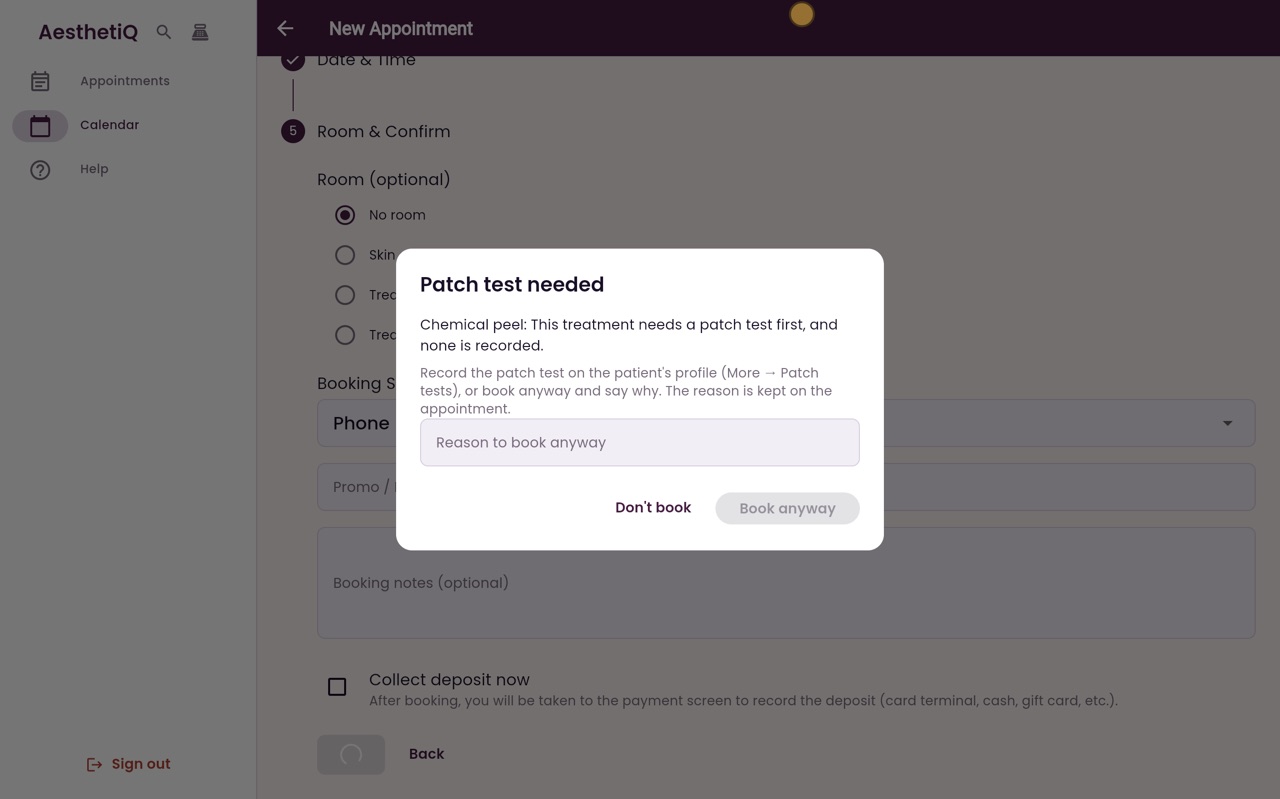
- 06Ryan
Patch test needed
Ailsa has no patch test on file, so AesthetiQ stops and says what is missing. Usually you would click Don't book, and book a patch test first.
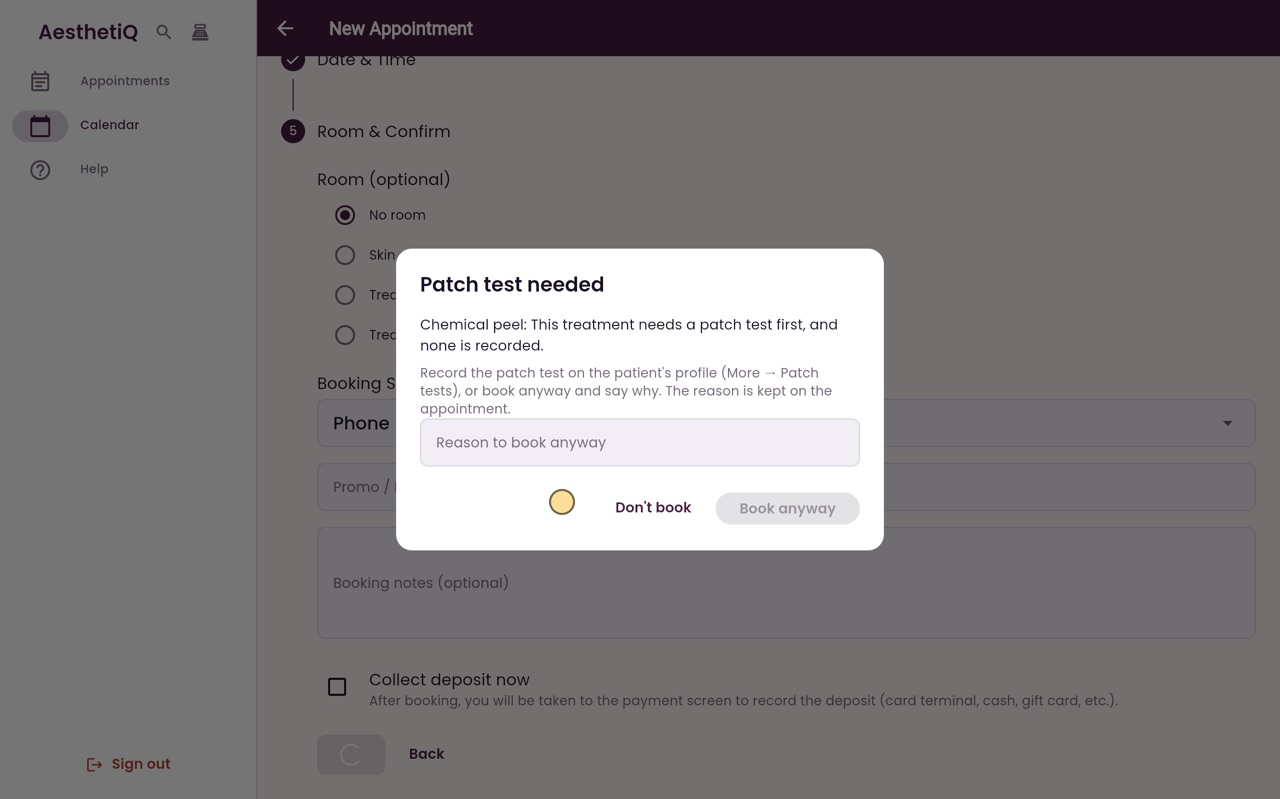
- 07Ryan
Book anyway with a reason
If the practitioner has agreed to go ahead, type the reason, and click Book anyway. The reason is kept with the appointment.
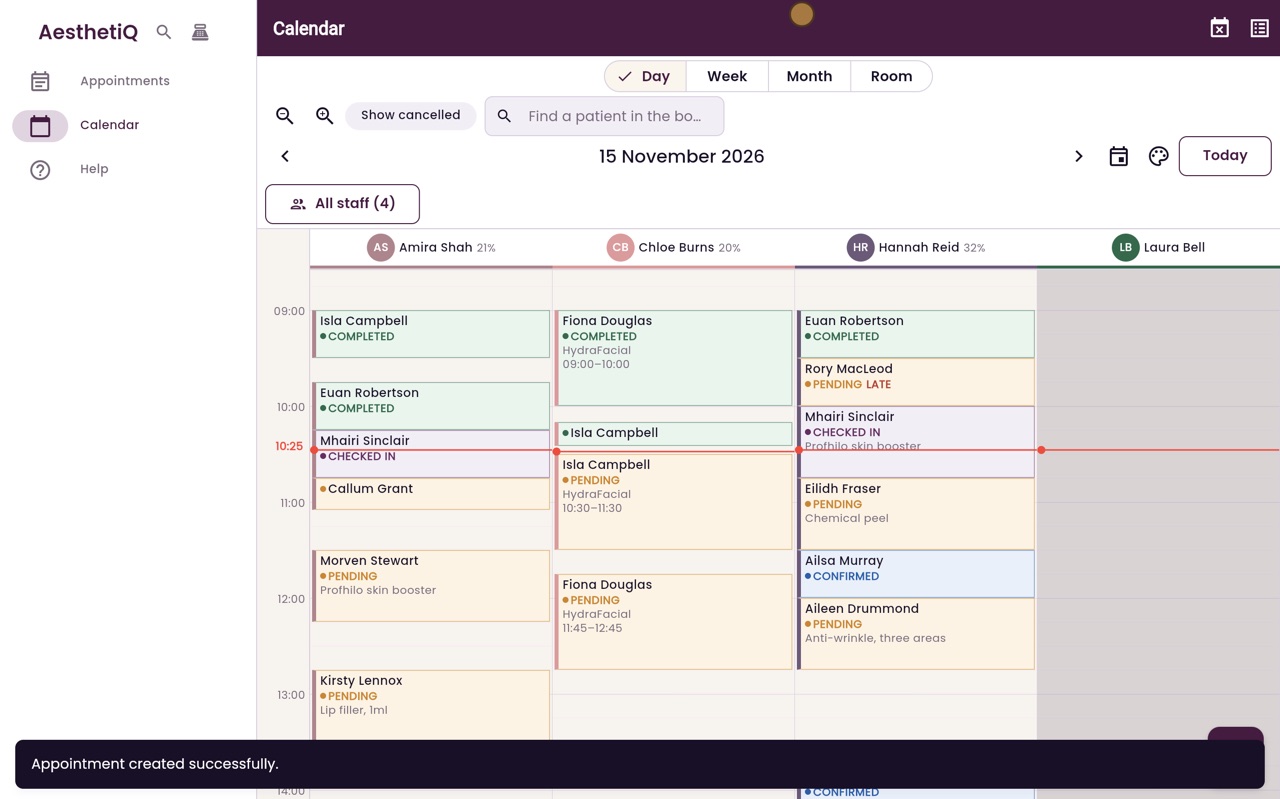
- 08Libby
Done
That is booking a treatment that needs a patch test. To record a patch test, open the patient's profile, then More, then Patch tests.