Booking with a promo code
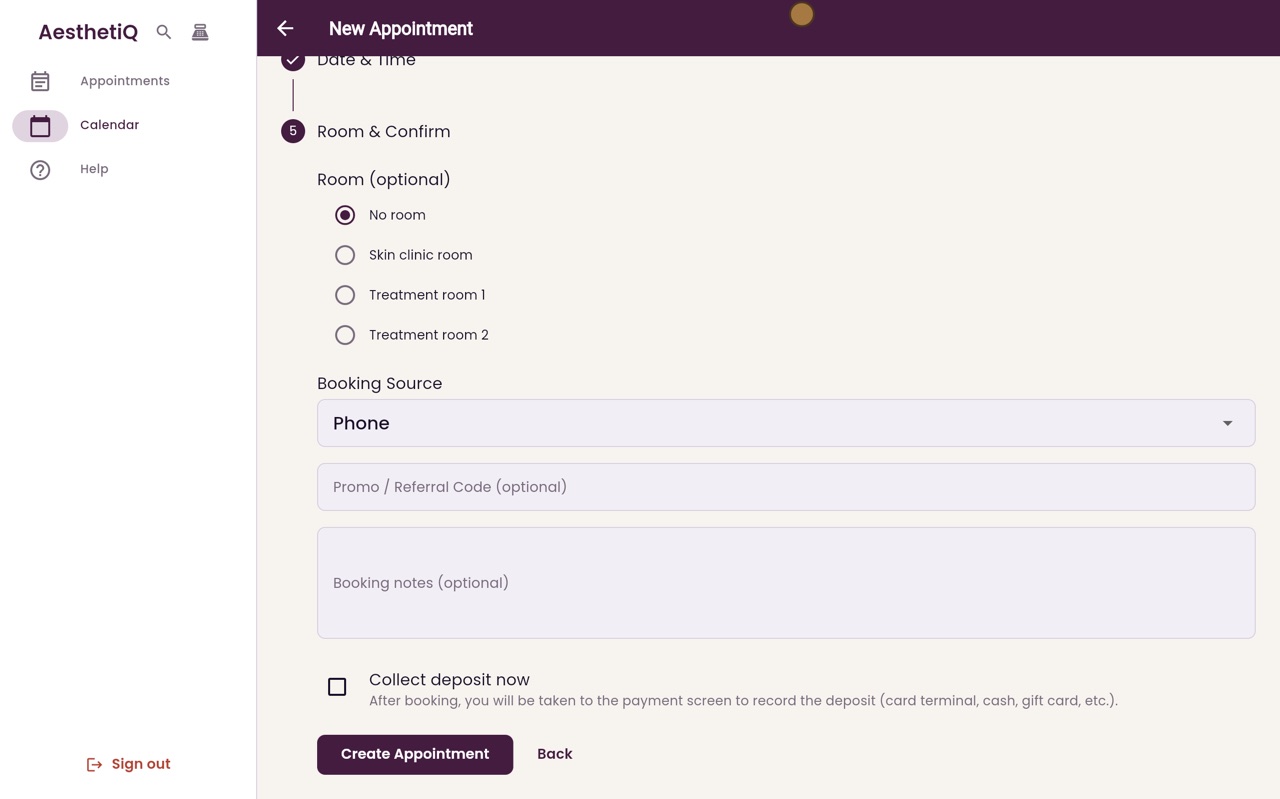
Type the patient's promo code on the last step of New Appointment. The discount is taken off the appointment straight away.
Where
Promo / Referral Code, on the Room & Confirm step.
Result
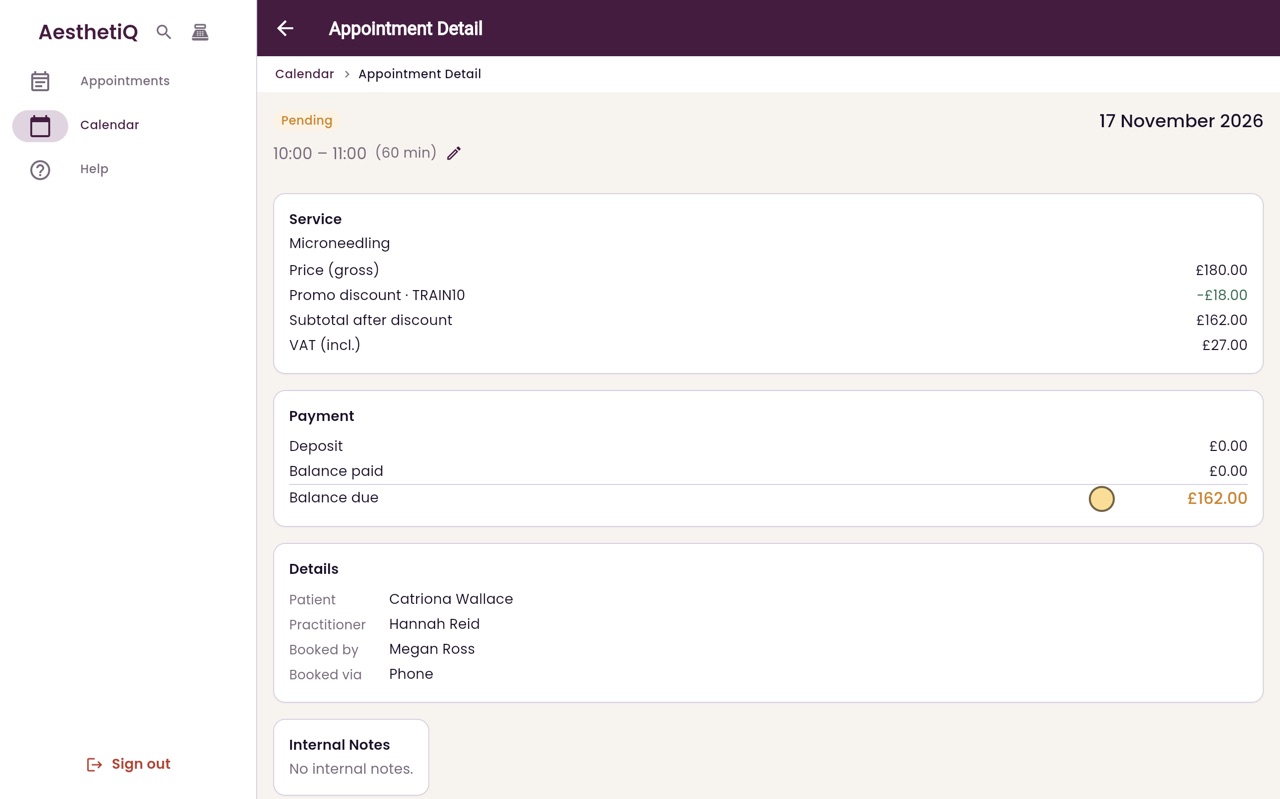
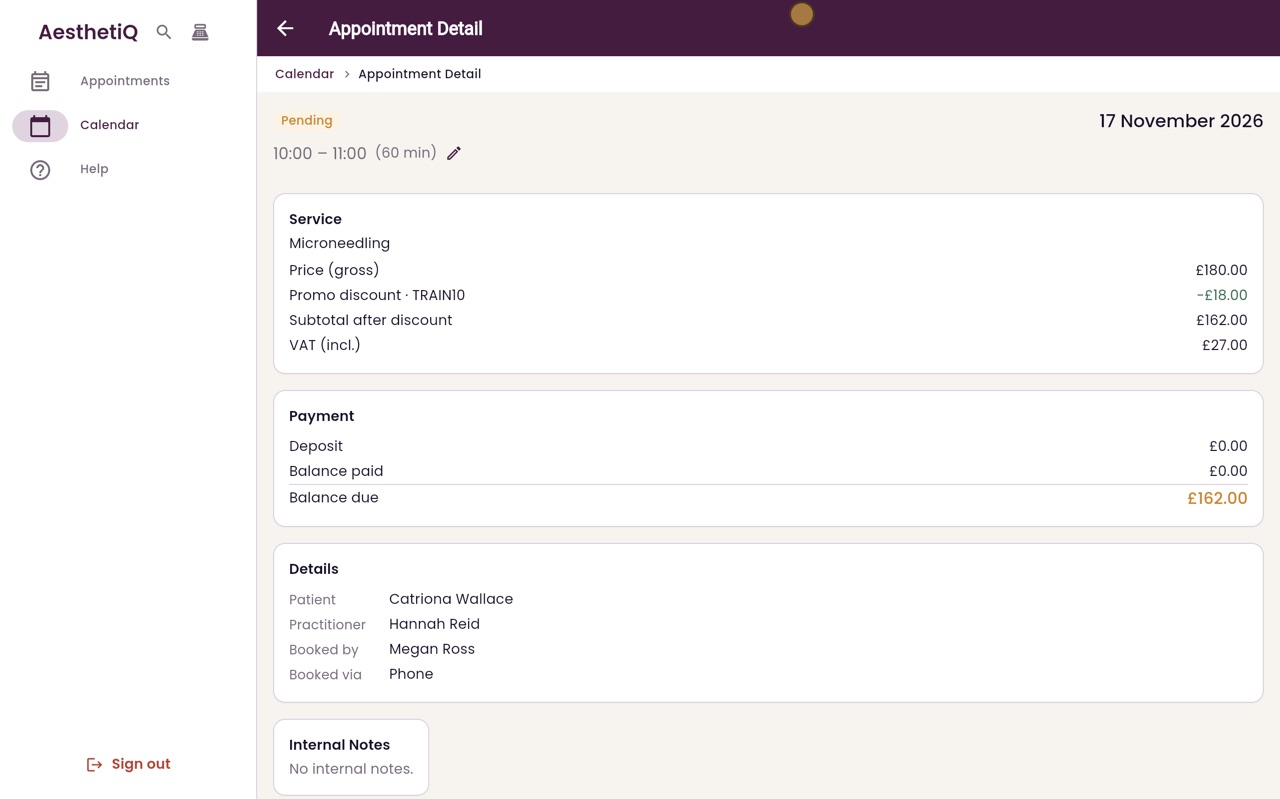
The appointment shows Promo discount with the code and the amount.
Codes
Set up by the clinic manager in Promos.
Step by step
- 01Libby
Promo codes
Hi, I am Libby. When a patient has a promo code, perhaps from an advert or a newsletter, reception adds it while booking.
- 02Ryan
Patient
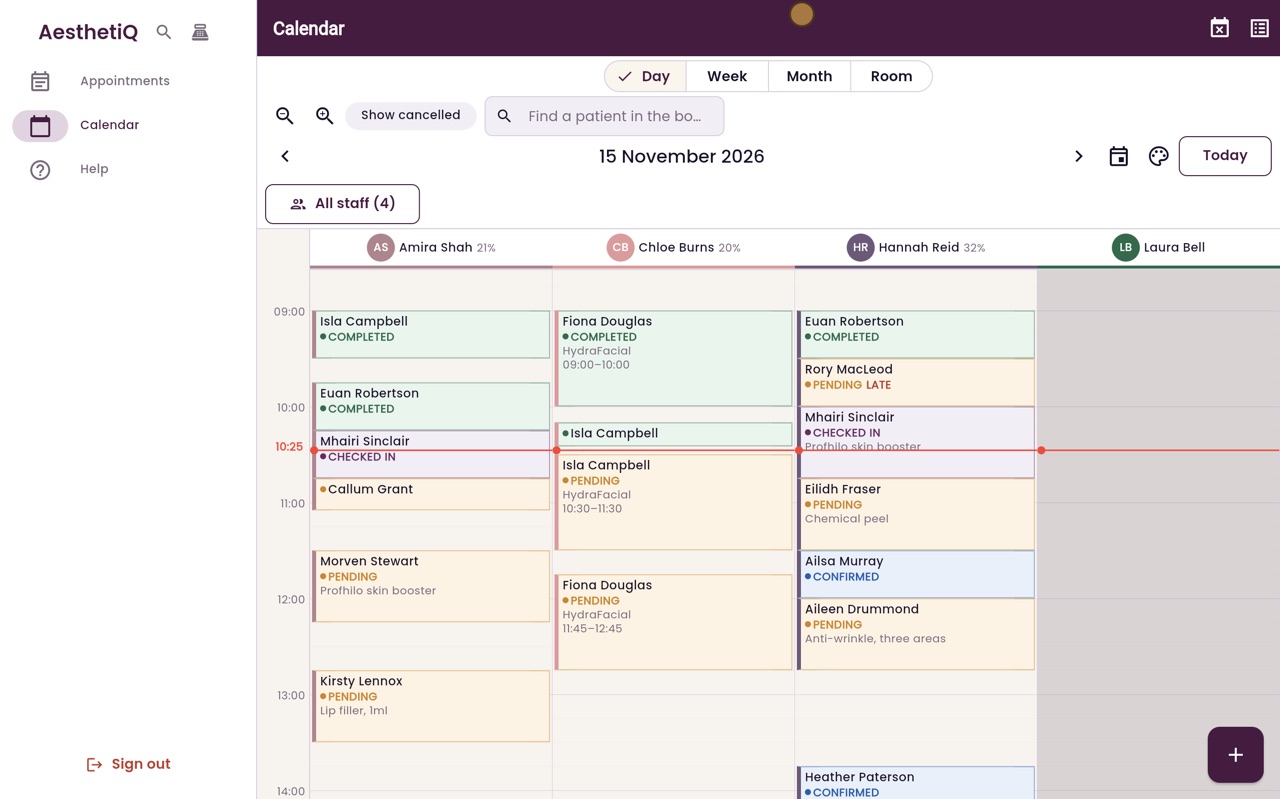
Thanks Libby. Start a new appointment with the plus button. Type the first few letters of the patient's name, choose Catriona Wallace, and click Continue.
- 03Ryan
Treatment and practitioner
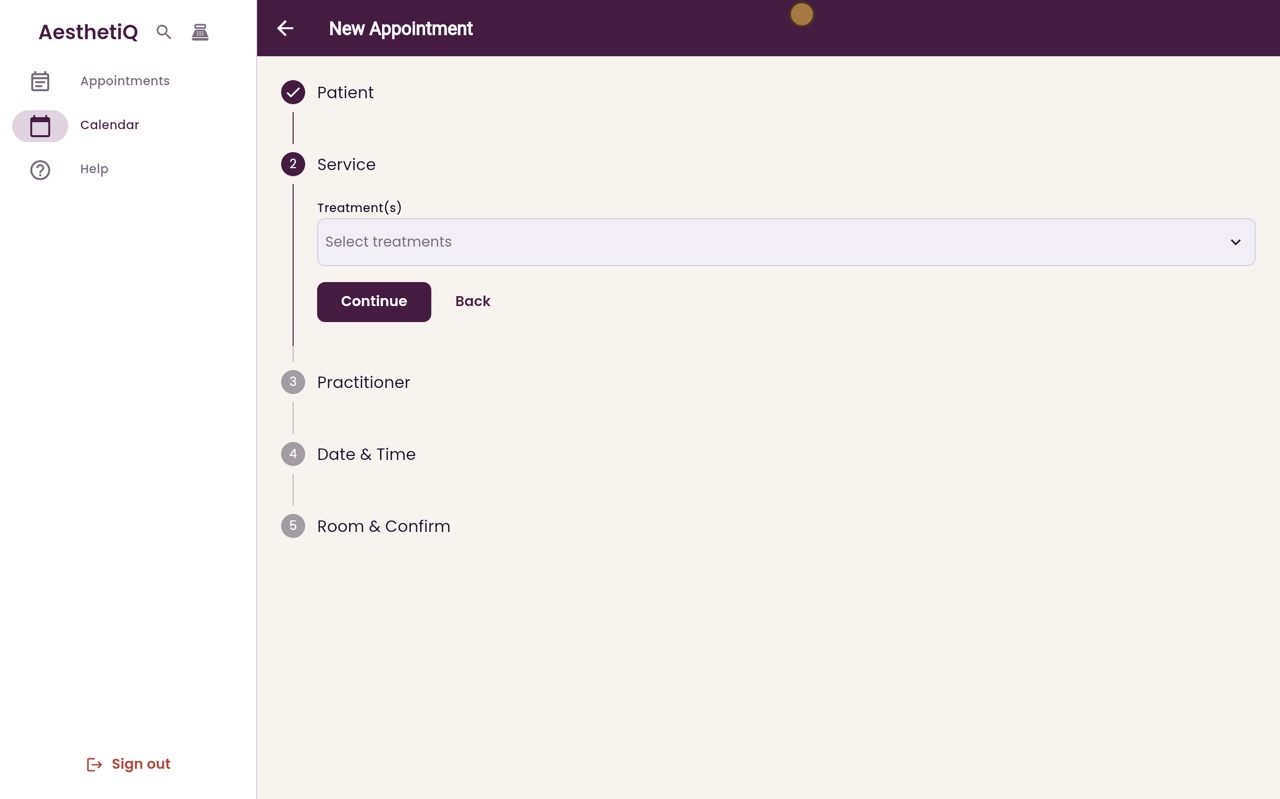
Click Select treatments, tick Microneedling, click Done, and then Continue. Choose the practitioner, Hannah Reid, and click Continue.
- 04Ryan
Date and time
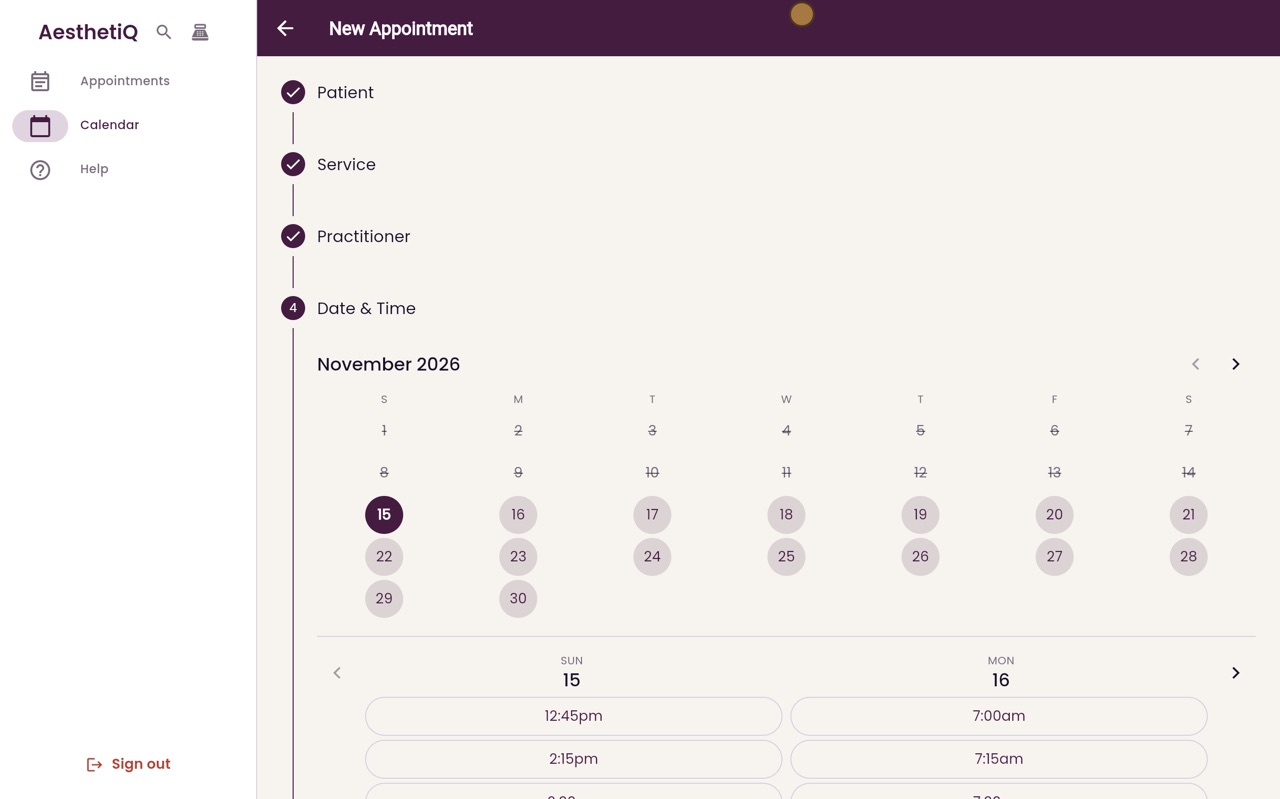
Choose Tuesday, then ten o'clock. Only the times when Hannah is free are offered. Click Continue.
- 05Ryan
Type the code
On the last step, type the code into Promo or Referral Code. Catriona's code is TRAIN10, for ten percent off. Click Create Appointment.
- 06Ryan
Open the appointment
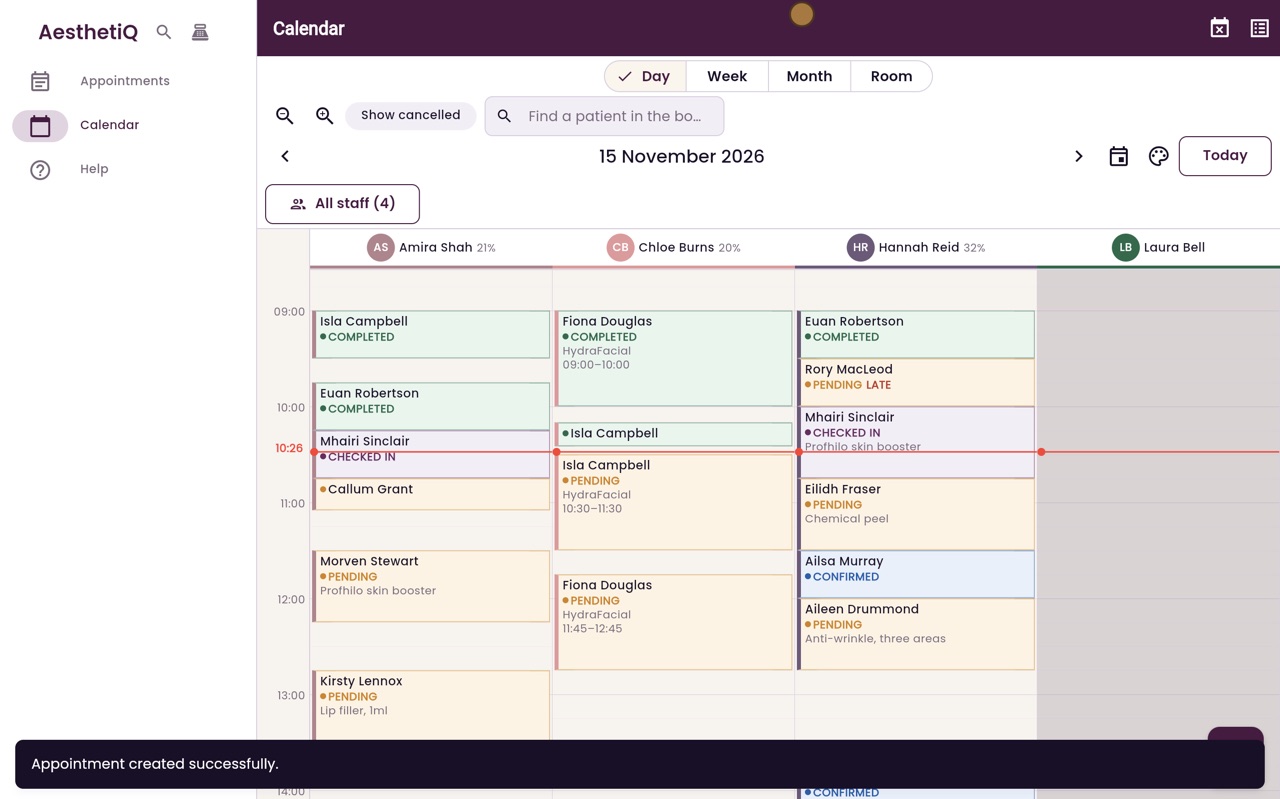
The appointment is booked. Go forward to Tuesday, and open Catriona's appointment.
- 07Ryan
The discount
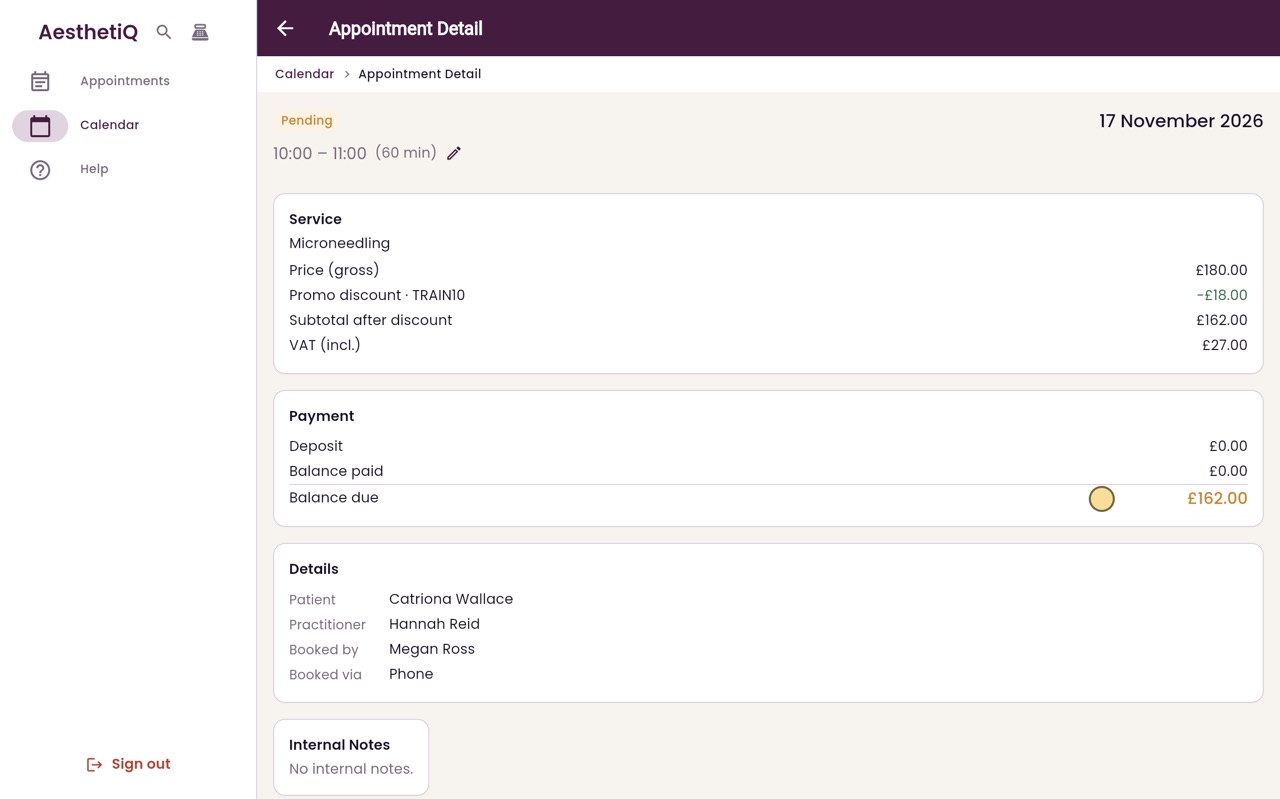
Under the treatment, Promo discount TRAIN10 takes eighteen pounds off. The subtotal after the discount is one hundred and sixty two pounds, and that is the balance due.
- 08Libby
Done
That is booking with a promo code. The clinic manager sets up the codes in Promos.