Clean-up time between appointments
Some treatments have clean-up time after them. AesthetiQ keeps it free, so the next time offered starts after the clean-up.
Which treatments
Lip filler has 15 minutes; HydraFacial has 10.
When booking
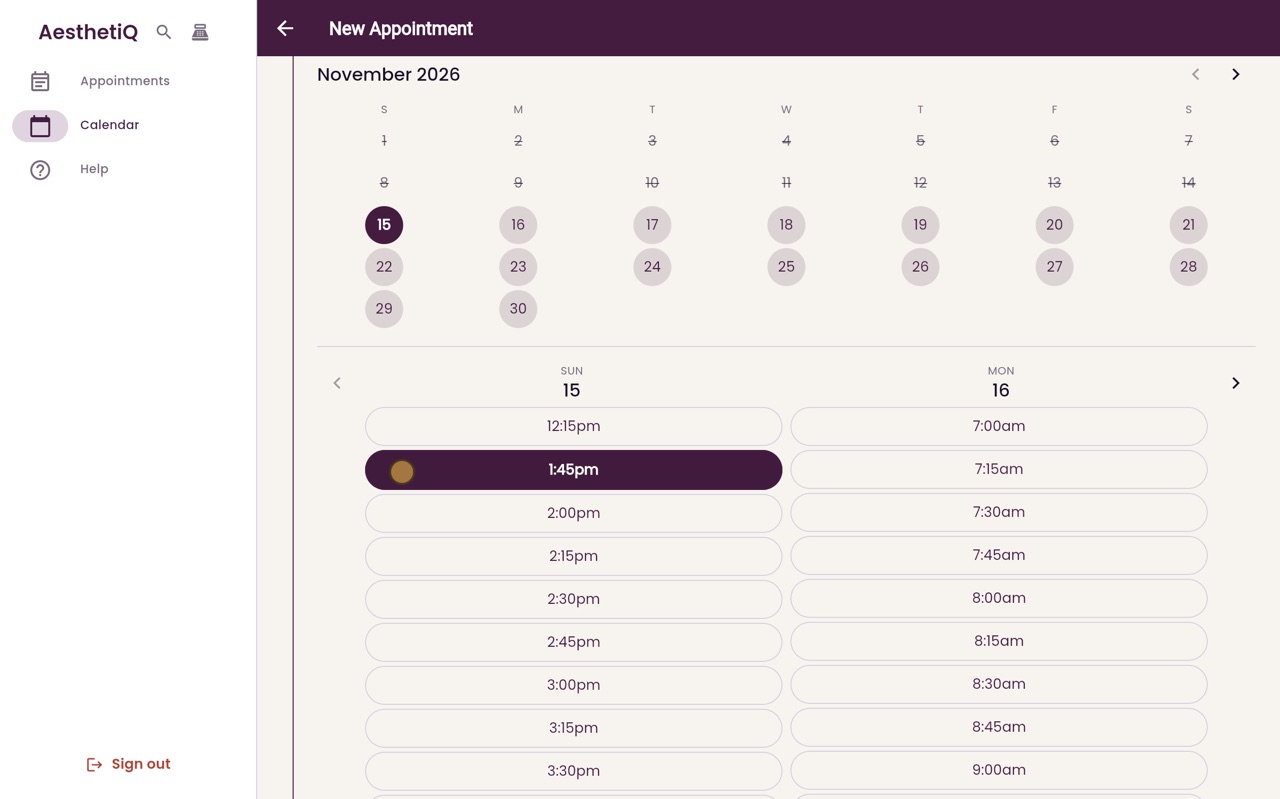
Times that would cut into clean-up are not offered.
Set up
The clinic manager sets it for each treatment in Settings.
Step by step
- 01Libby
Clean-up time
Hi, I am Libby. After some treatments, such as lip filler or a HydraFacial, the room needs clean-up time before the next patient. AesthetiQ allows for it when you book.
- 02Ryan
Lip filler with clean-up
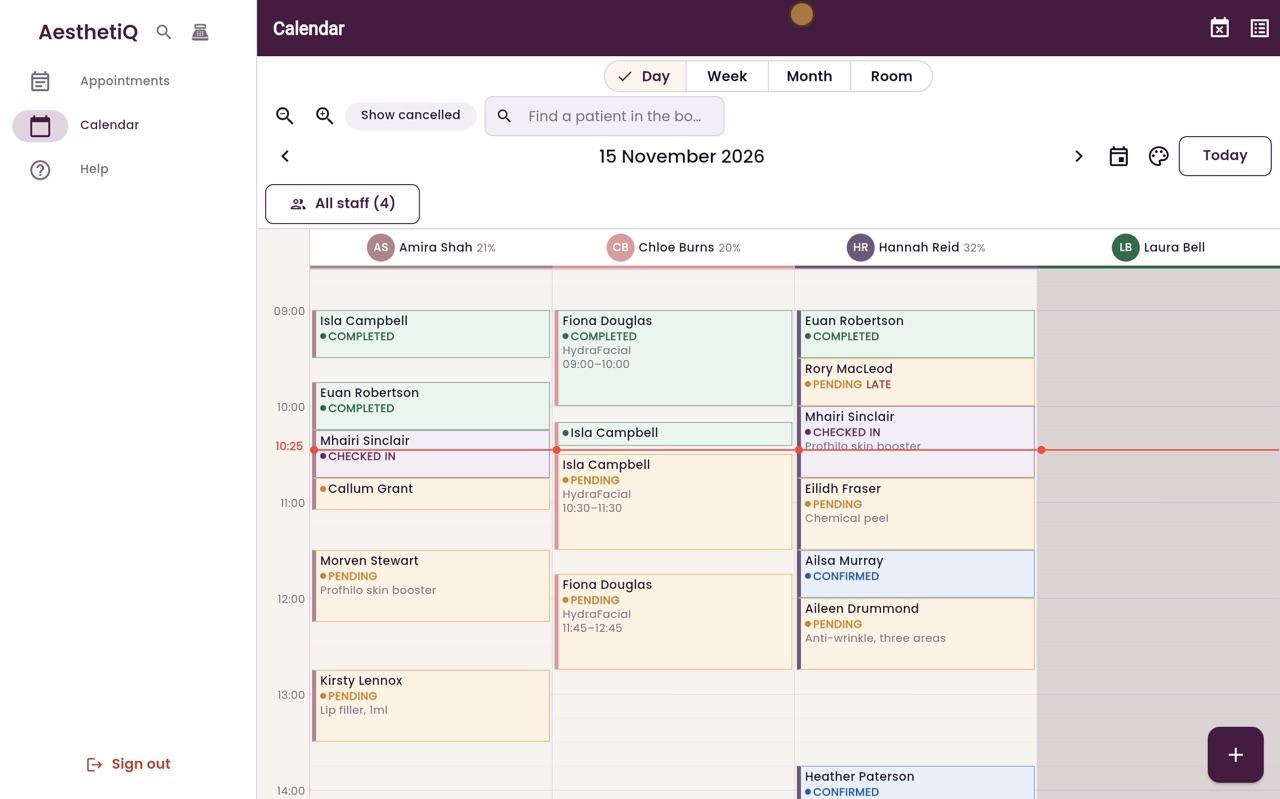
Thanks Libby. Today, Amira Shah has Kirsty Lennox for lip filler, from quarter to one until half past one. Lip filler has fifteen minutes of clean-up time after it.
- 03Ryan
Patient
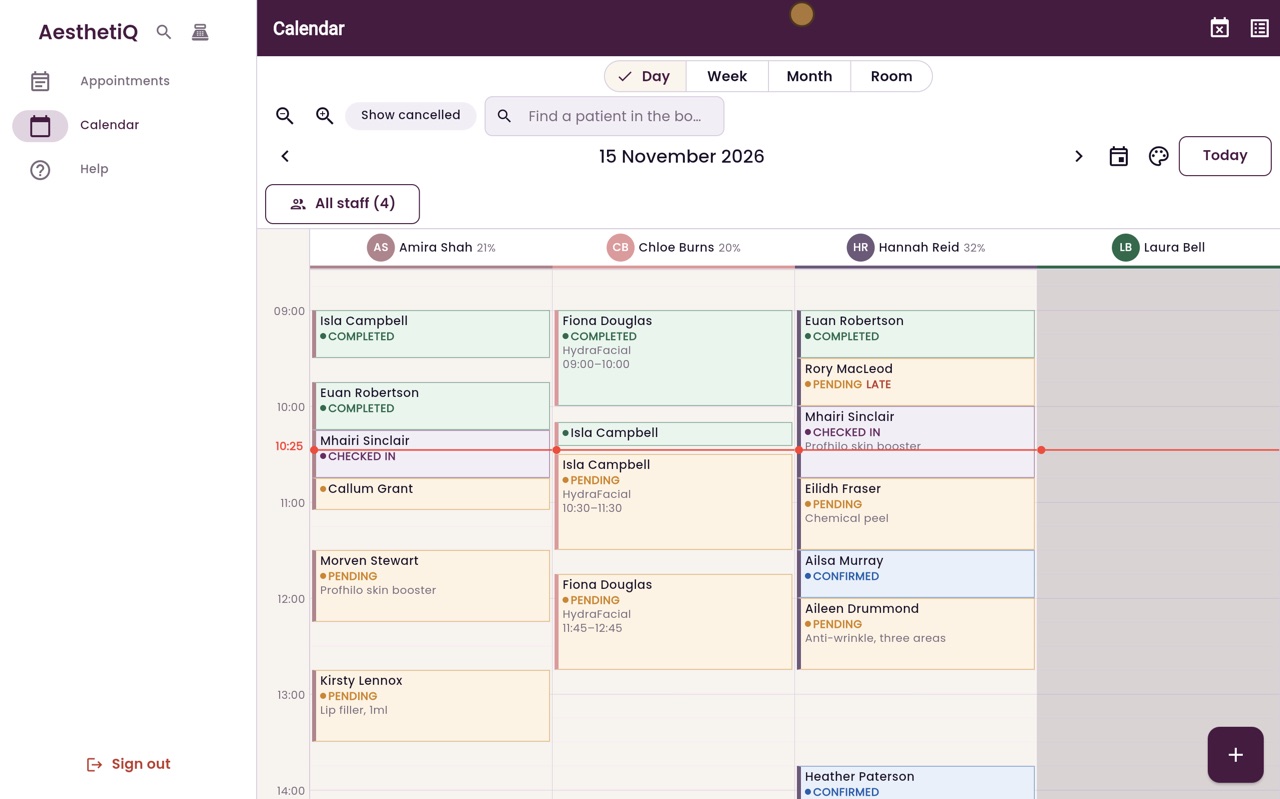
Start a new appointment with the plus button. Type the first few letters of the patient's name, and choose Catriona Wallace.
- 04Ryan
Treatment
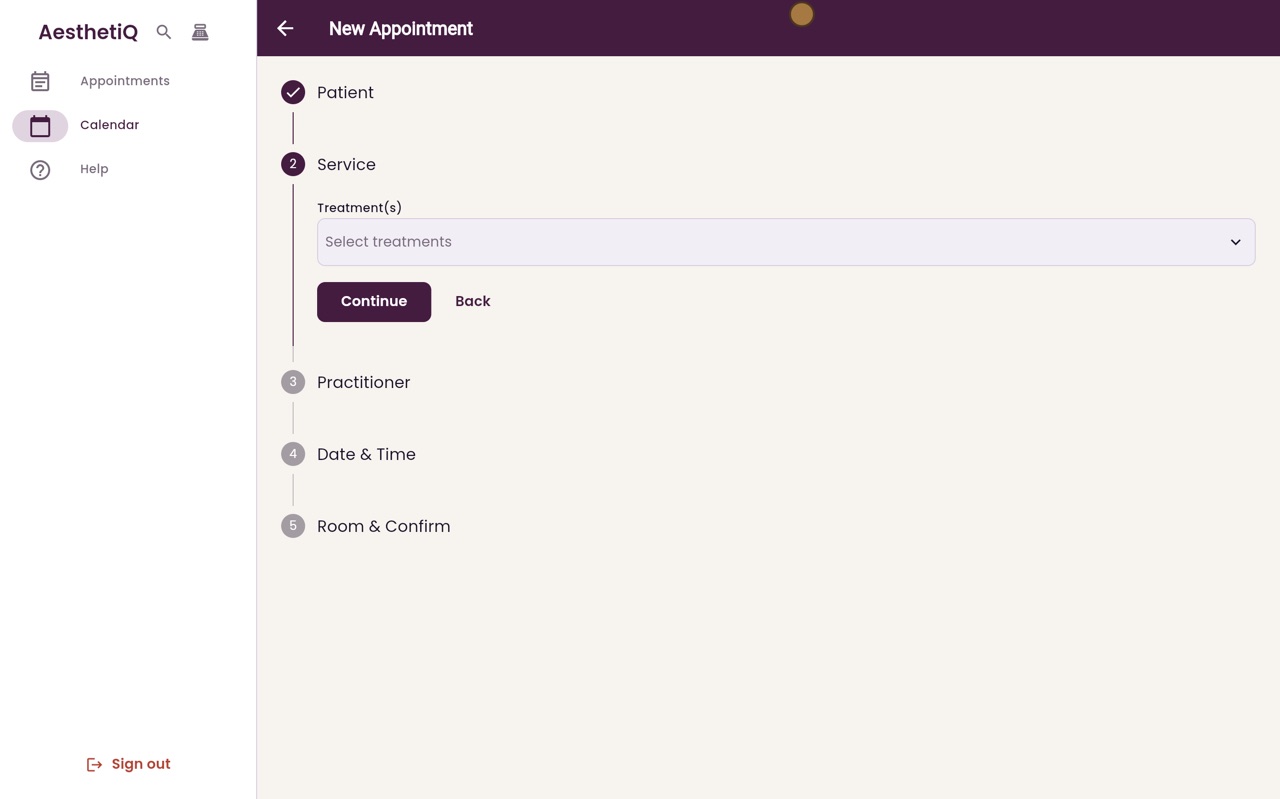
Choose the treatment, Anti-wrinkle, one area, which takes thirty minutes, and click Continue.
- 05Ryan
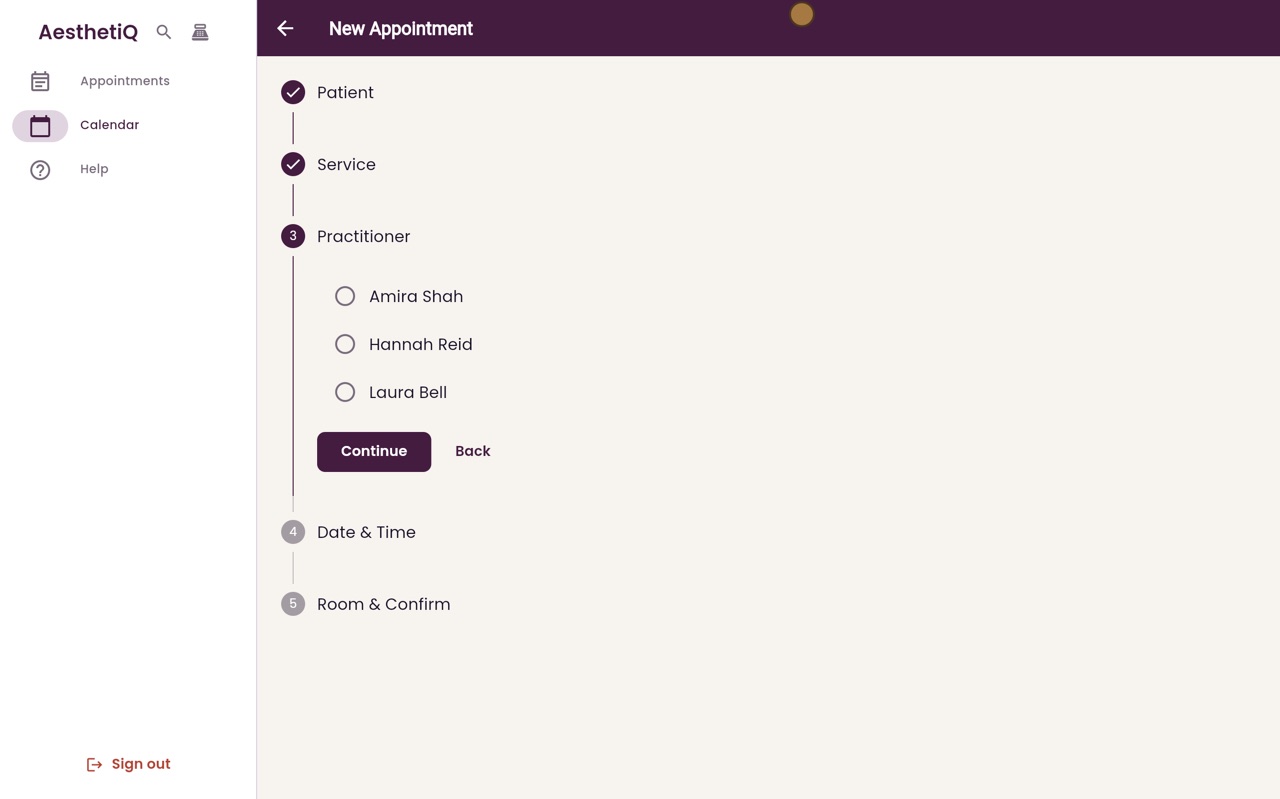
Practitioner
Choose Amira Shah, and click Continue.
- 06Ryan
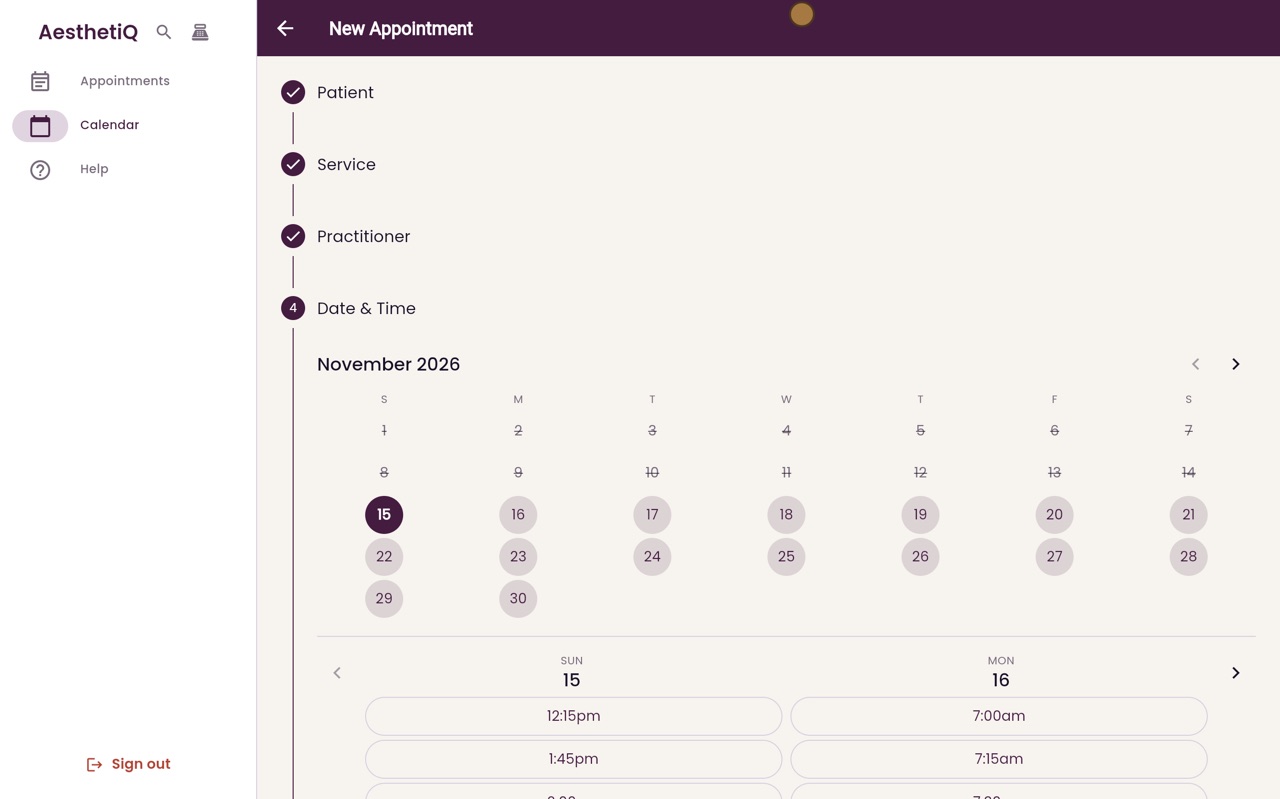
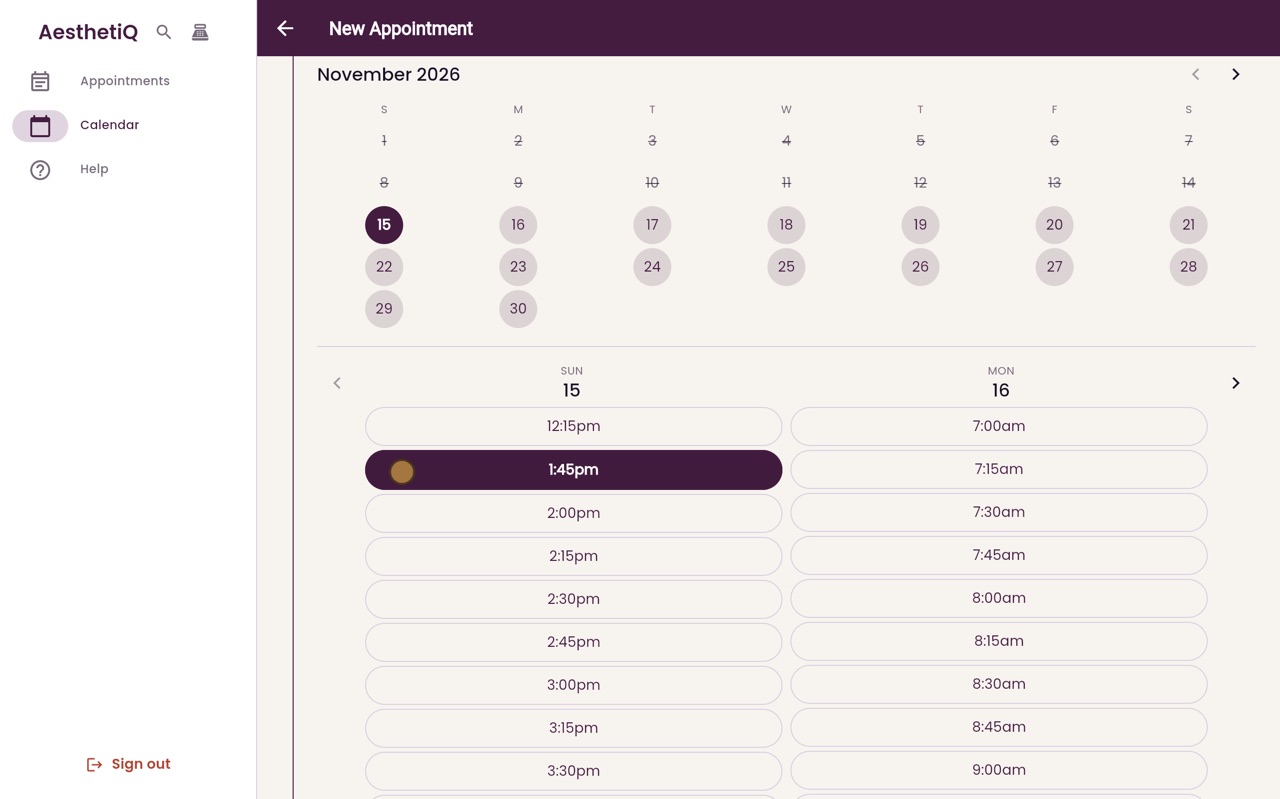
Times after clean-up
Look at today's times, in the left column. After quarter past twelve, the next time offered is quarter to two, not half past one. Those fifteen minutes are kept free for Amira to clean up after Kirsty.
- 07Libby
Done
That is clean-up time. The clinic manager sets how long each treatment needs in Settings, with its price and length.