Booking two treatments together
Tick more than one treatment in New Appointment. AesthetiQ adds up the time and price and books one appointment for both.
Main one first
Tick the main treatment, then the extra one.
Totals
The time and price are added up for you.
Shorter together
Type the minutes in Combined duration override.
Step by step
- 01Libby
Two treatments
Hi, I am Libby. Patients often add a short treatment to their main one, such as LED light therapy after a HydraFacial. You can book both in one appointment.
- 02Ryan
Patient
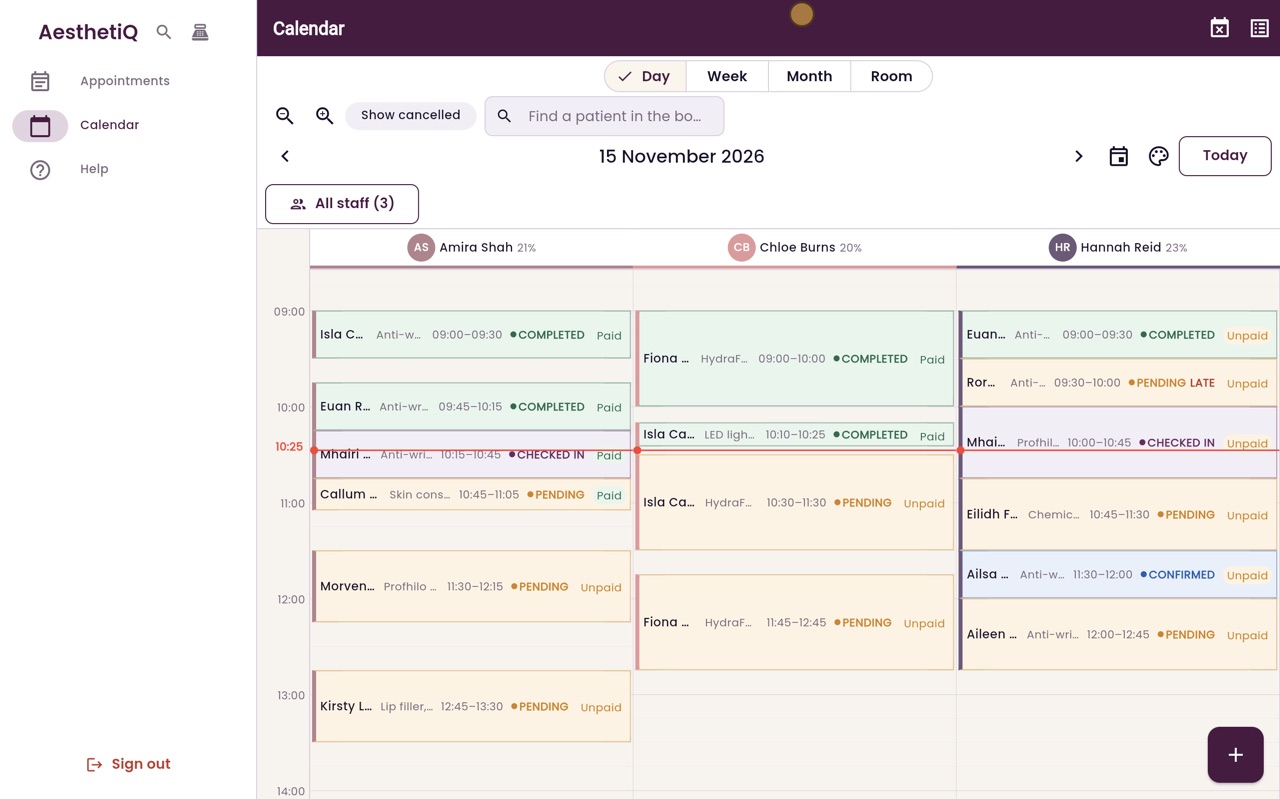
Thanks Libby. Click the plus button to start a new appointment. Type the first few letters of the patient's name, choose Ailsa Murray from the list, and click Continue.
- 03Ryan
Tick both treatments
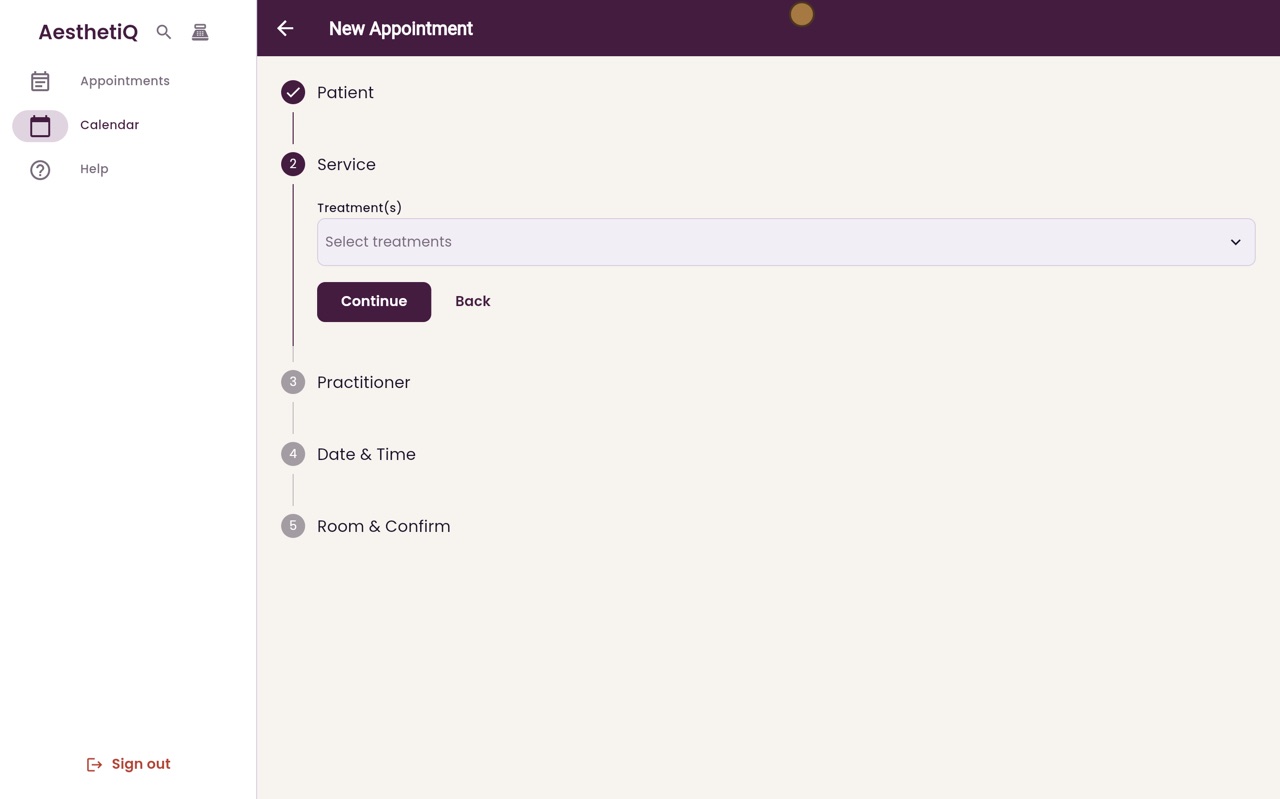
Click Select treatments. Tick the main treatment first, HydraFacial, and then LED light therapy. Click Done.
- 04Ryan
Time and price
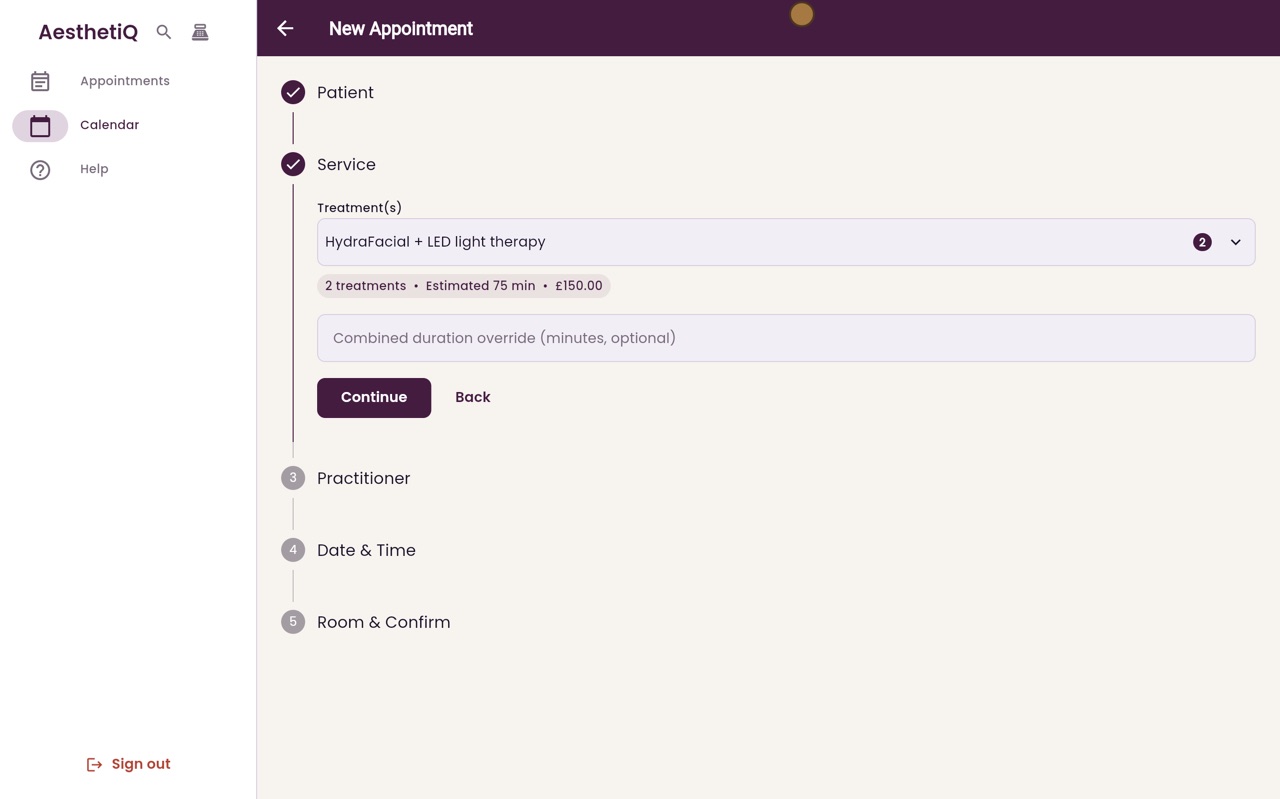
AesthetiQ adds them up: two treatments, seventy five minutes, one hundred and fifty pounds. If they take less time together, type the minutes in the box below. Otherwise leave it blank, and click Continue.
- 05Ryan
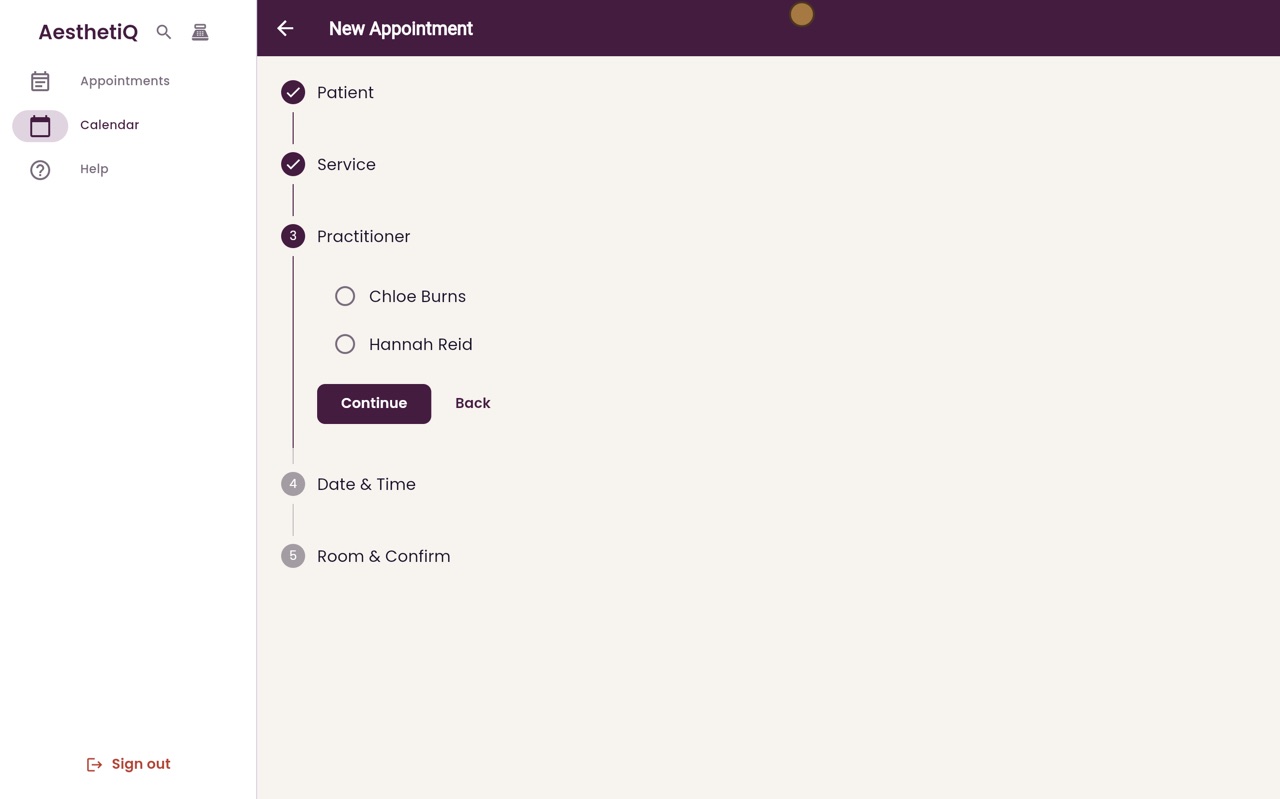
Practitioner
Choose Chloe Burns, who gives both treatments, and click Continue.
- 06Ryan
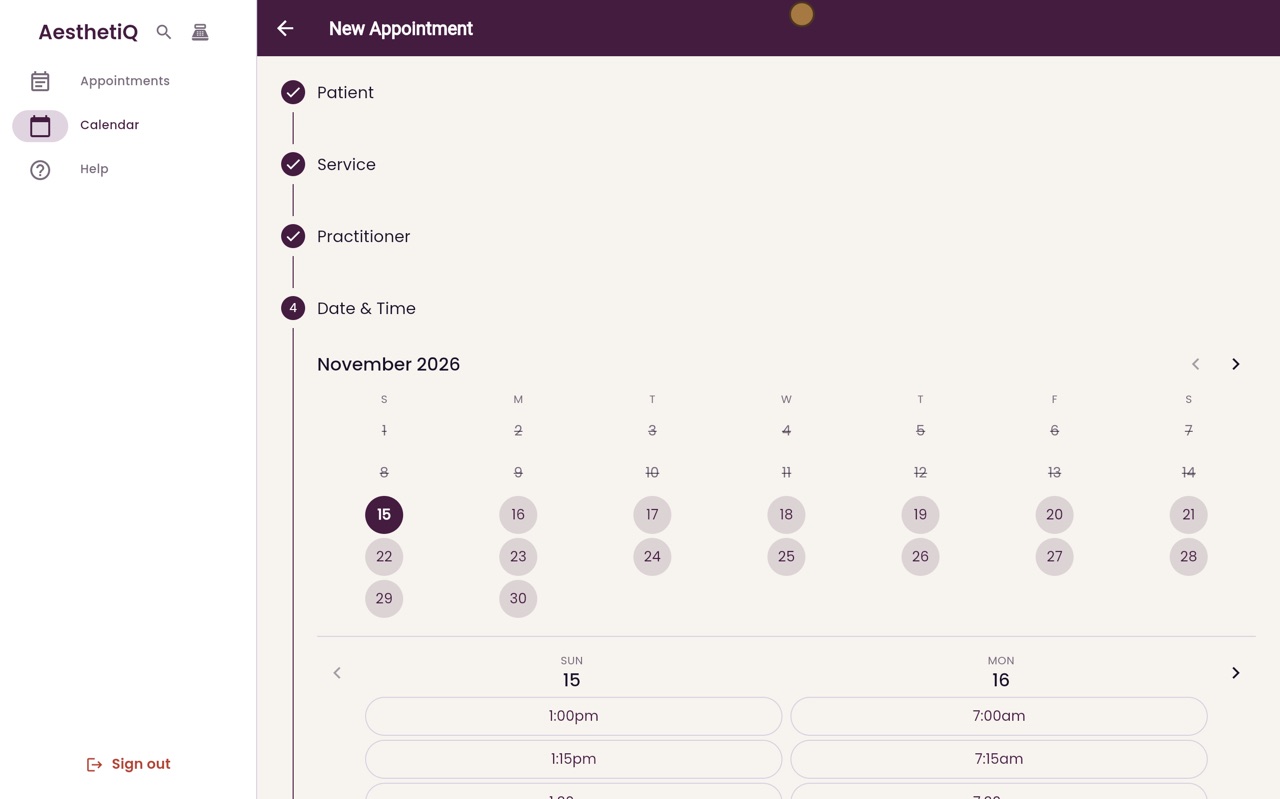
Date and time
Choose Monday, then two o'clock, and click Continue.
- 07Ryan
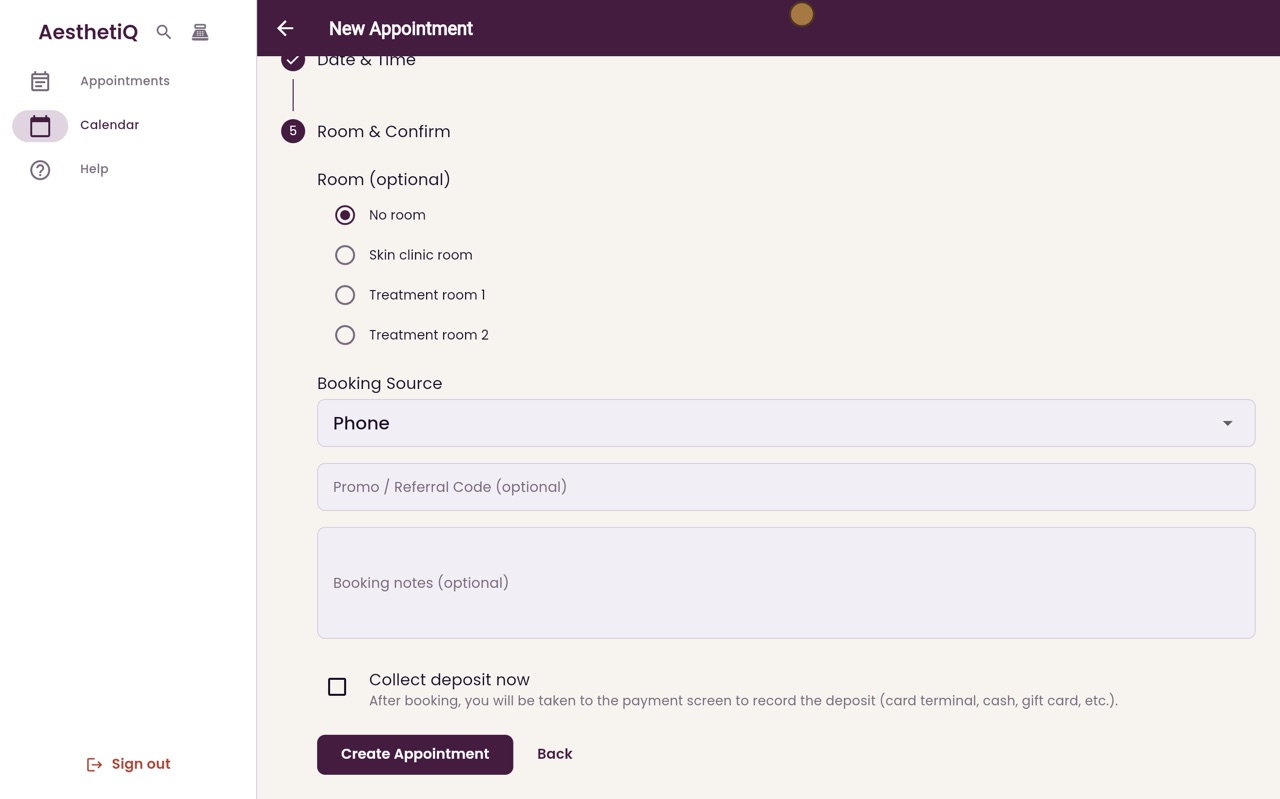
Create
On the last step, click Create Appointment.
- 08Ryan
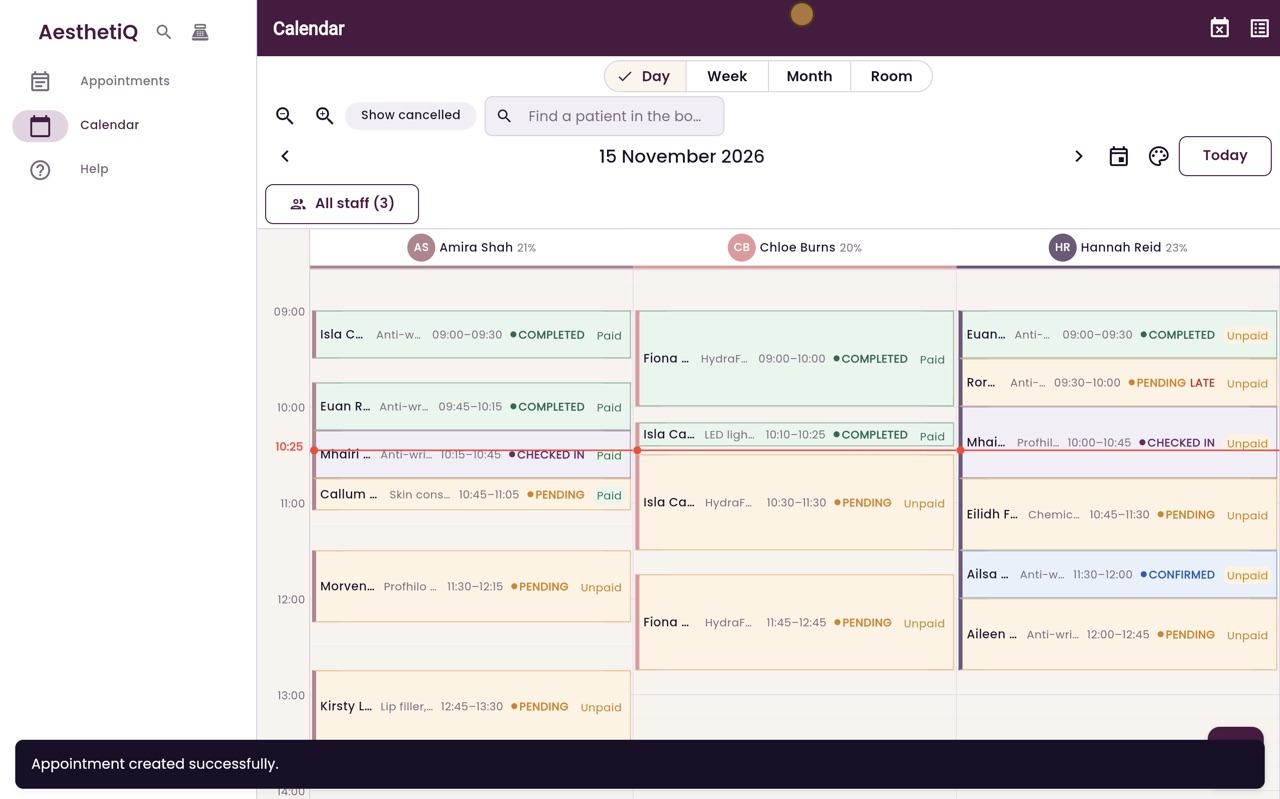
One appointment
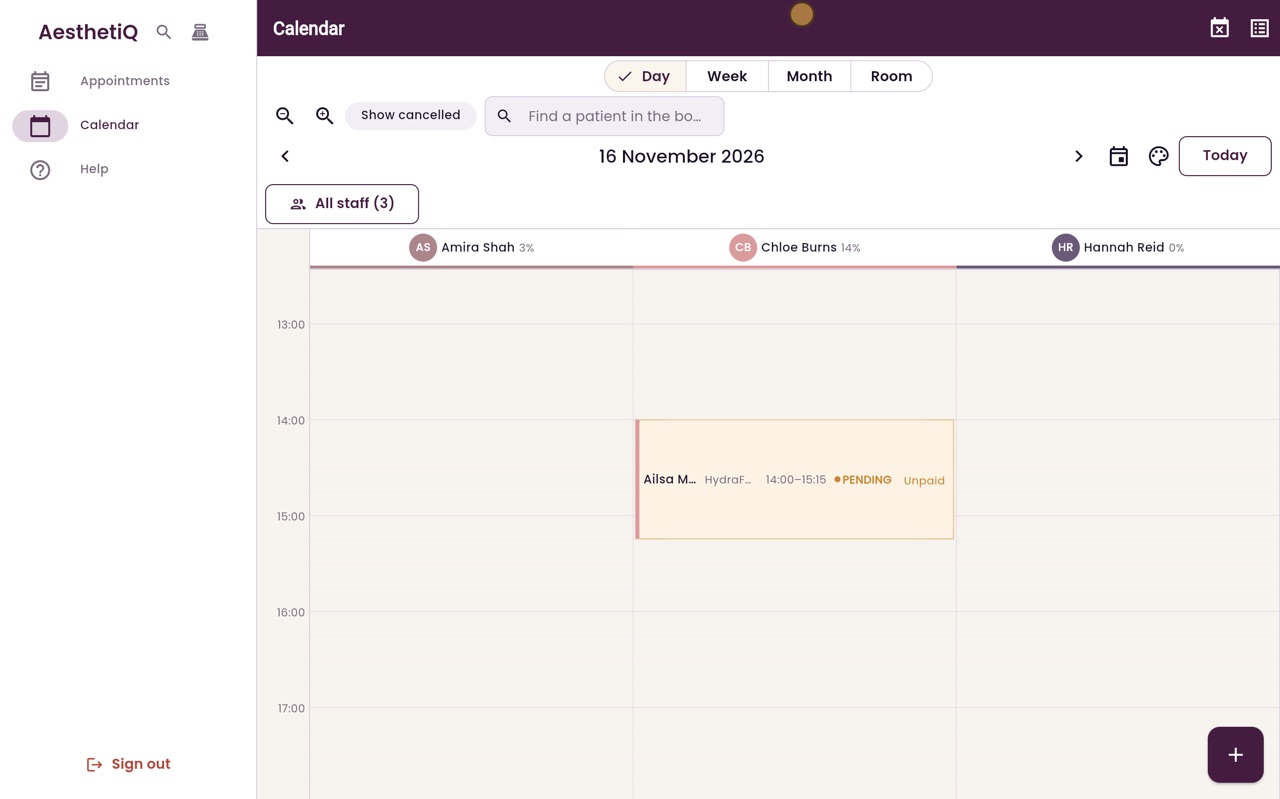
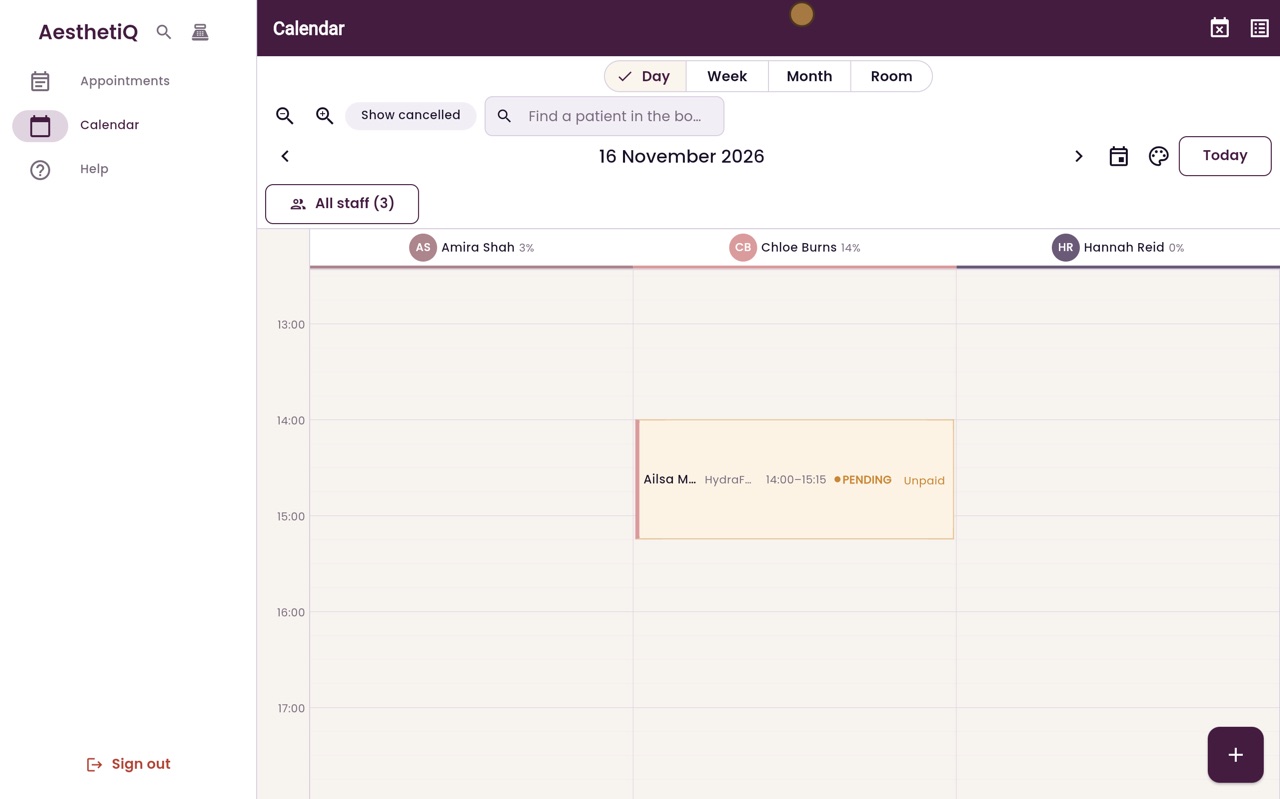
On Monday's calendar, Ailsa has one appointment with Chloe, from two o'clock until quarter past three, covering both treatments.
- 09Libby
Done
That is booking two treatments together. The calendar keeps the whole time free for both.