Booking an appointment
The plus button on the calendar opens New Appointment: patient, treatment, practitioner, date and time, then room and confirm.
Five steps
Patient, Service, Practitioner, Date & Time, Room & Confirm.
Free times only
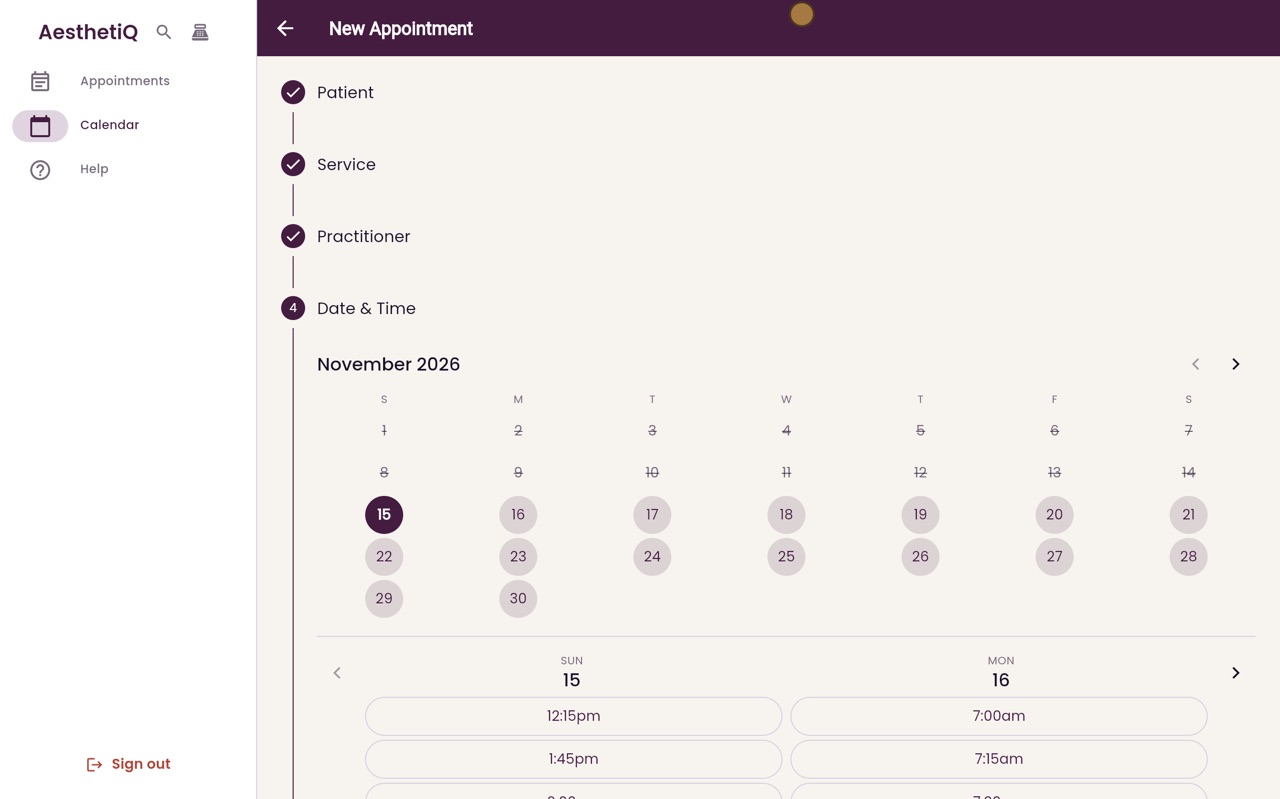
The times shown are when the practitioner is free.
Quick booking
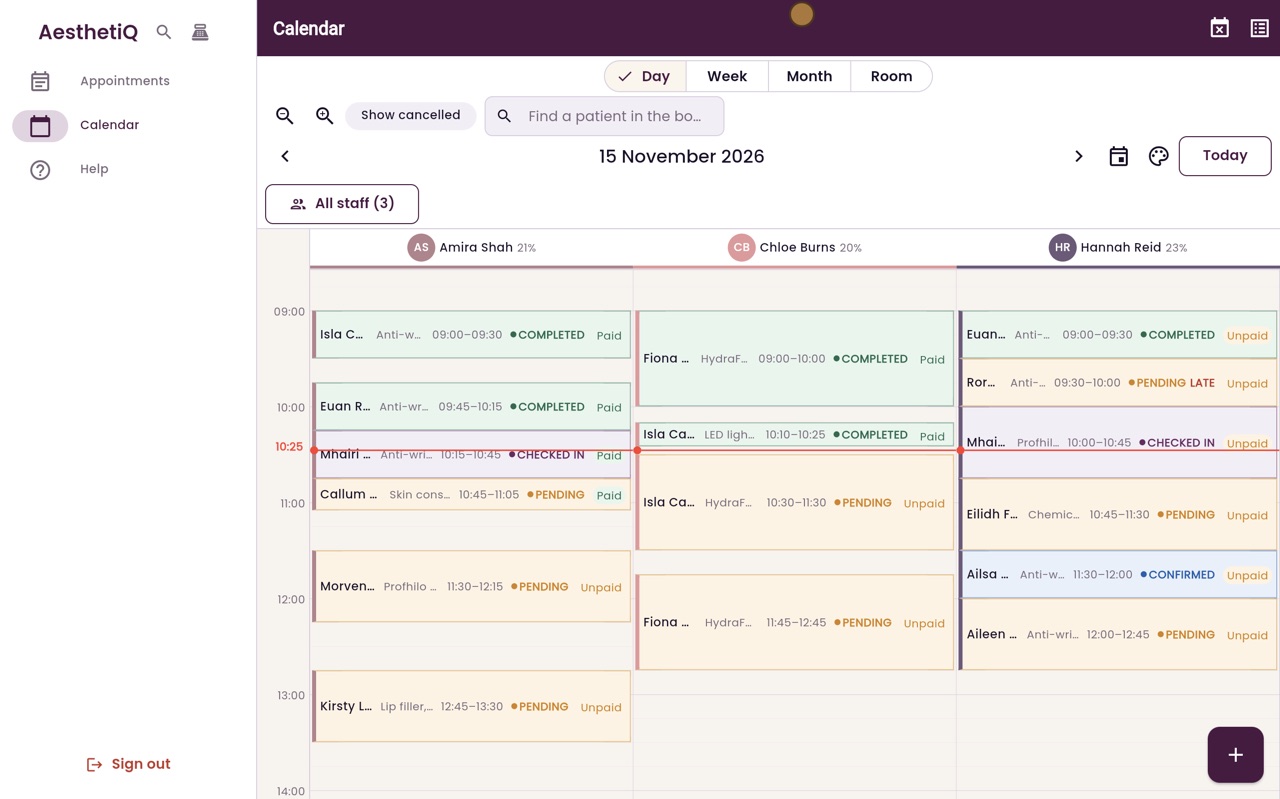
Or click an empty time on the calendar.
Step by step
- 01Libby
Booking
Hi, I am Libby. Most bookings are made by reception, over the phone or at the desk. Here is how to book an appointment.
- 02Ryan
New Appointment
Thanks Libby. On the calendar, click the plus button at the bottom right. New Appointment takes you through five steps.
- 03Ryan
Patient
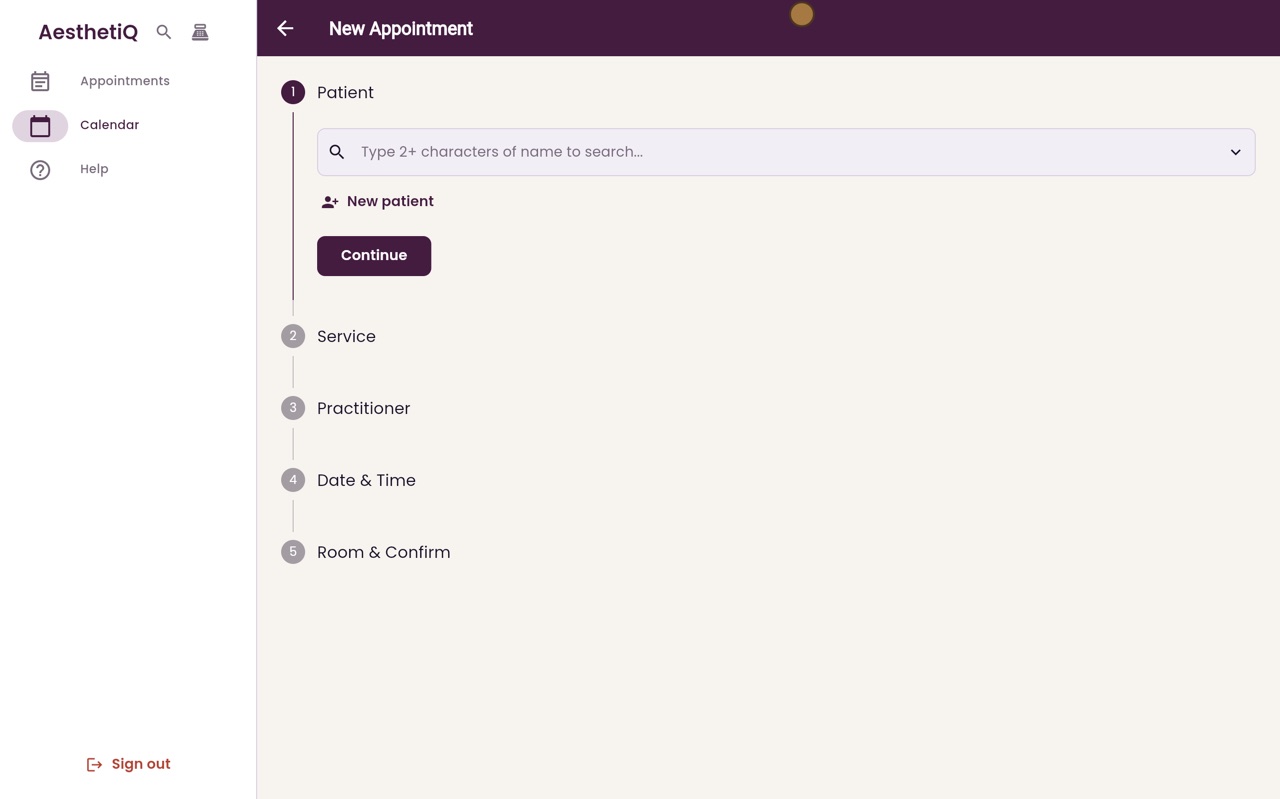
First, the patient. Catriona Wallace is on the phone. Type the first few letters of her name, choose her from the list, and click Continue.
- 04Ryan
Treatment
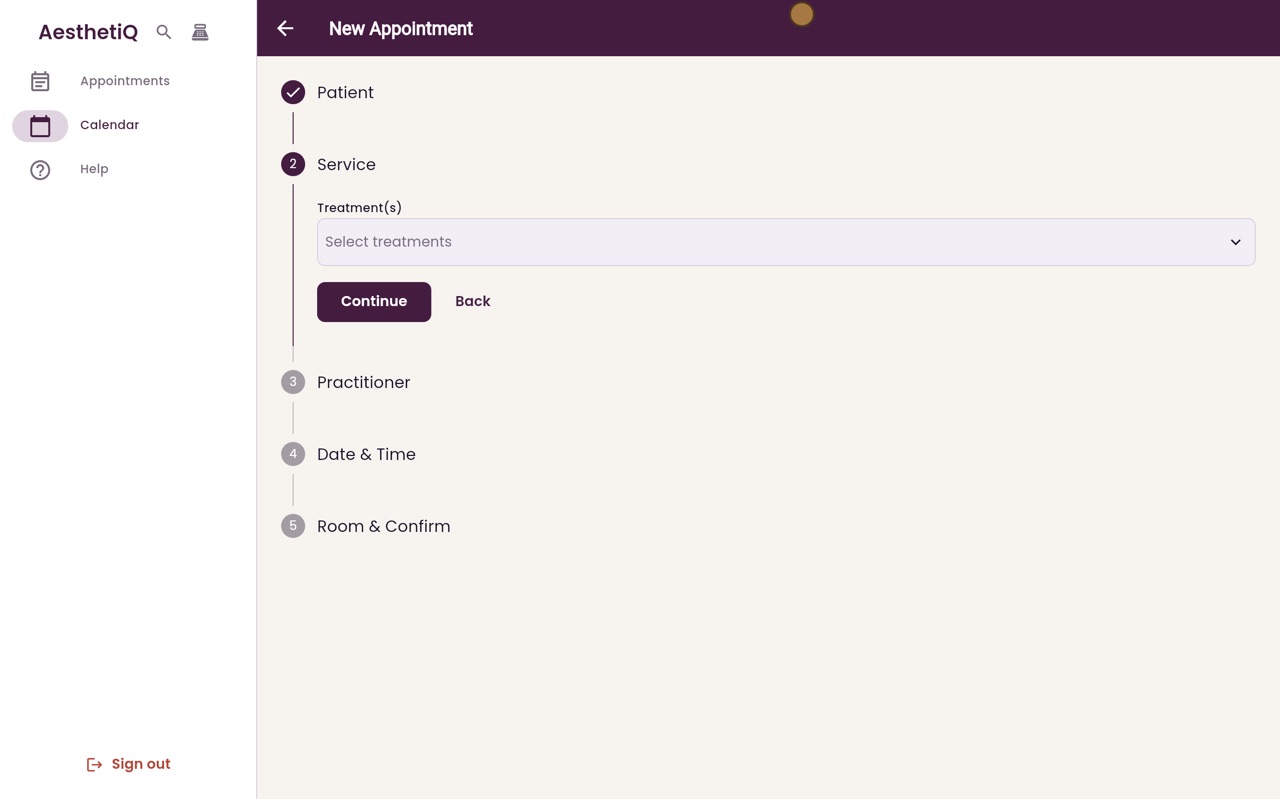
Next, the treatment. Click Select treatments, tick Anti-wrinkle, one area, and click Done. Its length and price are shown underneath. Click Continue.
- 05Ryan
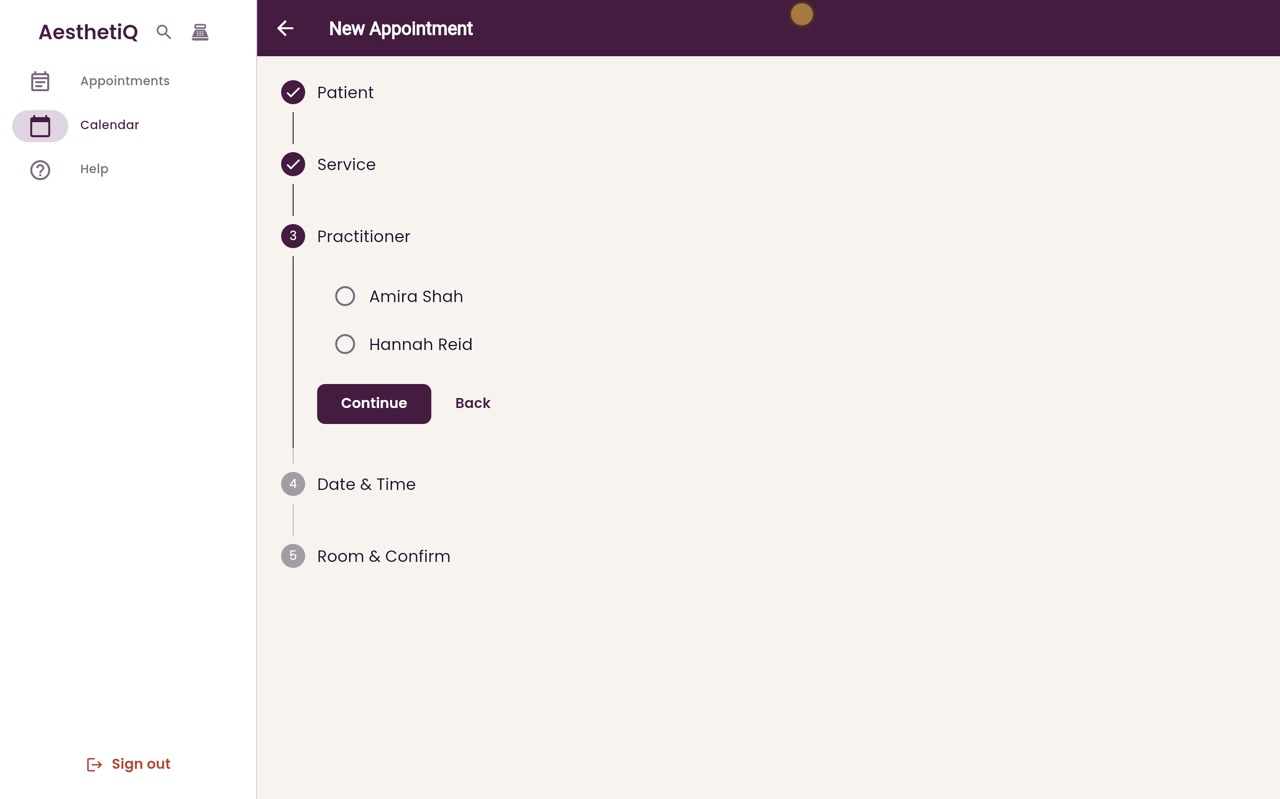
Practitioner
Only the practitioners who give this treatment are listed. Choose Amira Shah and click Continue.
- 06Ryan
Date and time
Choose the day, then a free time. Only times when Amira is free are shown. Catriona would like Monday at eleven. Click Continue.
- 07Ryan
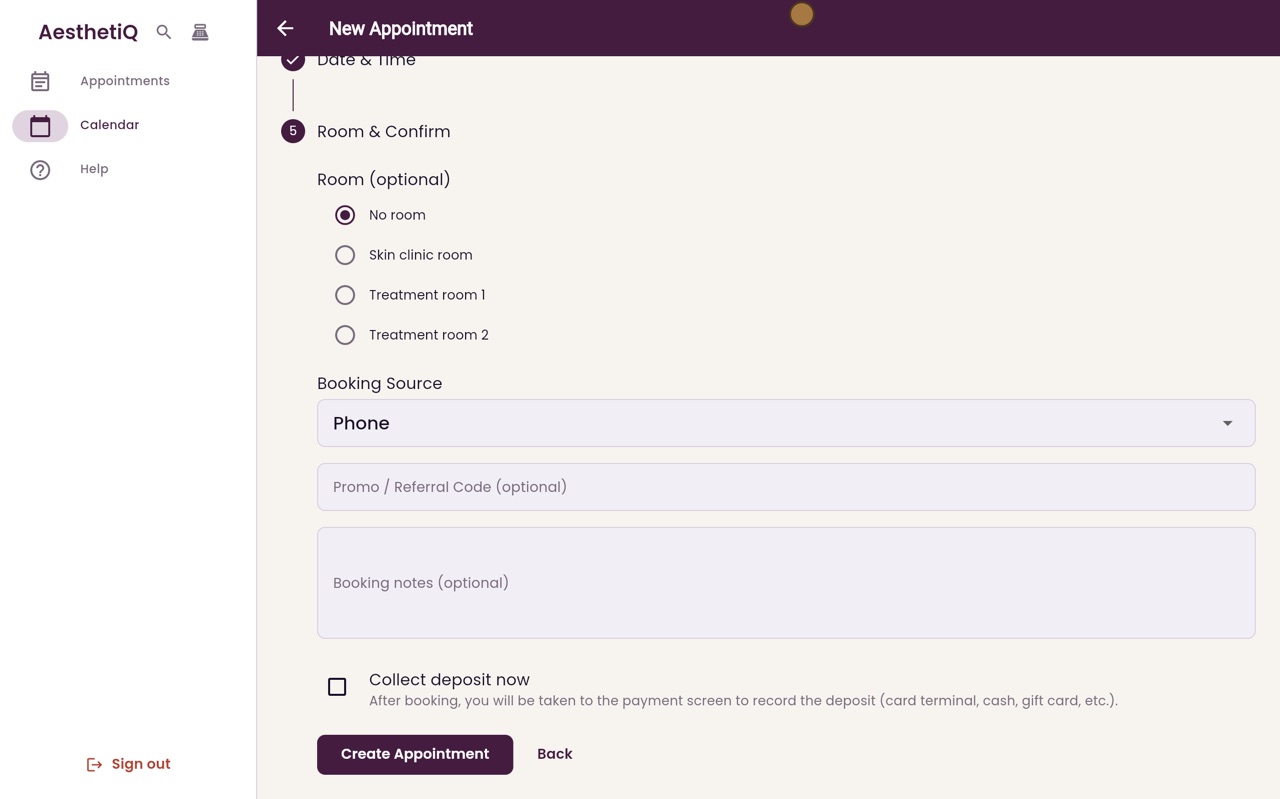
Room and confirm
Choose a room if you use one, and how the booking came in. Phone is already chosen. Click Create Appointment.
- 08Ryan
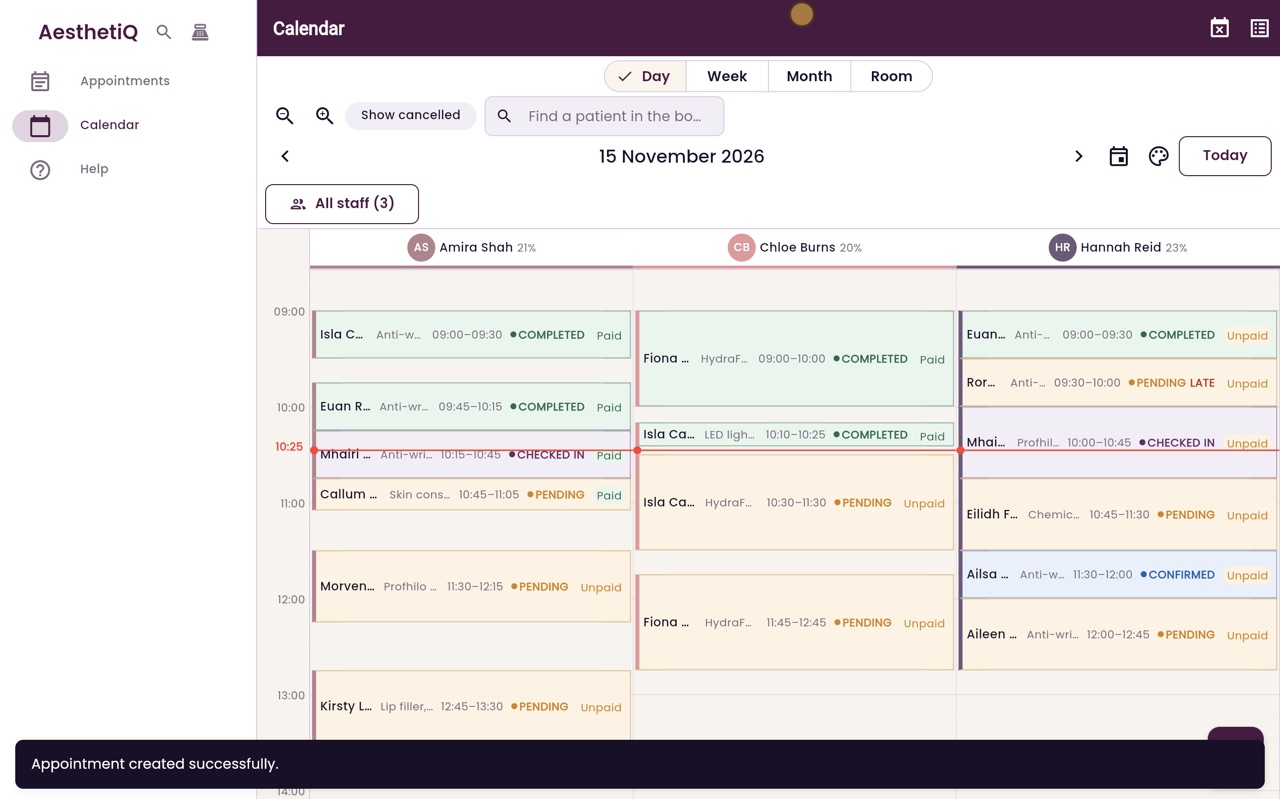
On the calendar
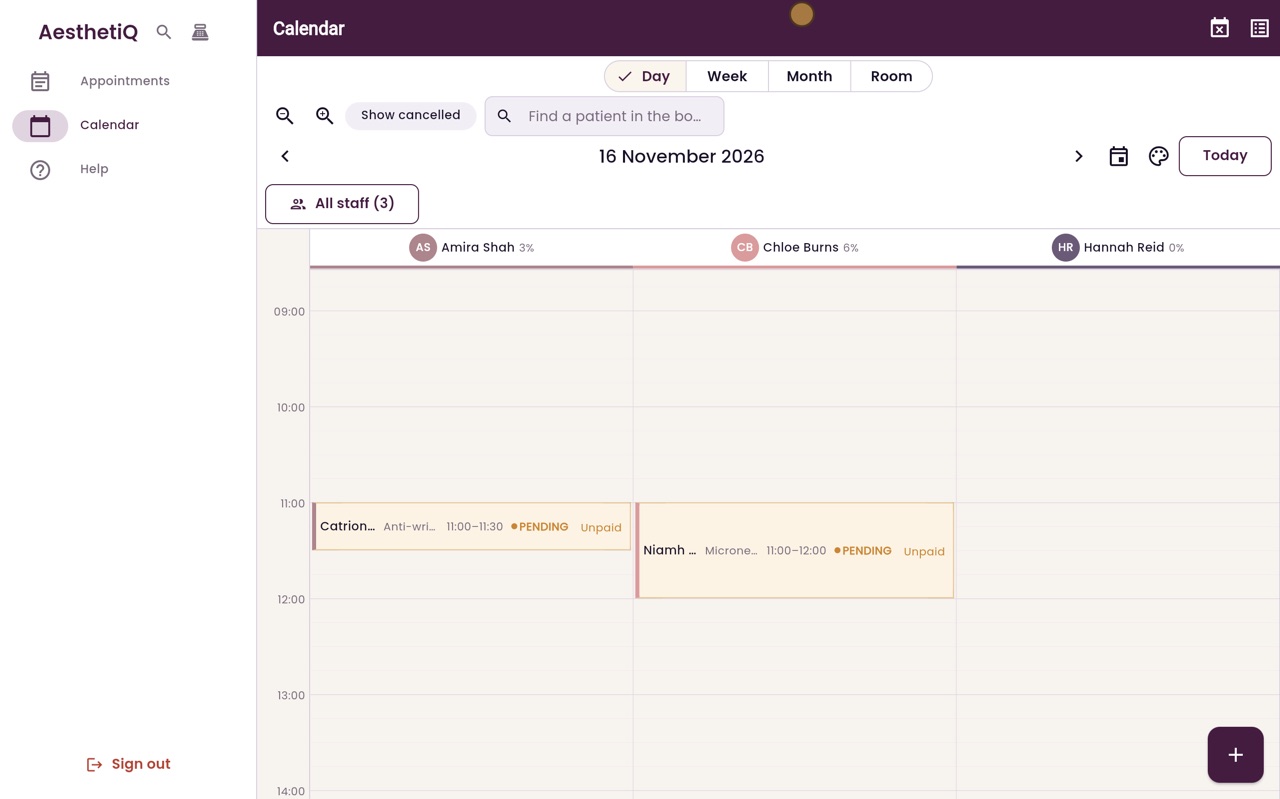
The appointment is booked, and you are back on the calendar. Go forward to Monday to see Catriona at eleven o'clock in Amira's column.
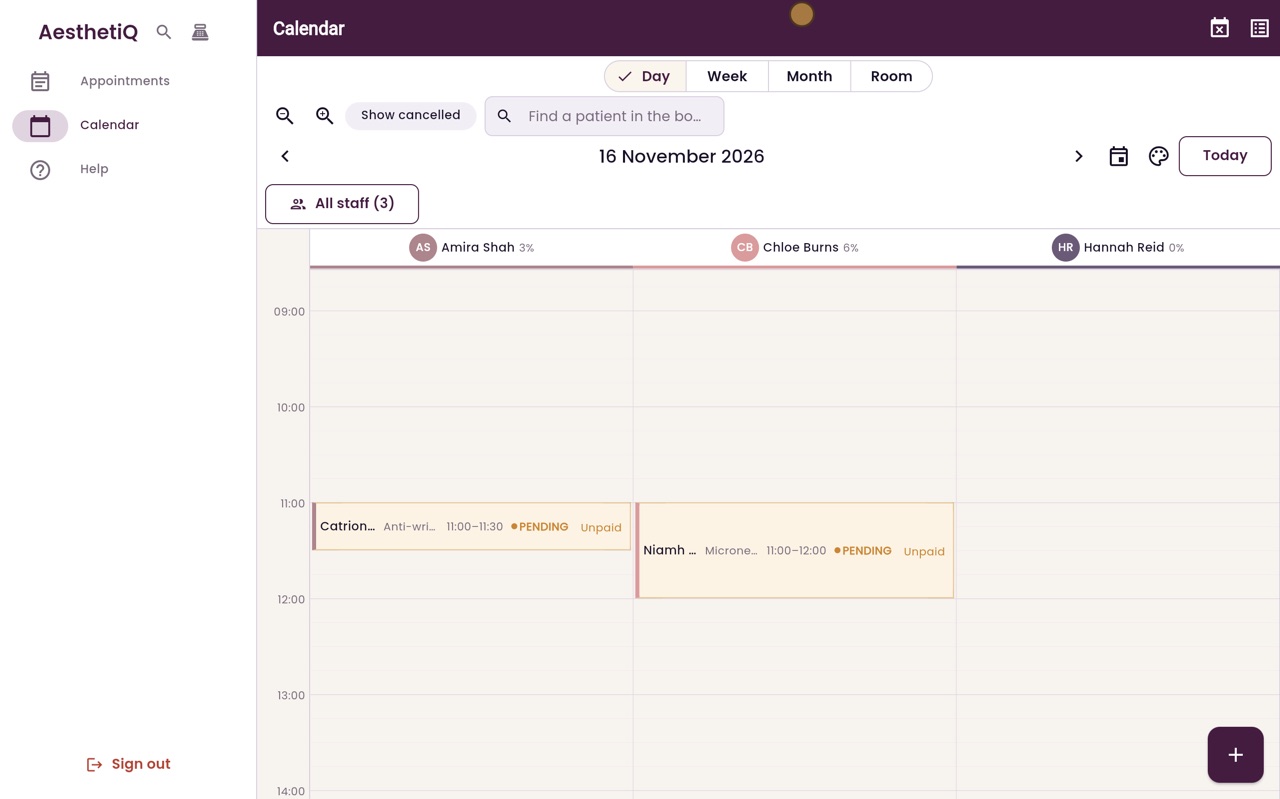
- 09Libby
Done
That is booking an appointment. You can also click an empty time on the calendar to book straight into that slot.