Finding a patient in the calendar
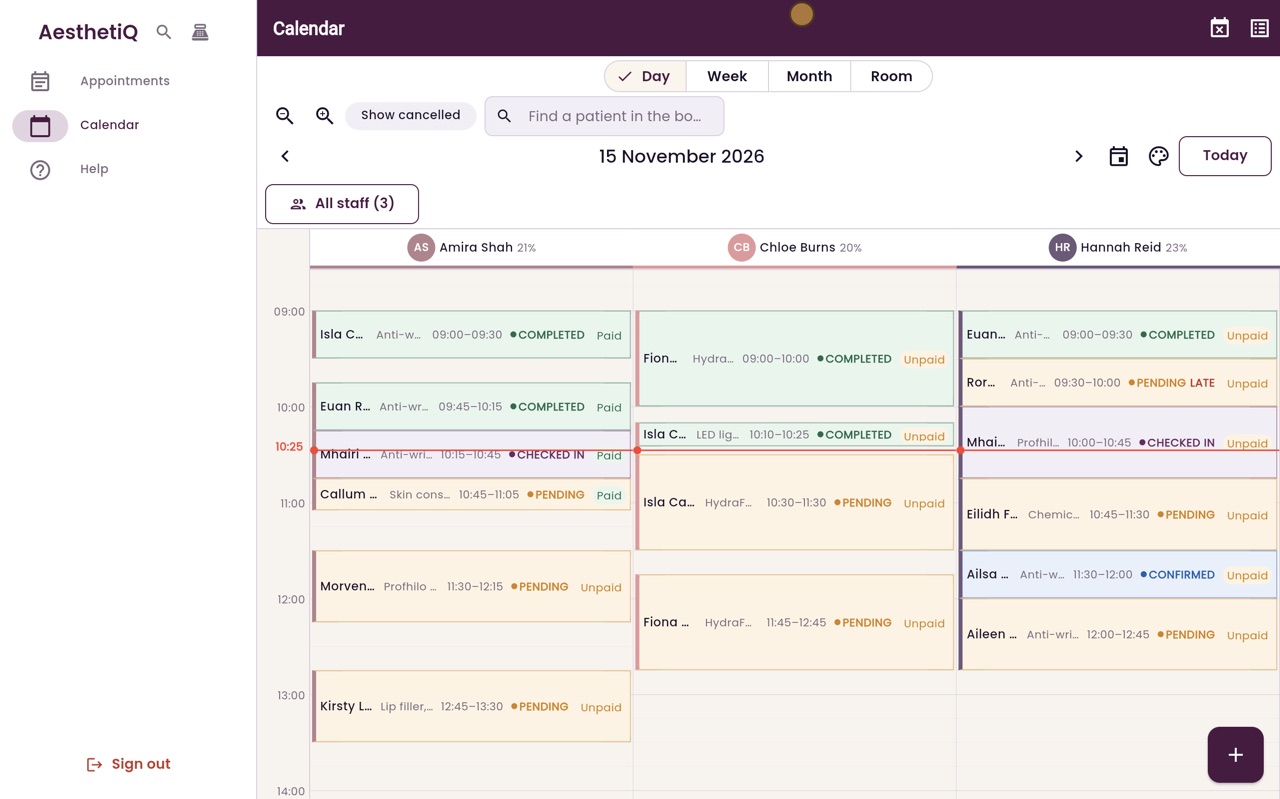
Type a patient's name in Find a patient in the book: their appointments stay bright and the rest of the calendar fades.
Where
The Find a patient in the book box above the date.
Type
Two or more letters, then choose the patient.
Clear
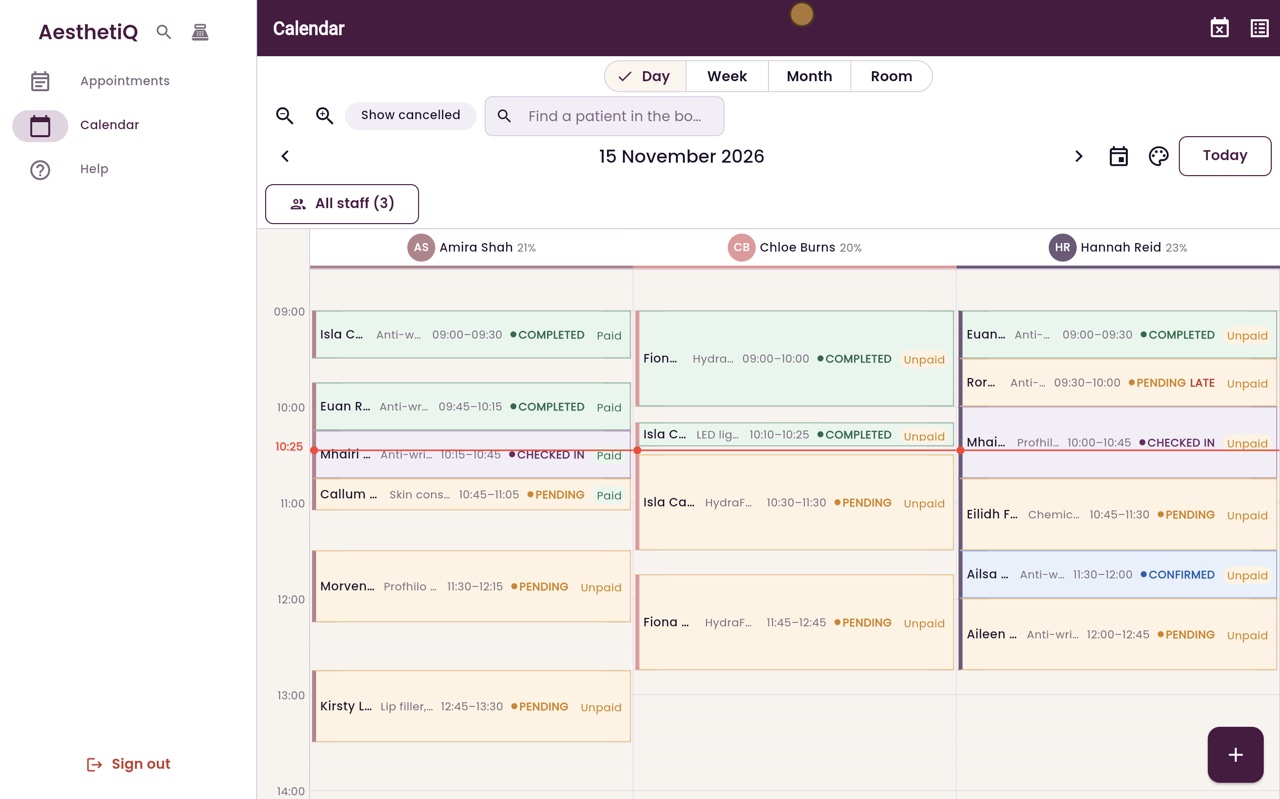
The cross beside their name shows everyone again.
Step by step
- 01Libby
A patient rings
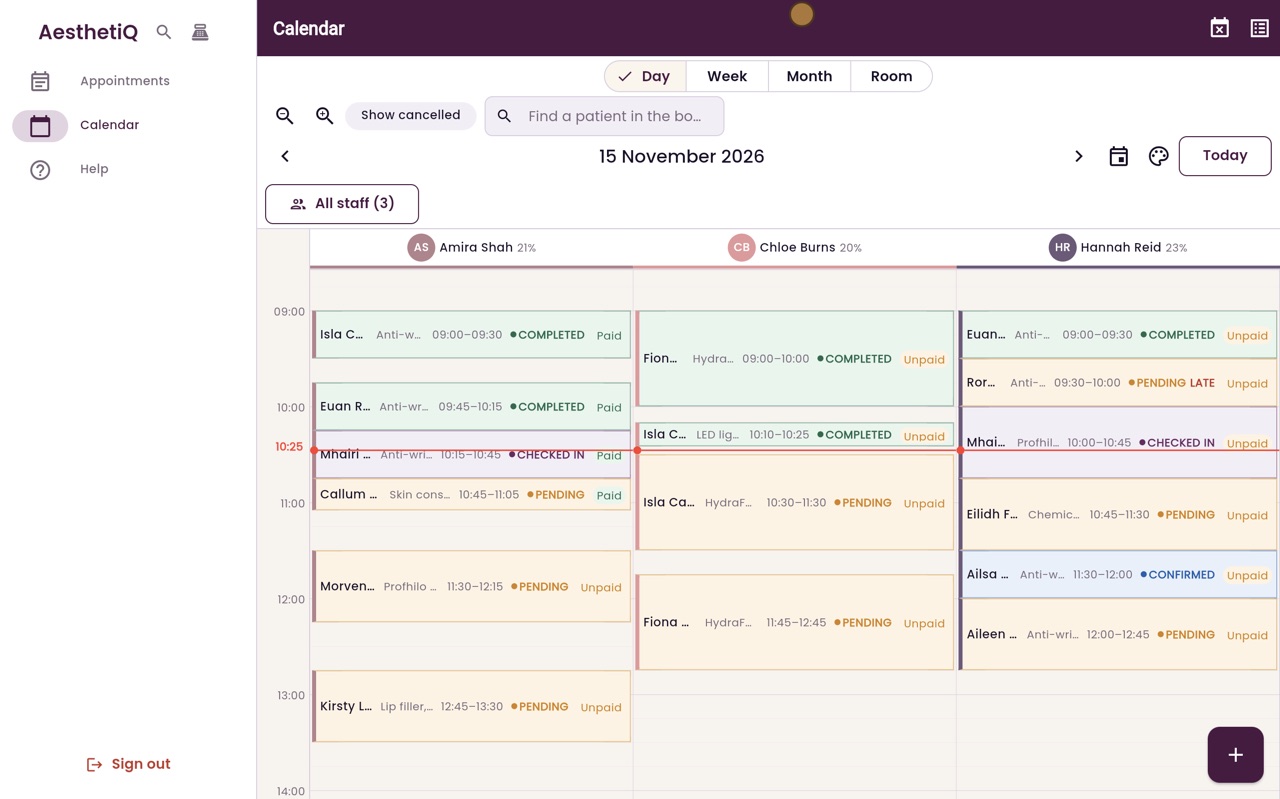
Hi, I am Libby. When a patient rings about their appointment, you can make it stand out on a busy calendar.
- 02Ryan
Type their name
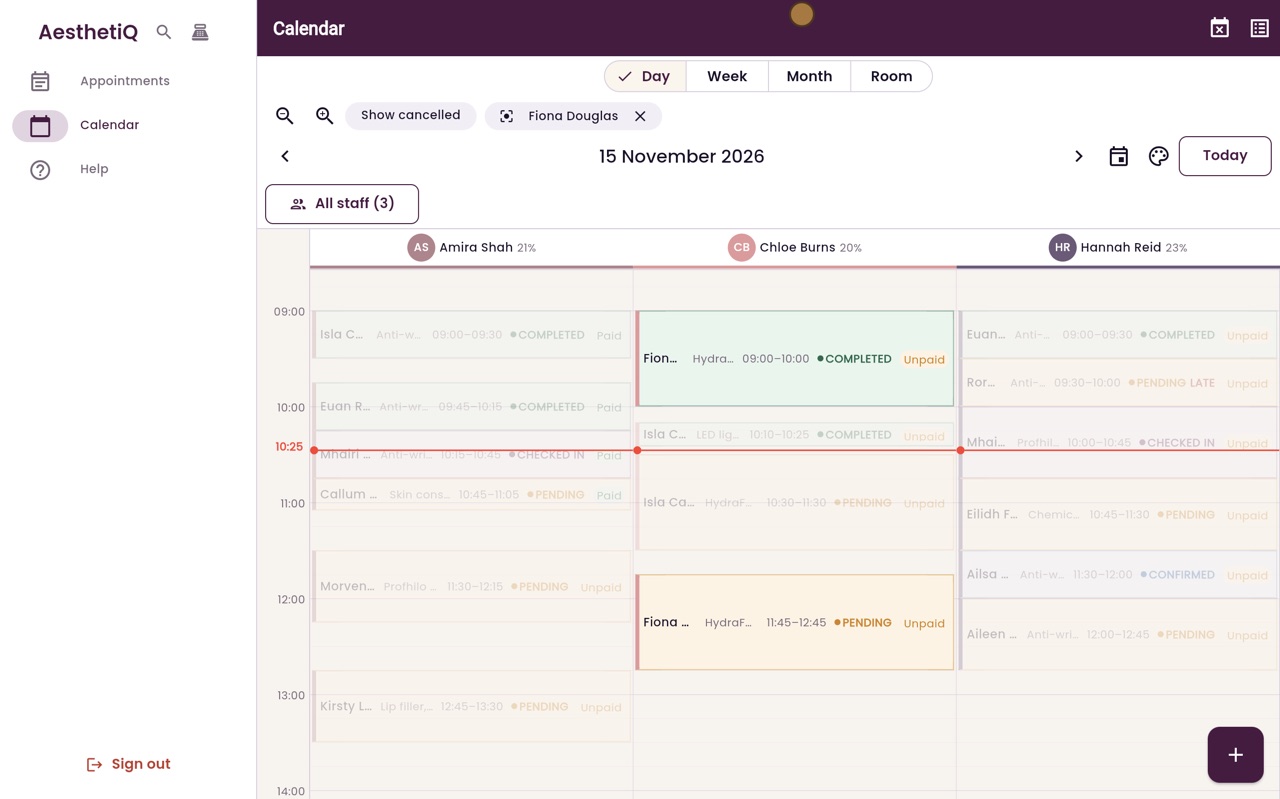
Thanks Libby. Click Find a patient in the book and type the first few letters of their name. Choose Fiona Douglas from the list.
- 03Ryan
Their appointments stand out
Fiona's appointments stay bright and everything else fades, so you can see at once that she is booked for a HydraFacial at quarter to twelve with Chloe Burns.

- 04Ryan
Show everyone again
Her name stays at the top while you work. Click the cross beside it to show the whole calendar again.
- 05Libby
Done
That is finding a patient in the calendar. To open their appointment, click it.