Job titles
Keep one list of the jobs people do at the clinic, then choose a title on each employee's profile. The title shows on the staff list.
Where
Settings, then Job titles. Each employee's title is on their profile in Staff Management.
Who
The clinic manager.
After
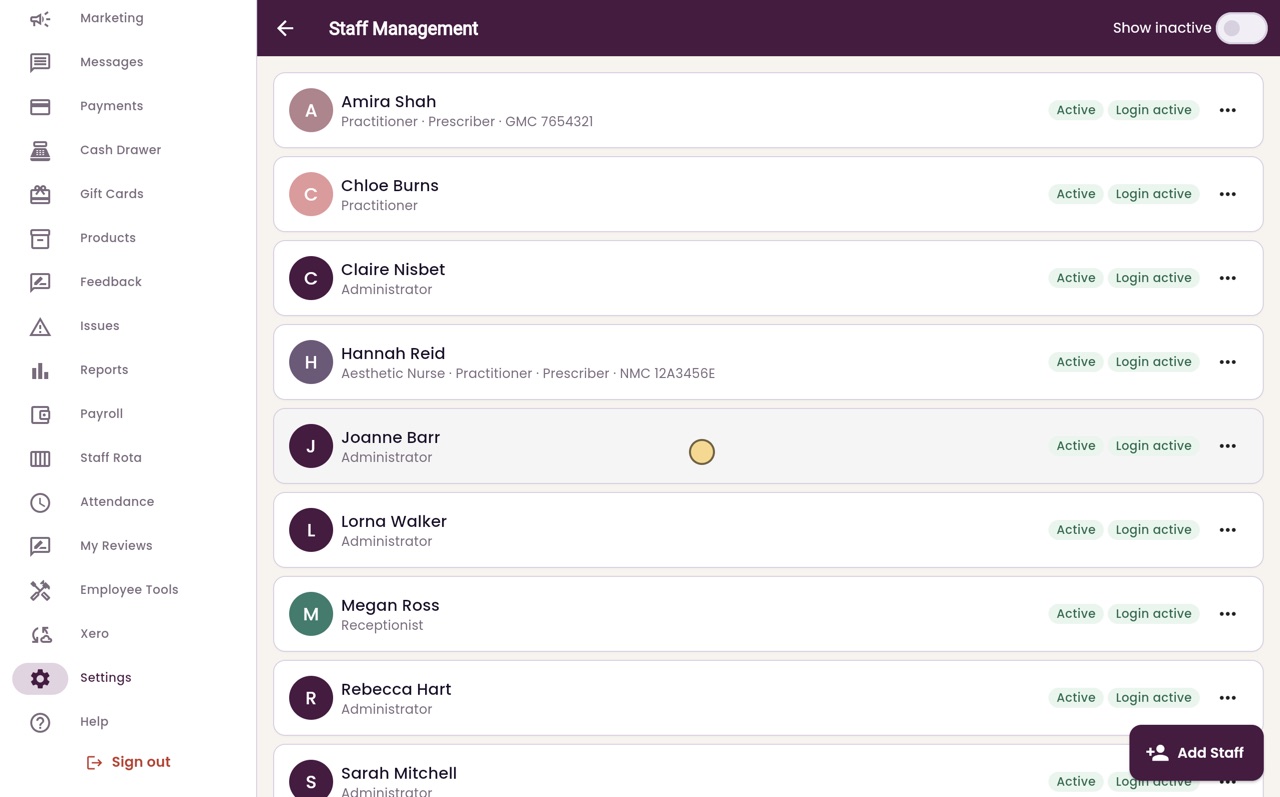
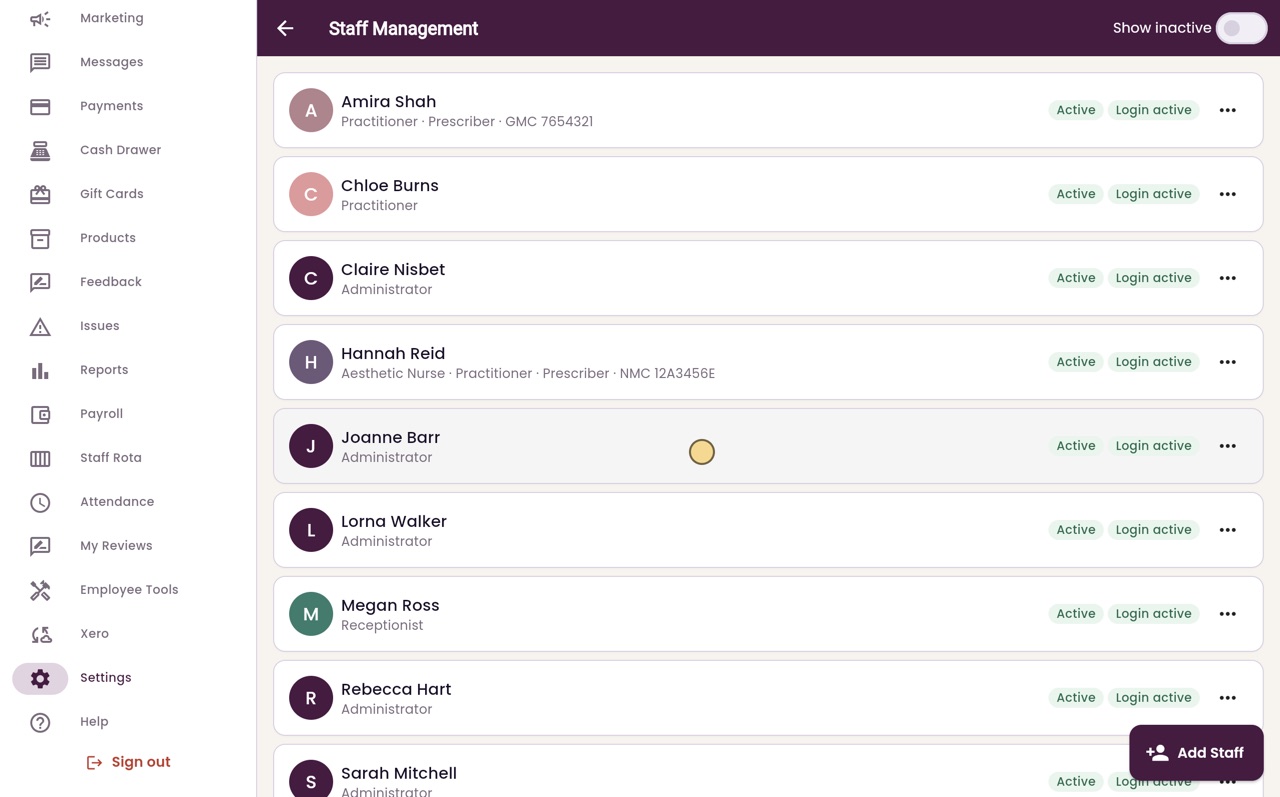
The title shows under the employee's name on the staff list.
Step by step
- 01Libby
What job titles are for
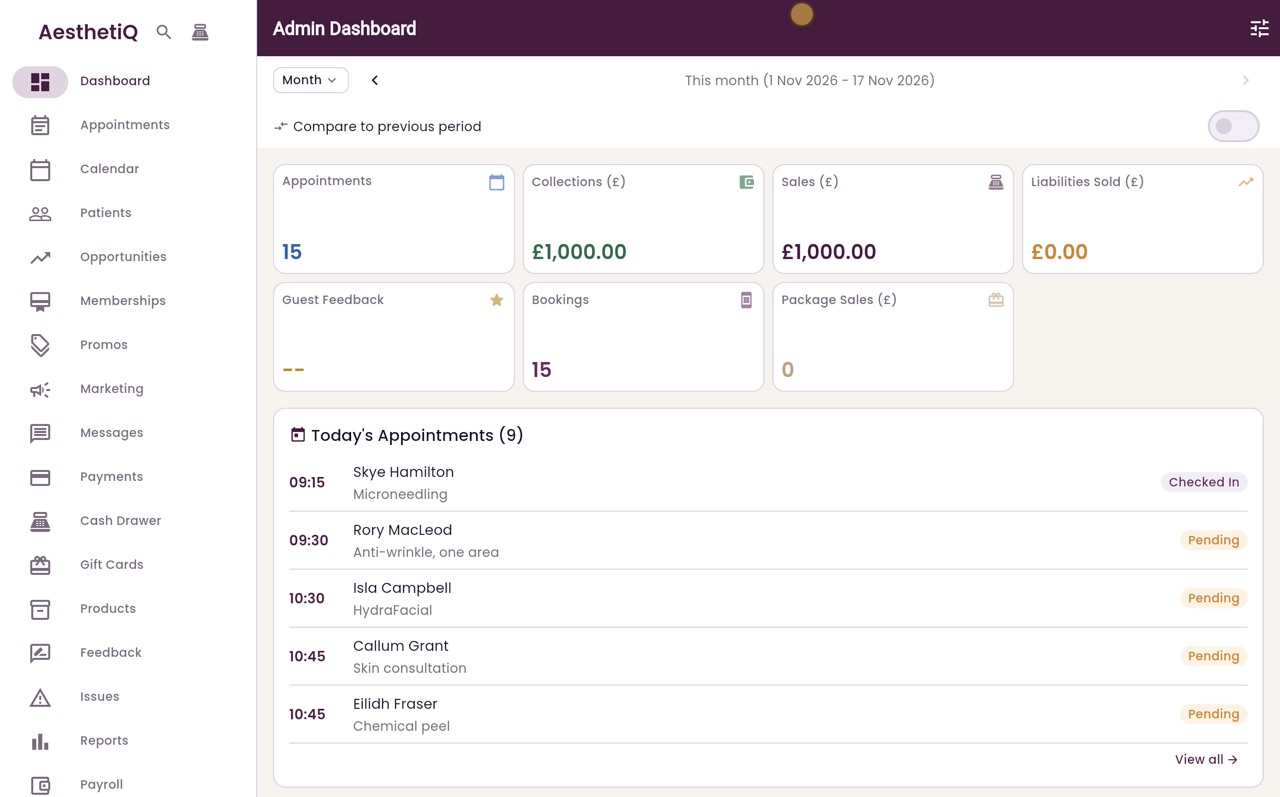
Hi, I am Libby. Job titles are the jobs people do at the clinic, such as Aesthetic Nurse or Receptionist. You keep one list, and choose a title for each member of staff.
- 02Ryan
Open Job titles
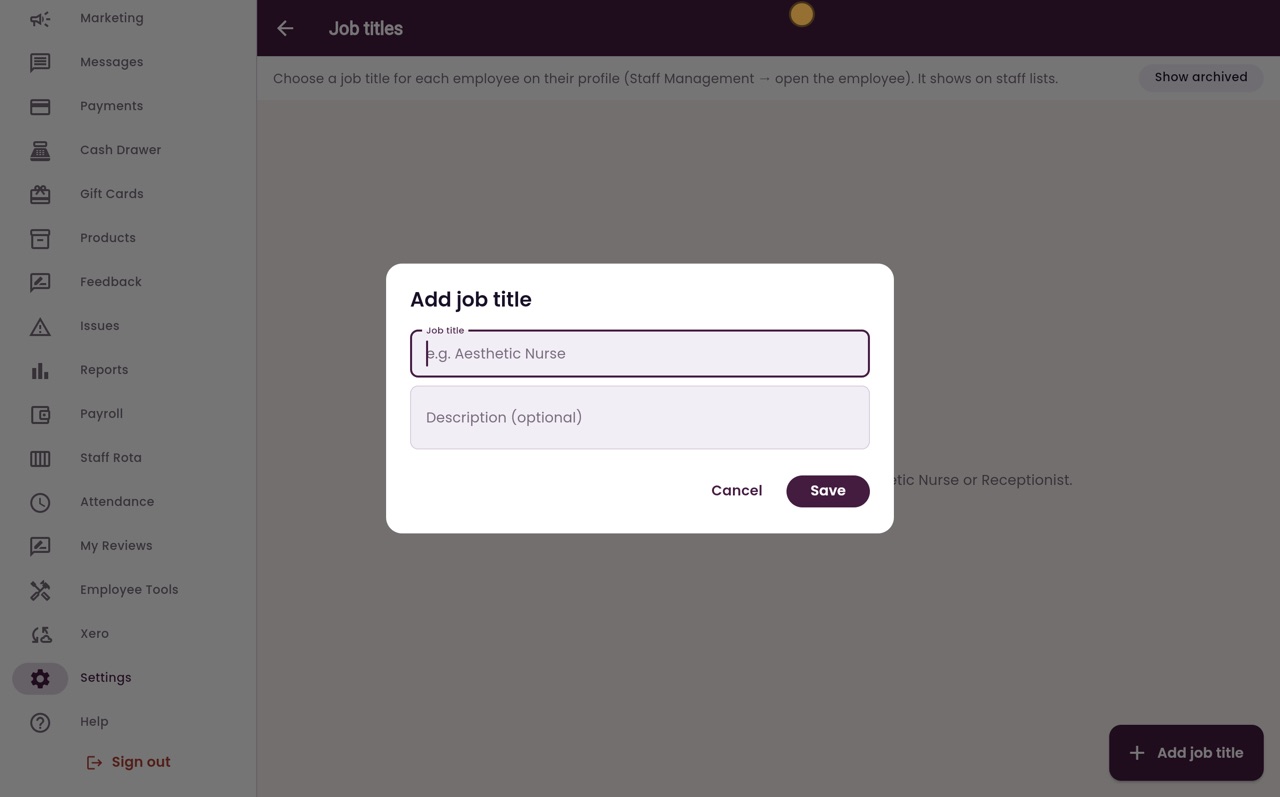
Thanks Libby. Click Settings in the menu, then Job titles. There are none yet, so click Add job title.
- 03Ryan
Add a job title
Type the job title, Aesthetic Nurse, and a short description if you like. Then click Save.
- 04Ryan
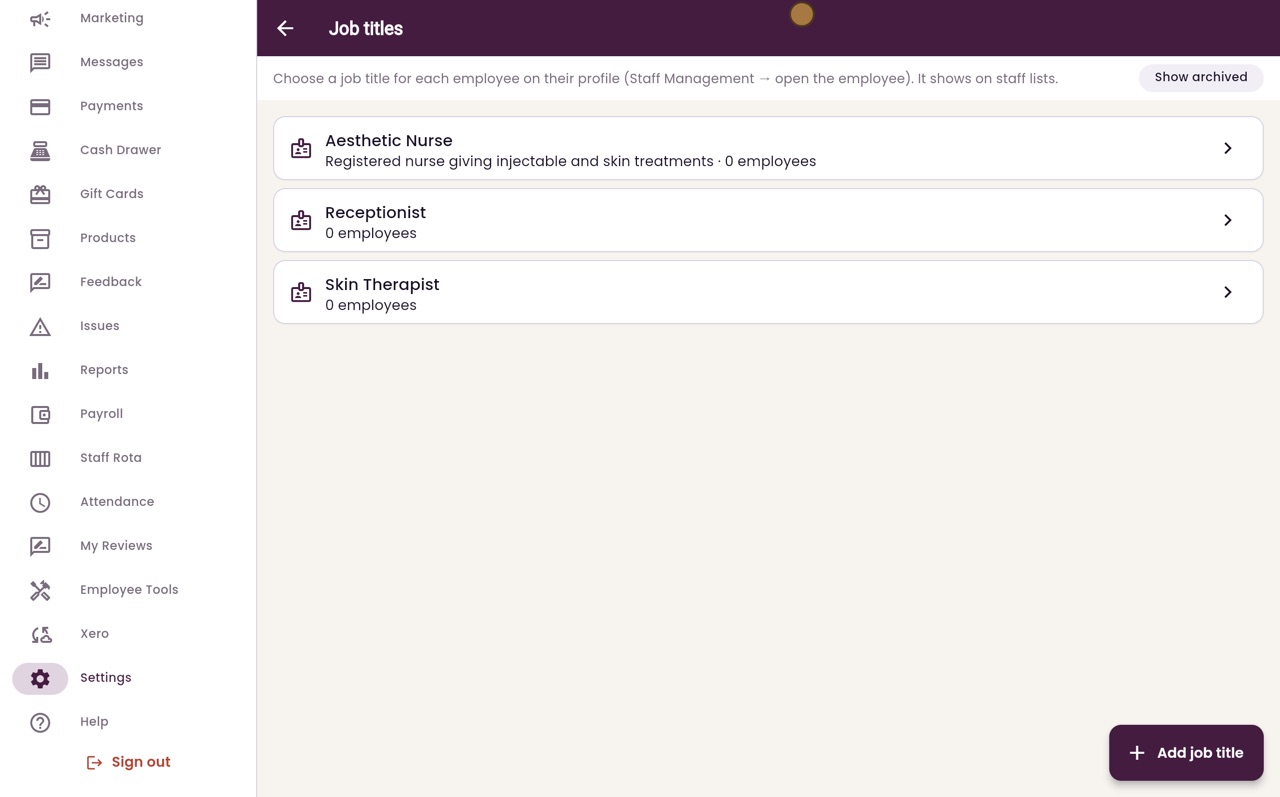
Add the others
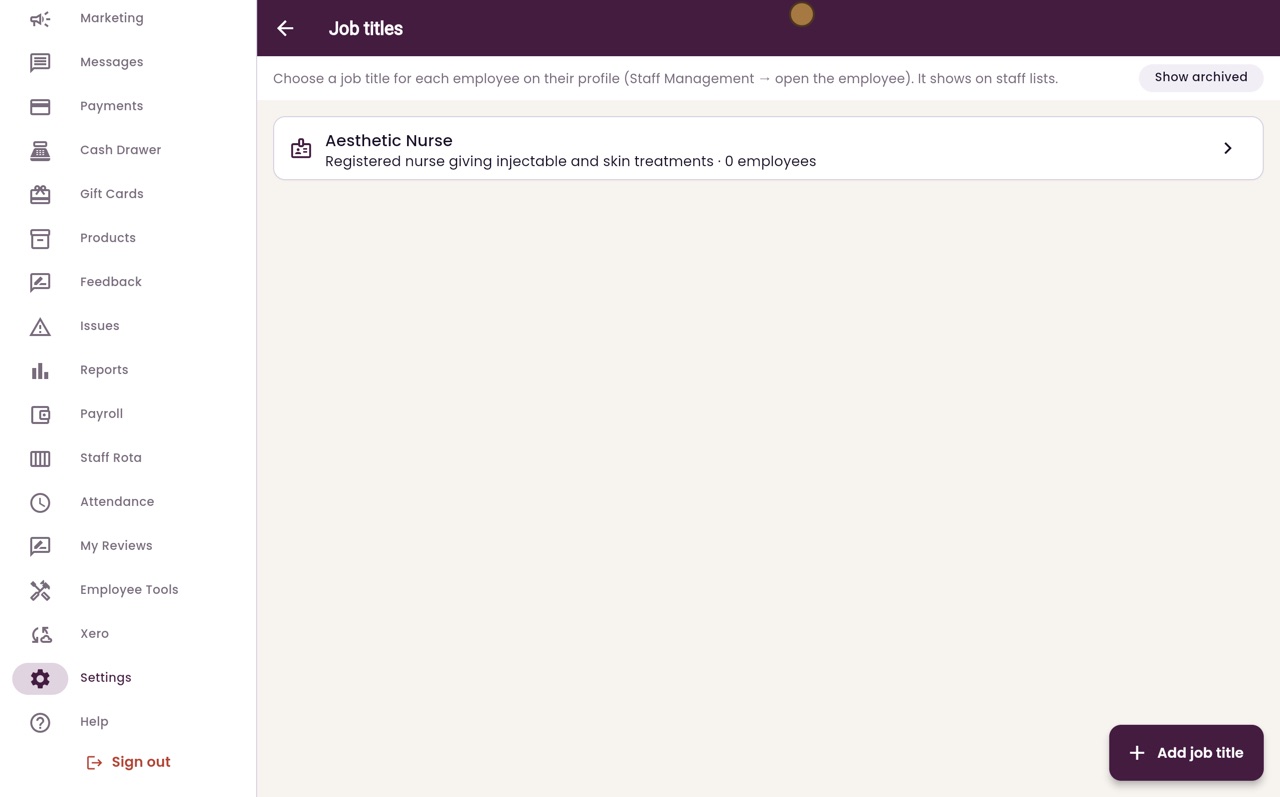
Add the other jobs the same way. Here, Receptionist and Skin Therapist. Each title shows how many employees have it.
- 05Ryan
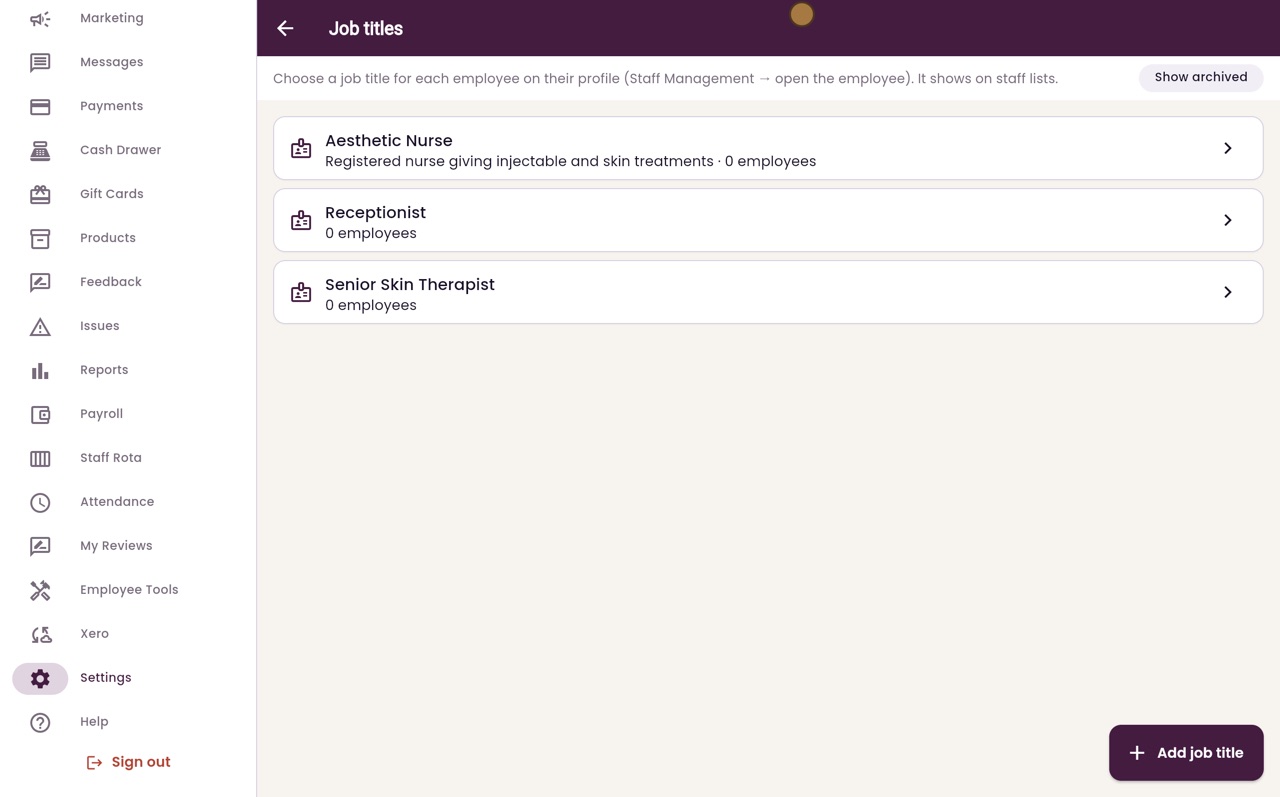
Rename a title
To change a title, click it. Rename Skin Therapist to Senior Skin Therapist. AesthetiQ reminds you that renaming changes it for every employee who has this title. Click Save.
- 06Ryan
Open the employee
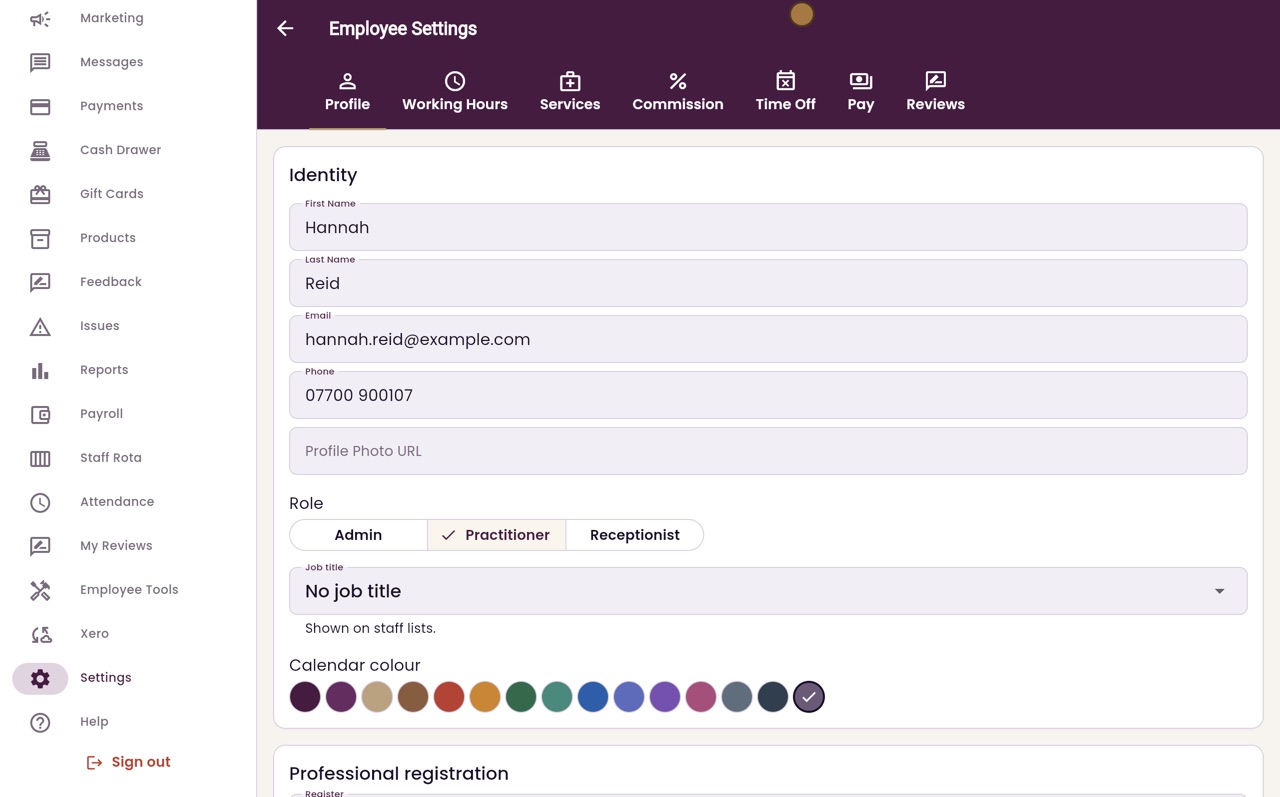
Now give Hannah Reid her title. Click Back, then Staff Management, and click Hannah Reid.
- 07Ryan
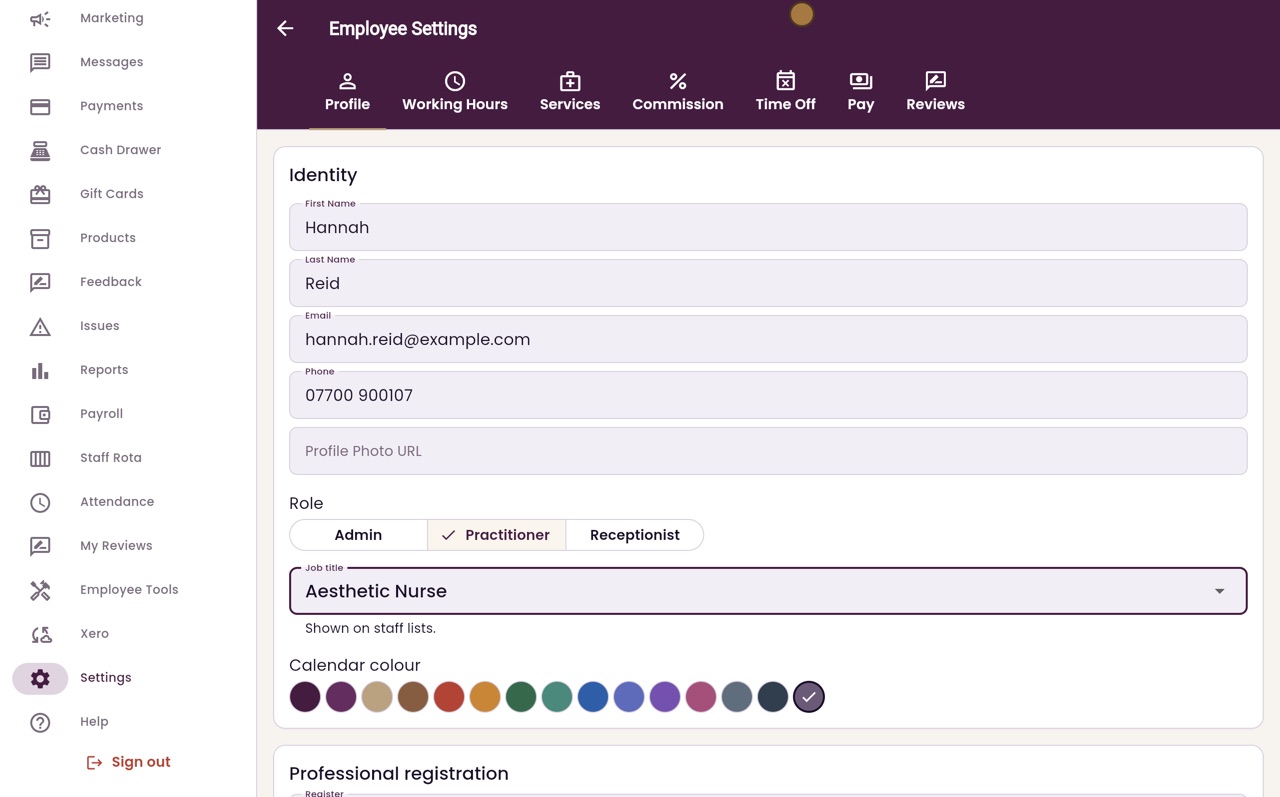
Choose the title
Her profile opens. Click Job title and choose Aesthetic Nurse.
- 08Ryan
Save the profile
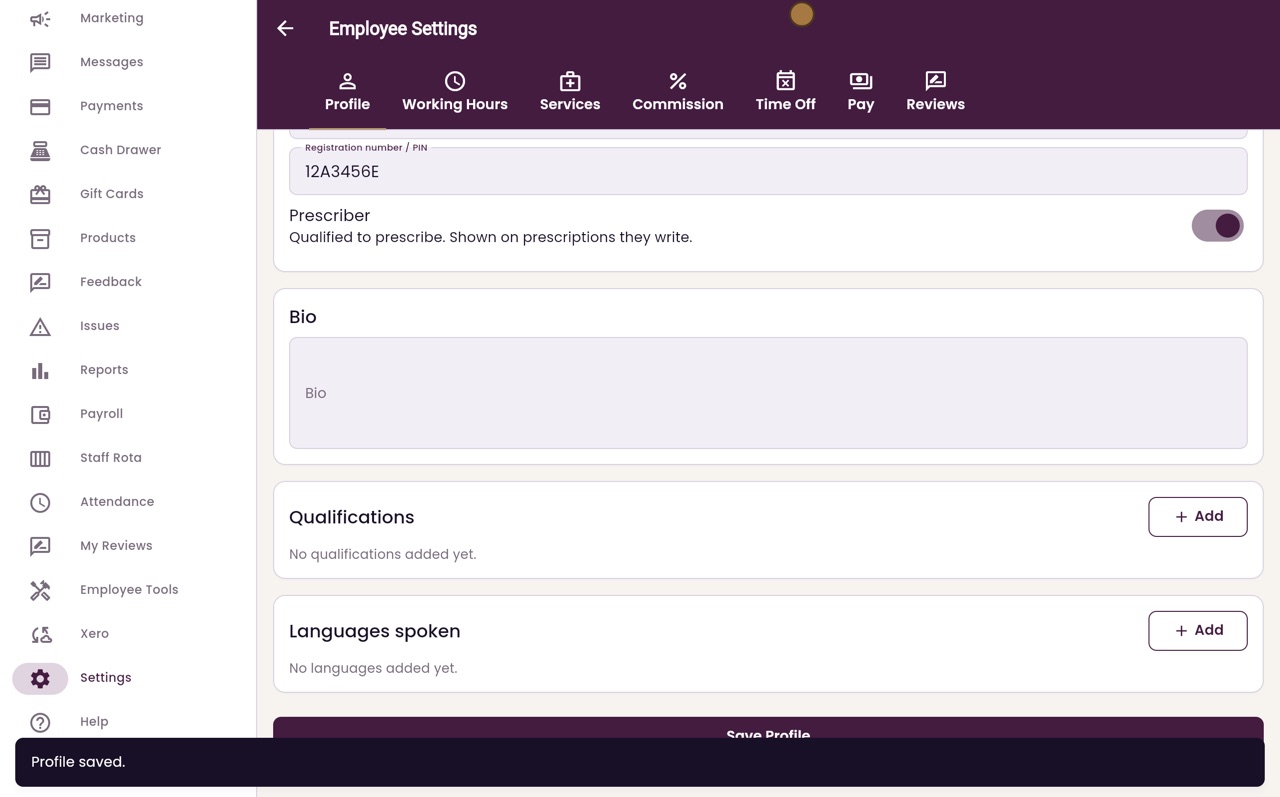
Scroll down to the bottom of the profile and click Save Profile.
- 09Ryan
On the staff list
Click Back. On the staff list, Hannah's job title now shows under her name.
- 10Libby
Done
That is job titles. A title you no longer use can be switched off in its settings. It is no longer offered, and staff who have it keep it.