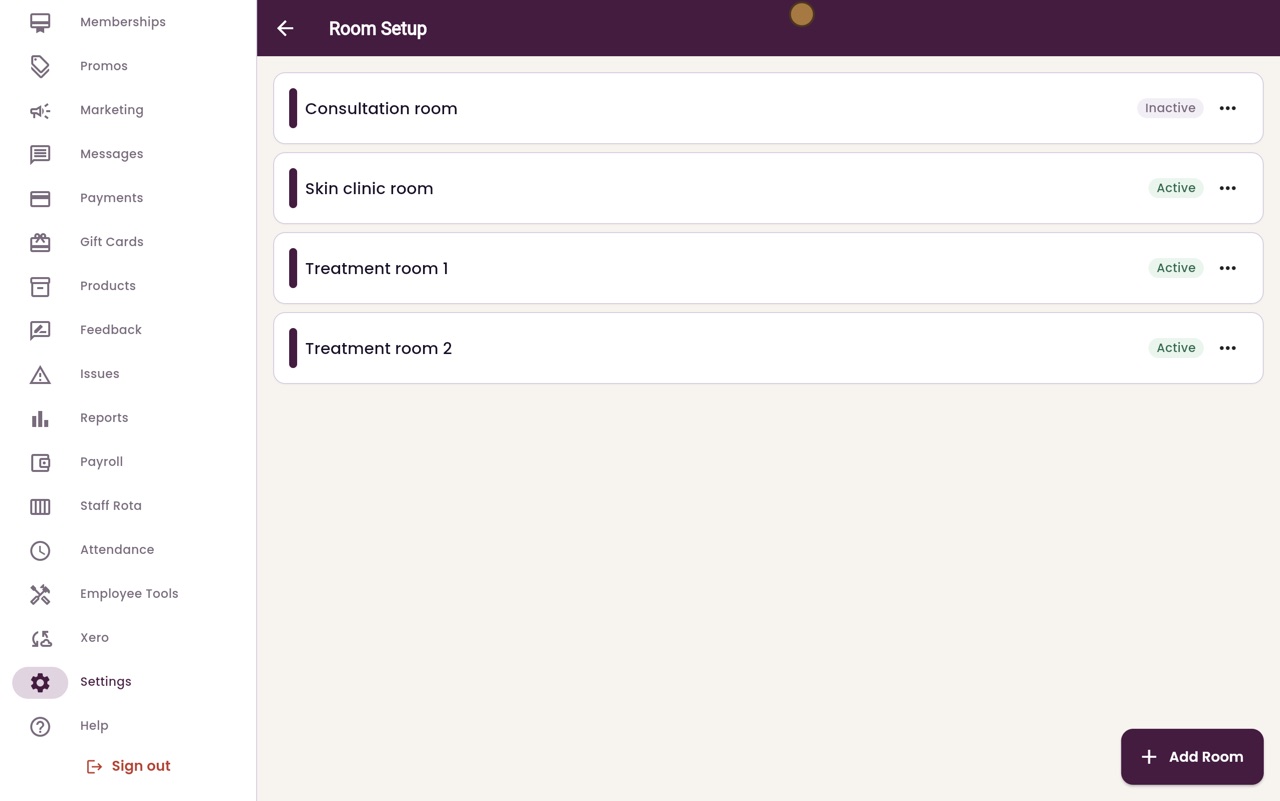
Rooms
Add the clinic's treatment rooms, edit their names, and deactivate a room that is no longer used.
Where
Settings, then Rooms.
Add
Add Room: a name, how many people it holds, and notes.
Deactivate
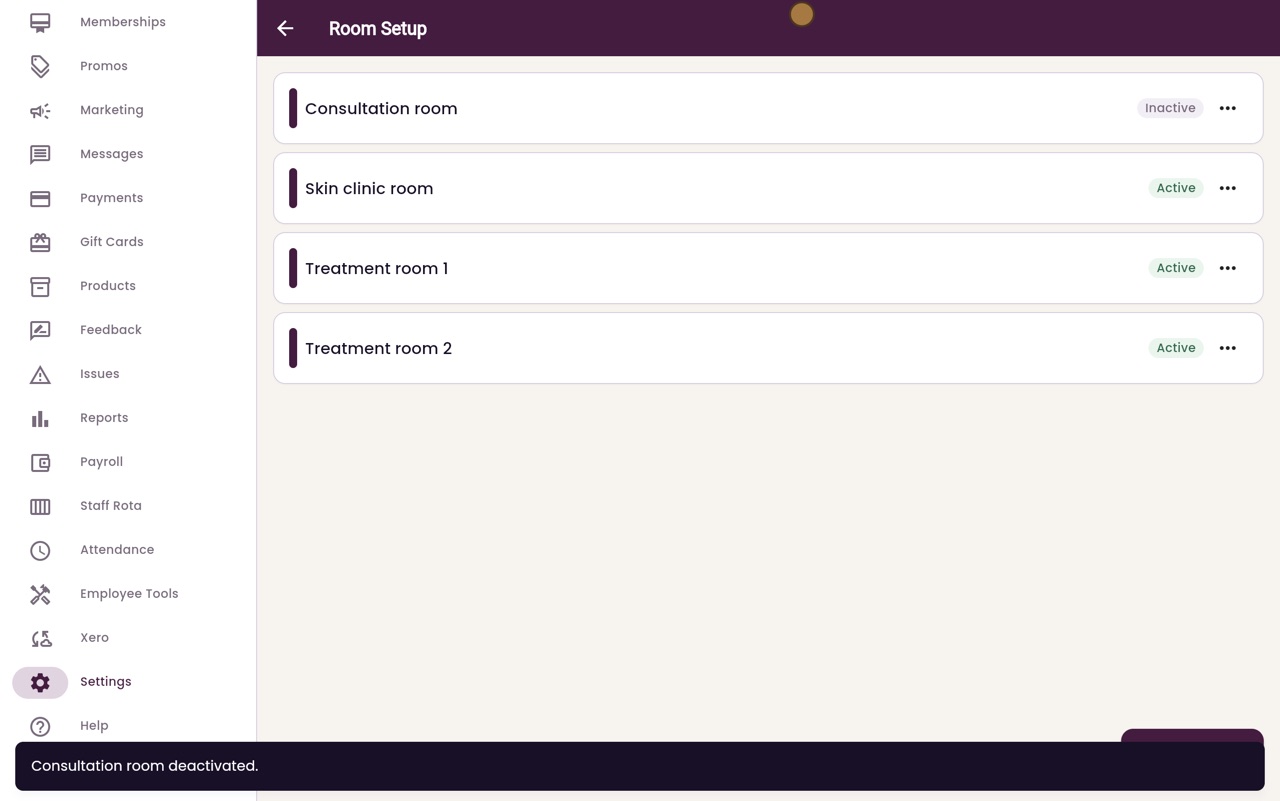
The menu next to a room; it is hidden from new bookings.
Step by step
- 01Libby
Treatment rooms
Hi, I am Libby. Rooms are the treatment rooms an appointment can be booked into. The calendar's Room view shows what is happening in each one.
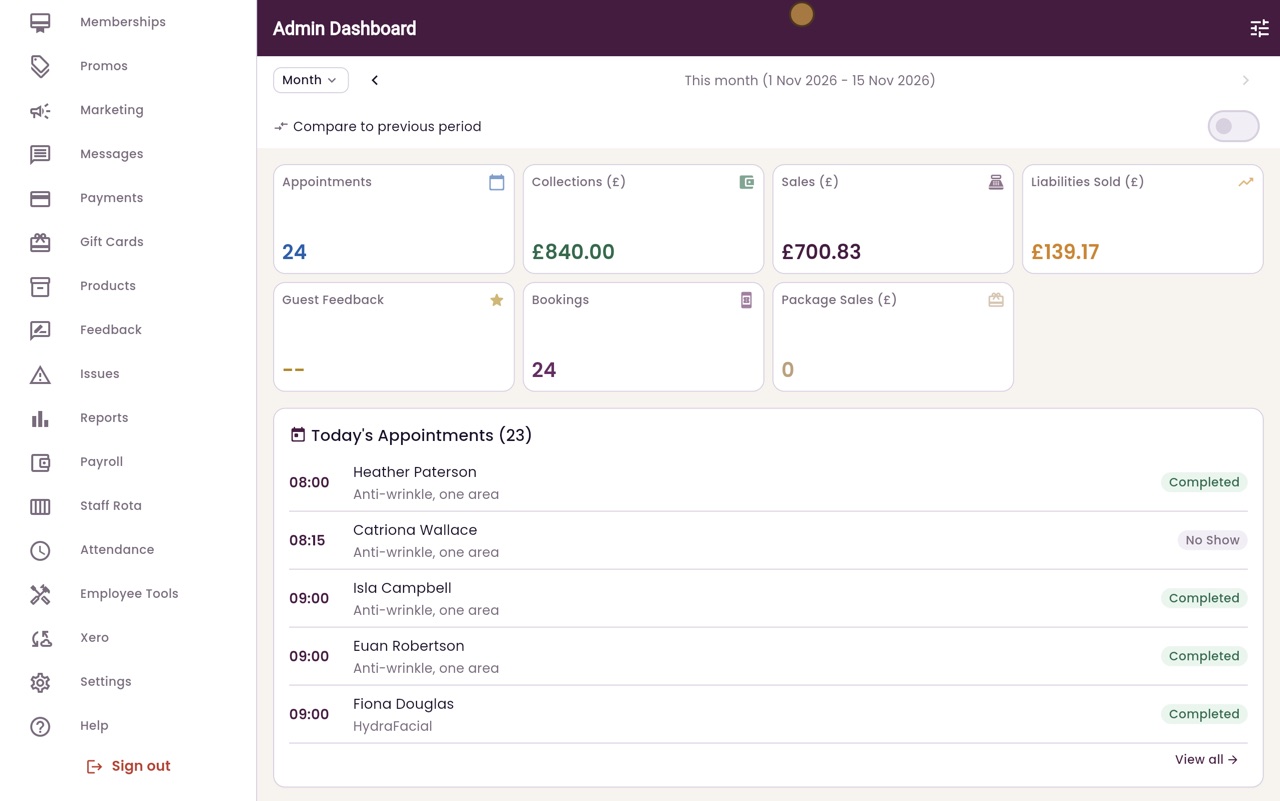
- 02Ryan
Room Setup
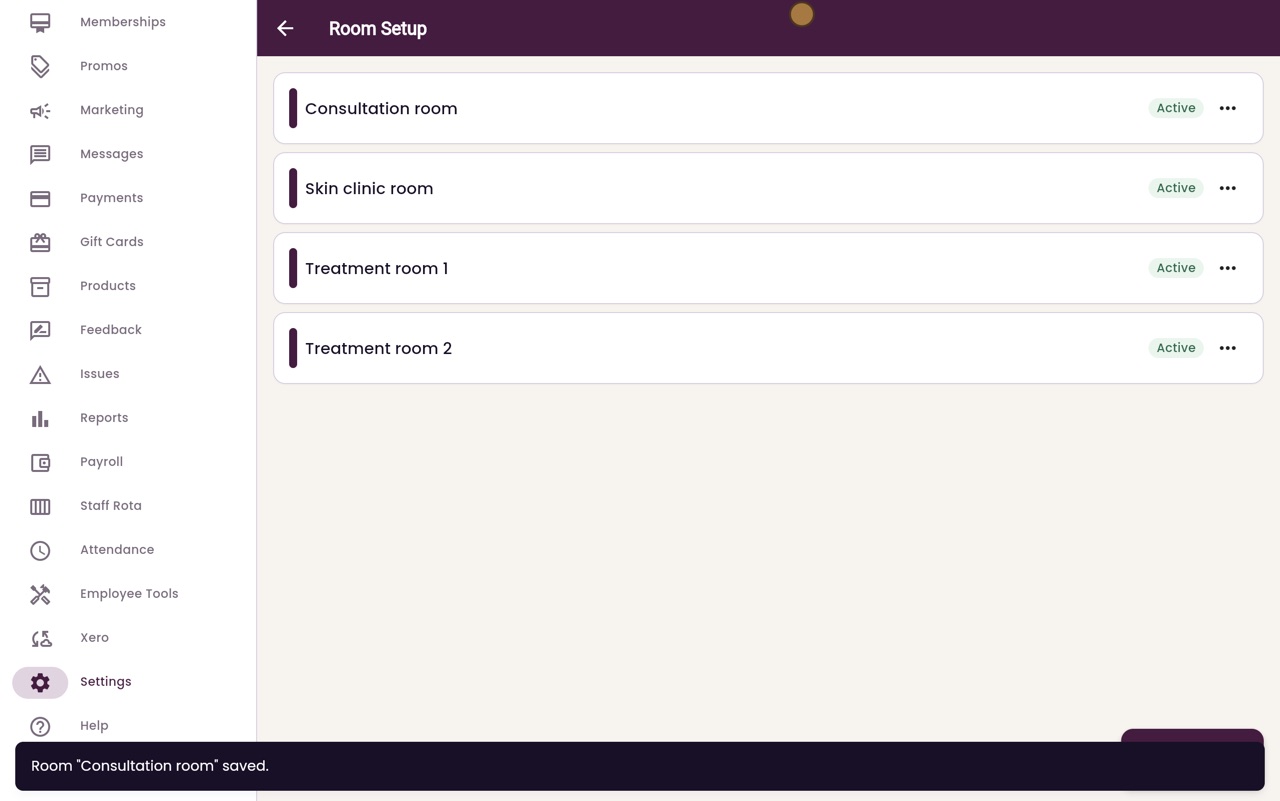
Thanks Libby. In Settings, click Rooms. The clinic's rooms are listed, each marked Active.
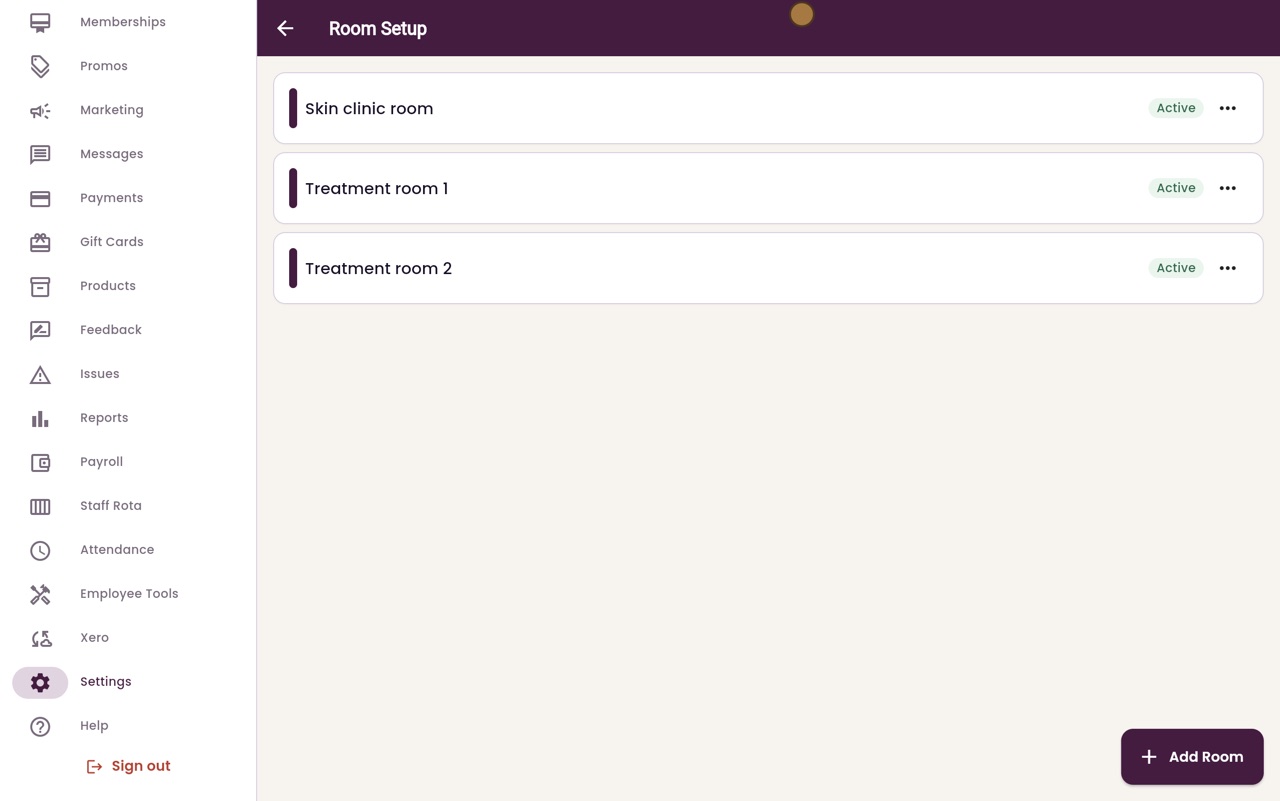
- 03Ryan
Add a room
To add a room, click Add Room. Type its name, here Consultation room, and how many people it holds.
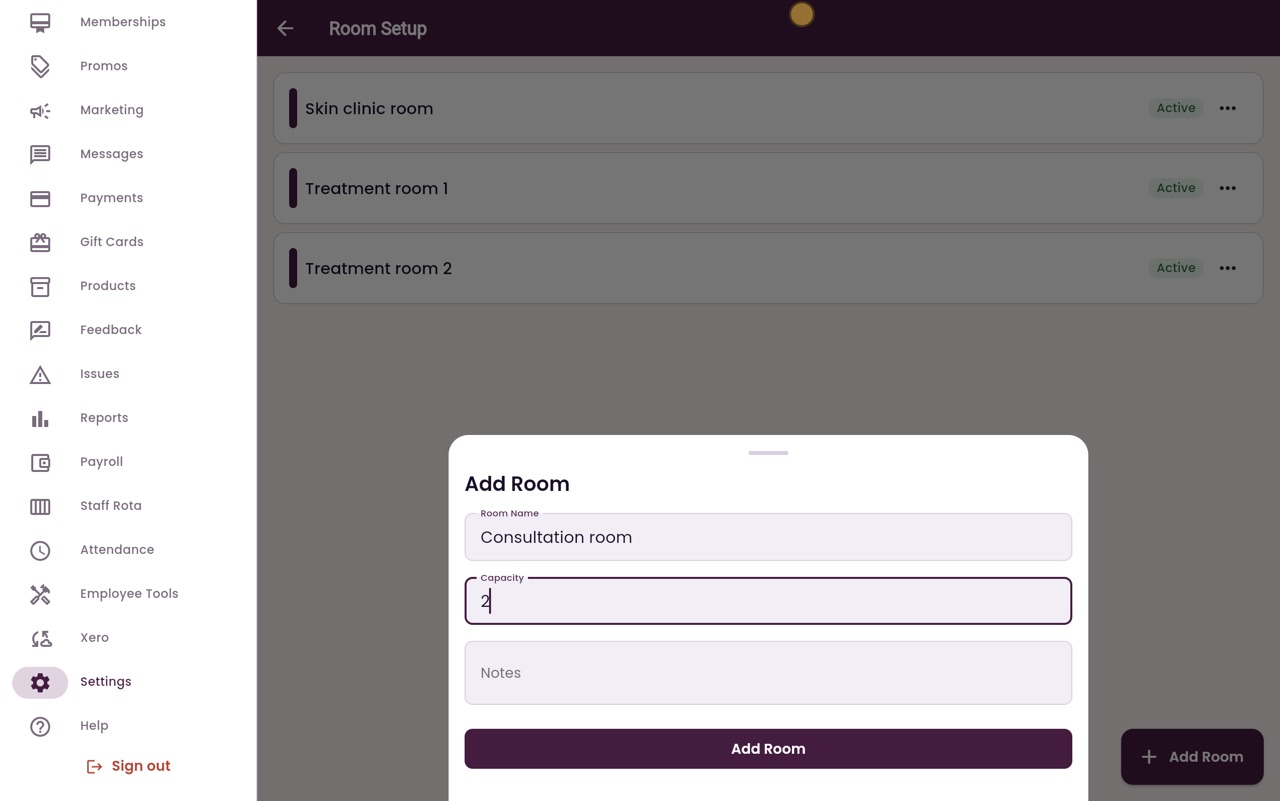
- 04Ryan
Saved
Click Add Room at the bottom. The new room is added to the list, ready for bookings.
- 05Ryan
Edit or deactivate
The menu next to each room lets you edit its name, or deactivate it when it is no longer used. Here we deactivate the Consultation room again.
- 06Libby
Done
That is setting up rooms. A deactivated room is hidden from new bookings. Choose Reactivate from its menu to use it again.