Marking a no-show
Right-click the appointment on the calendar, click the status and choose No Show. AesthetiQ asks first and shows what happens to the deposit.
Where
Right-click the appointment on the calendar.
Status
Click the status in the panel and choose No Show.
Deposit
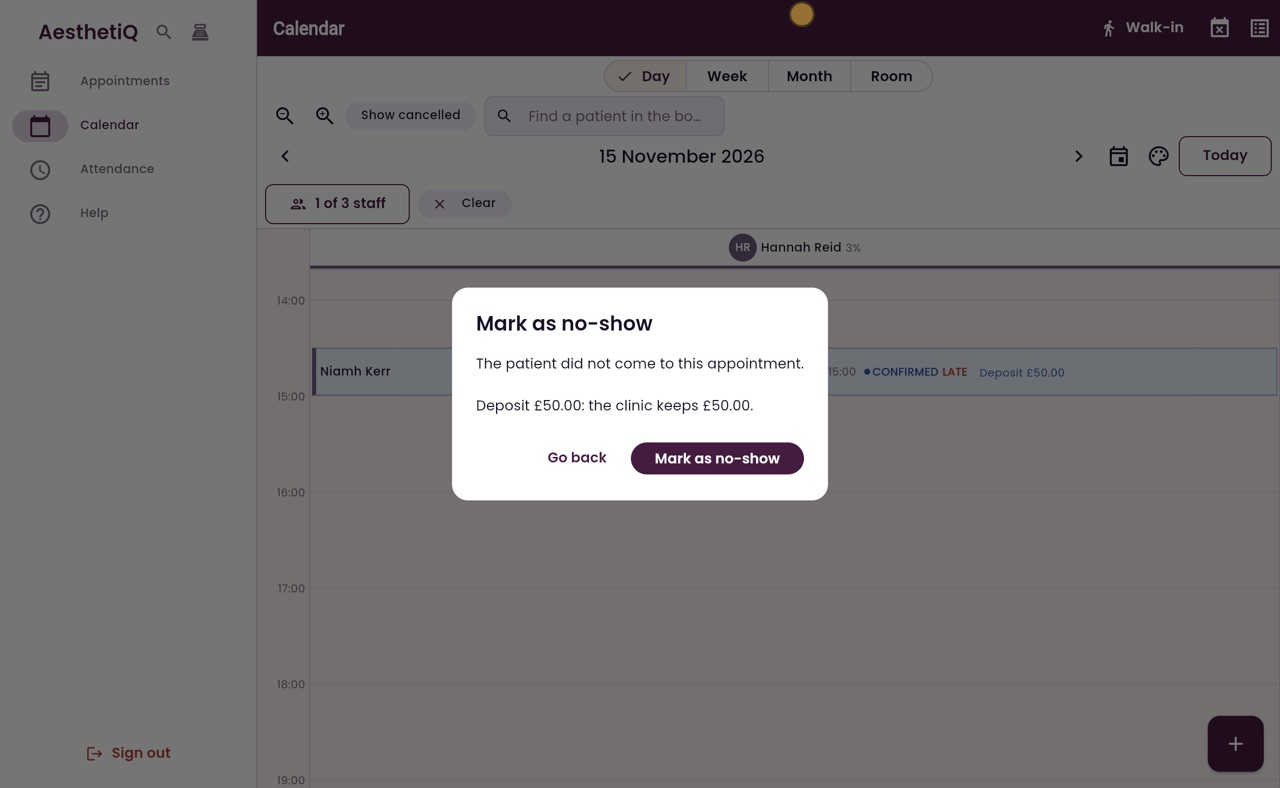
The dialog says how much of the deposit the clinic keeps. Go back changes nothing.
Step by step
- 01Libby
No-shows
Hi, I am Libby. When a patient does not turn up and does not let you know, reception marks the appointment as a no-show. AesthetiQ shows what happens to the deposit before anything changes.
- 02Ryan
A patient who did not come
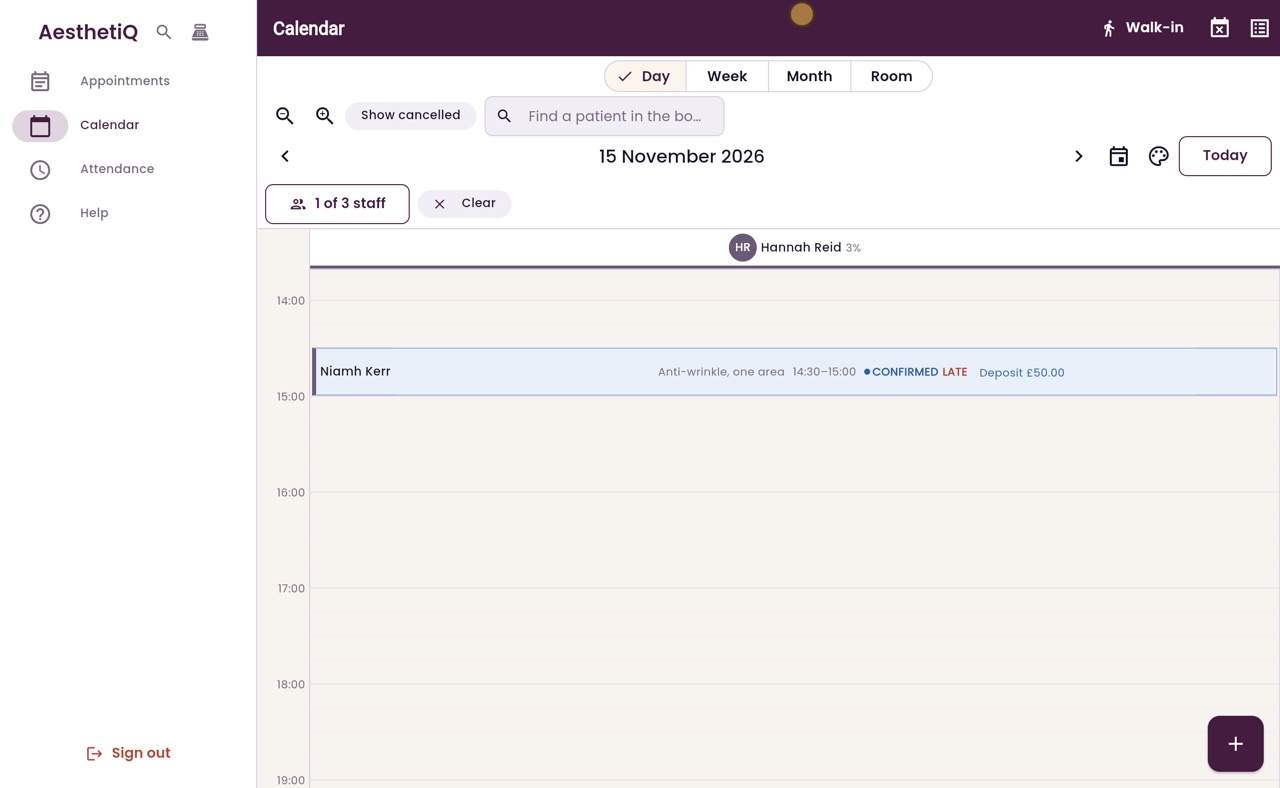
Thanks Libby. Niamh Kerr was booked with Hannah Reid yesterday at half past two, and paid a fifty pound deposit. She did not come, and she has not answered her phone. Her card says Late.
- 03Ryan
Right-click the appointment
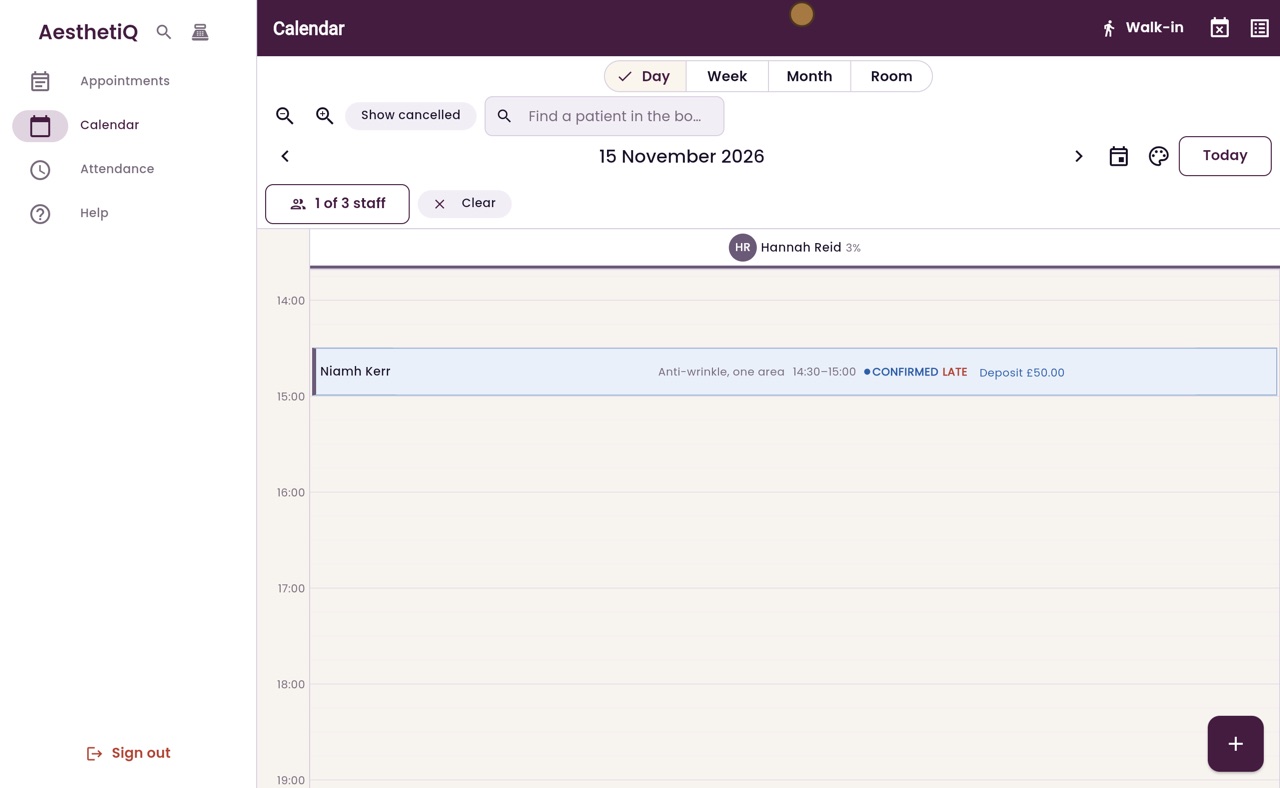
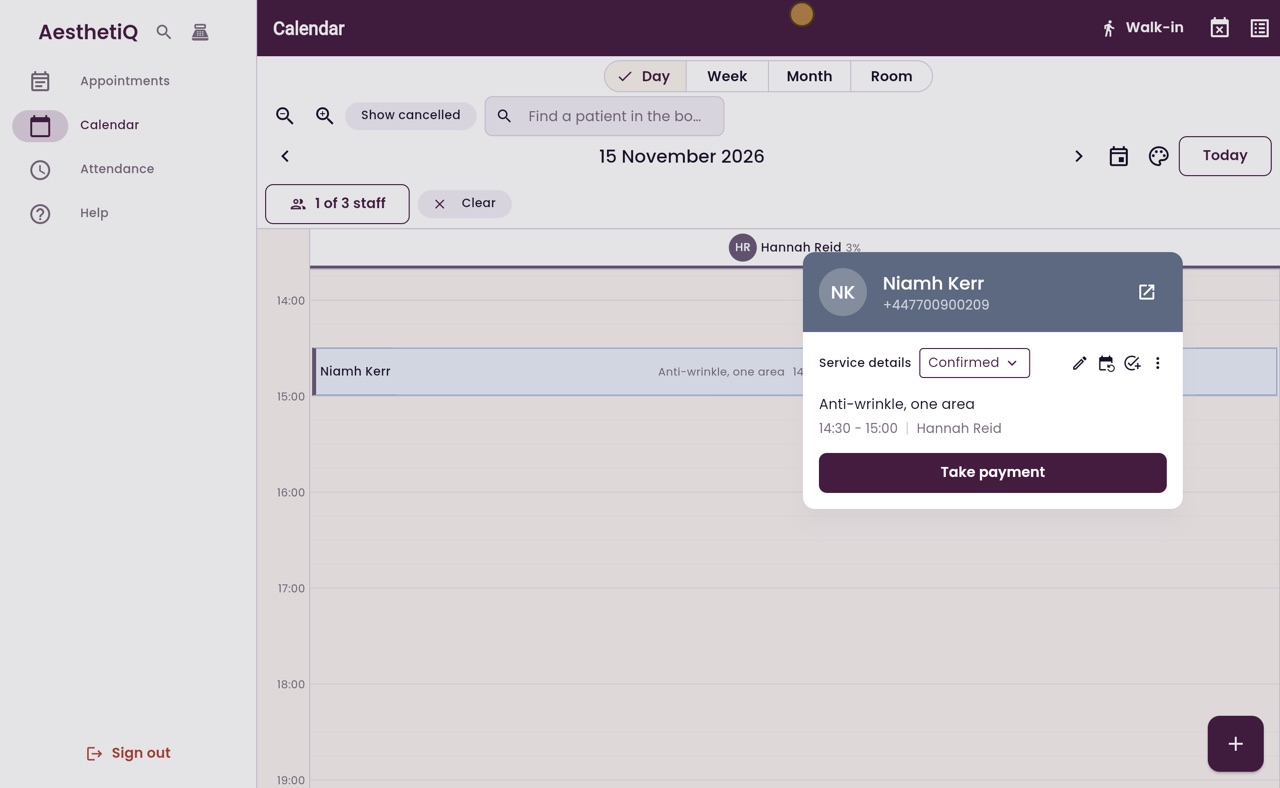
Right-click her appointment. A panel opens with her phone number, the treatment and the status.
- 04Ryan
Choose No Show
Click the status, Confirmed, and choose No Show.
- 05Ryan
What happens to the deposit
AesthetiQ asks first, and shows what happens to the deposit. Under the clinic's no-show policy, the clinic keeps all fifty pounds. Click Mark as no-show.
- 06Ryan
Marked as no-show
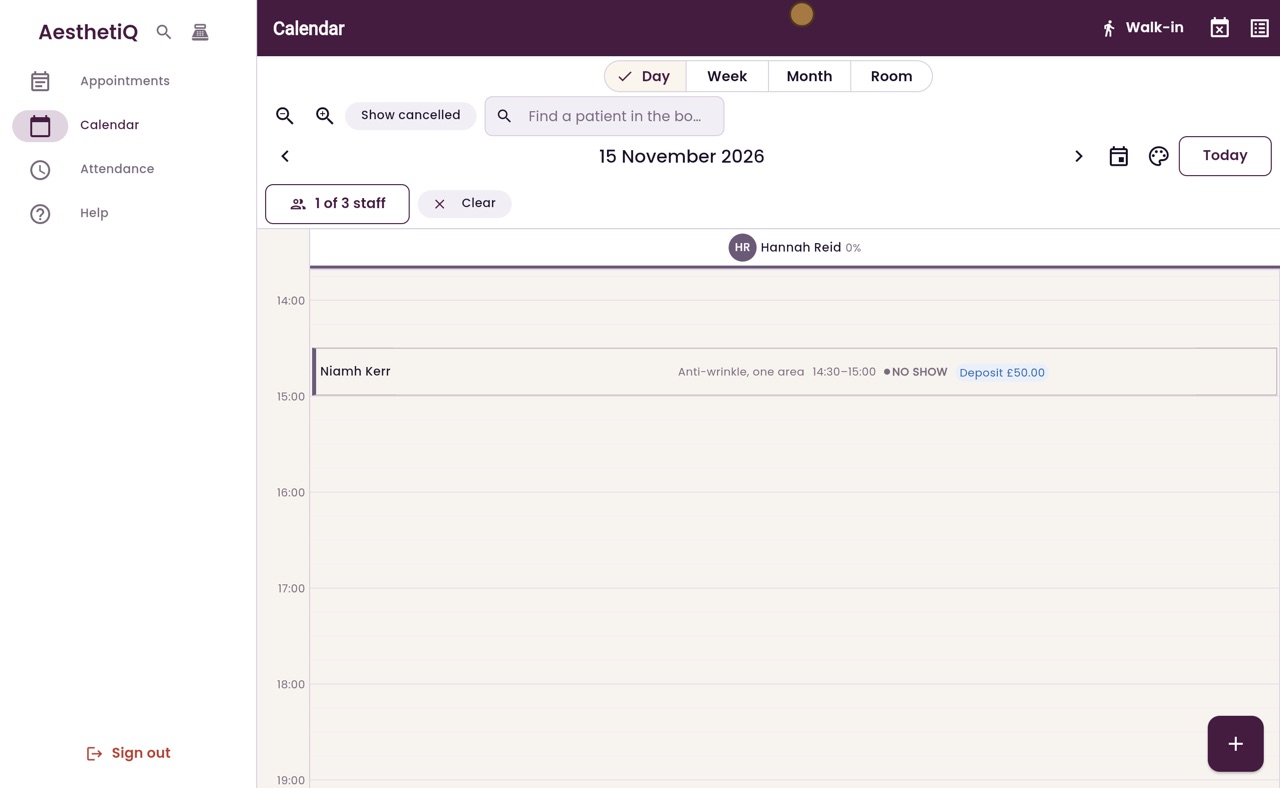
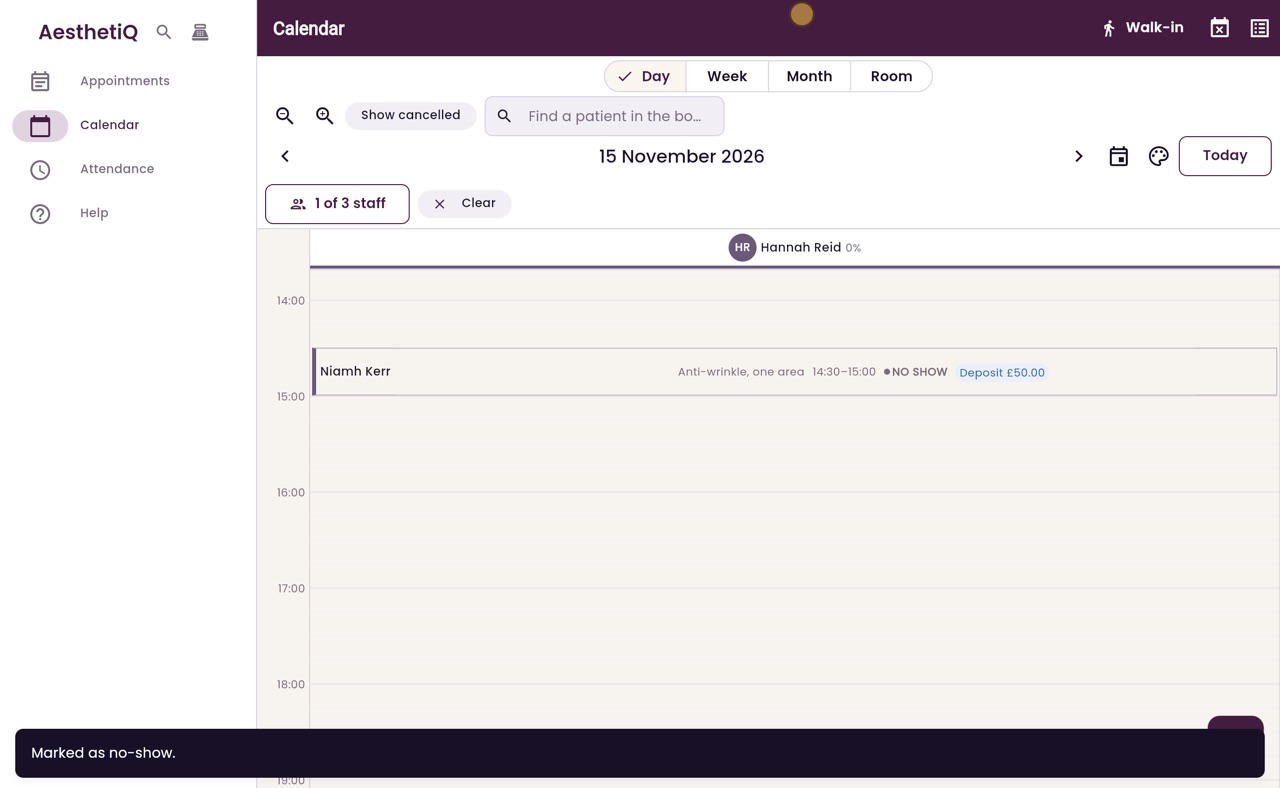
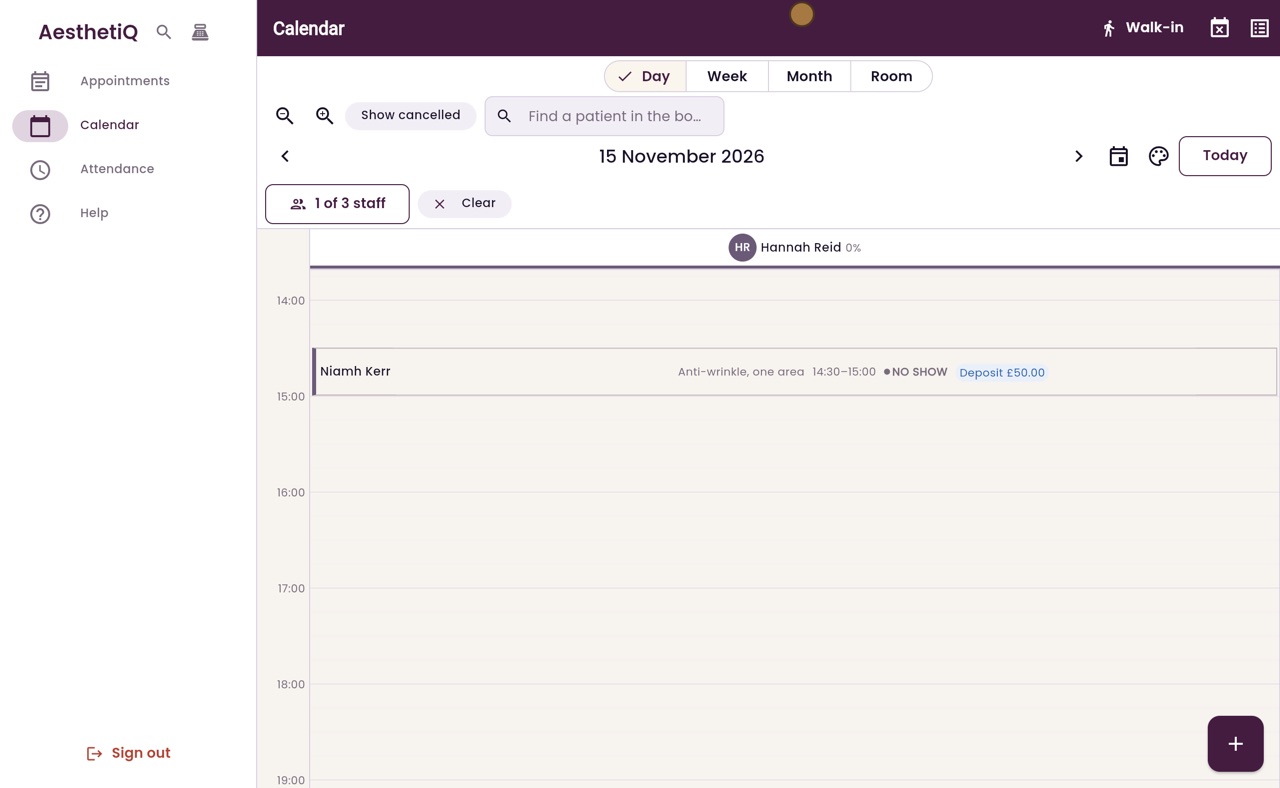
Niamh's card now says No Show, and the deposit stays with the clinic.
- 07Libby
Done
That is marking a no-show. If you chose No Show by mistake, click Go back instead, and nothing changes.